Ai Overview
A Web3 browser is your gateway to the decentralized internet, combining traditional browsing capabilities with built-in crypto wallet functionality and direct access to decentralized applications. Unlike standard browsers that simply display websites, Web3 browsers enable you to interact with blockchain networks, manage digital assets, and participate in decentralized finance without relying on centralized intermediaries.
A Web3 browser is your gateway to the decentralized internet, combining traditional browsing capabilities with built-in crypto wallet functionality and direct access to decentralized applications. Unlike standard browsers that simply display websites, Web3 browsers enable you to interact with blockchain networks, manage digital assets, and participate in decentralized finance without relying on centralized intermediaries. As of October 2025, Brave alone has achieved over 100 million monthly active users, demonstrating the growing shift toward decentralized web browsing.[1]
Key Takeaways
- Definition: Web3 browsers are specialized tools that combine internet browsing with blockchain interaction, crypto wallet integration, and DApp access.
- Built-in Wallets: Leading Web3 browsers include native crypto wallets, eliminating the need for separate wallet extensions.
- DApp Support: Direct interaction with decentralized applications for DeFi, NFTs, gaming, and more without intermediaries.
- Enhanced Security: Features like ad-blocking, anti-phishing protection, and encryption safeguard your browsing and transactions.
- Privacy Focus: Web3 browsers prioritize user data control through tracker blocking and decentralized identity management.
- Popular Options: Brave, Opera Crypto Browser, and MetaMask Mobile lead the market with distinct feature sets.
- Cross-Chain Support: Modern Web3 browsers support multiple blockchain networks including Ethereum, Solana, Polygon, and more.
What is a Web3 Browser?
A Web3 browser is a specialized internet browser designed to connect users with the decentralized web built on blockchain technology. While traditional browsers like Chrome or Safari connect you to centralized websites hosted on company servers, Web3 browsers enable interaction with decentralized applications running on blockchain networks where no single entity controls the data.
The core difference lies in how these browsers handle identity and assets. In Web 2.0, you log into websites using usernames and passwords stored on company servers. In Web3, your crypto wallet serves as your universal login credential. This wallet-based authentication is more secure because you control your credentials rather than trusting dozens of different websites to protect your information.
Web3 browsers typically include integrated cryptocurrency wallets that let you store, send, and receive digital assets directly within the browser. This integration removes the friction of switching between separate applications when interacting with blockchain-based services.
How Web3 Browsers Work
Understanding how Web3 browsers function helps you use them effectively and securely.
Wallet Integration and Key Management
When you set up a Web3 browser, it generates a Secret Recovery Phrase, typically 12 or 24 words that control access to your crypto wallet. This phrase creates your private keys, which are stored encrypted on your device rather than on any server. The browser never sees or stores your private keys directly, giving you complete ownership of your digital assets.
This self-custody model means you are responsible for your security. Lose the recovery phrase, and your assets are gone forever. Someone else obtains it, and they control your funds. This is fundamentally different from Web 2.0 where you can reset passwords through email.
Connecting to DApps
When you visit a decentralized application, the Web3 browser detects it and prompts you to connect your wallet. This connection process authorizes the DApp to see your public wallet address and request transaction signatures. Importantly, connecting your wallet does not give DApps access to your private keys or the ability to move funds without your explicit approval for each transaction.
The Web3 crypto wallet acts like a digital passport and payment method combined. Your unique wallet address becomes your identity across all DApps, enabling seamless access to decentralized finance platforms, NFT marketplaces, blockchain games, and more.
Secure and Decentralized Web3 Browsers
Several browsers have emerged as leaders in the Web3 space, each offering distinct advantages for different user needs.
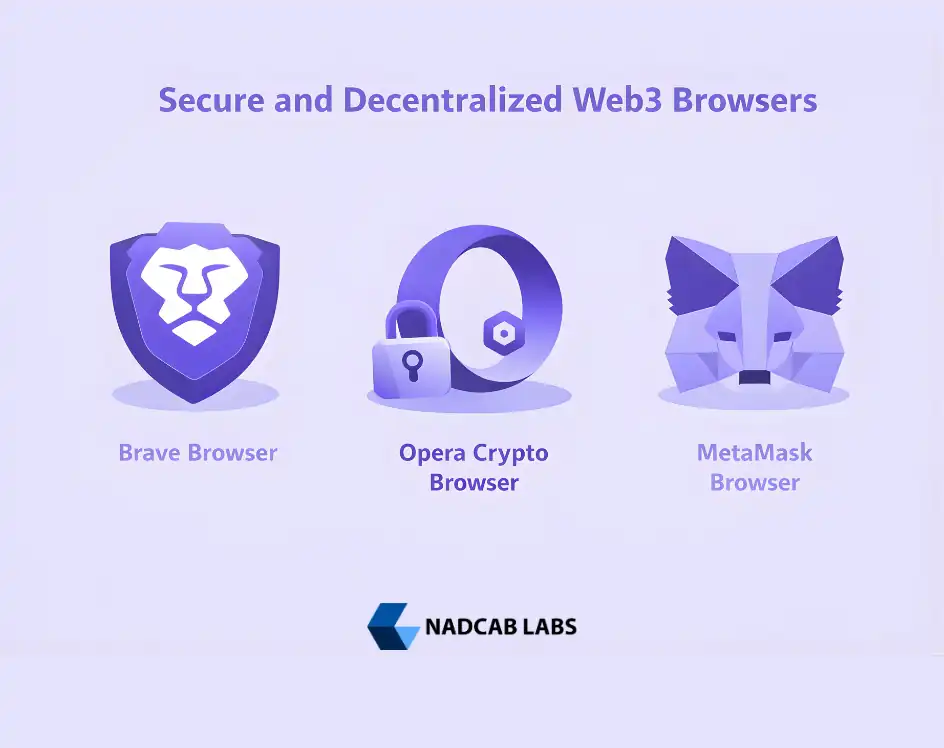
Brave Browser
Brave has transformed from a privacy-focused browser into a comprehensive Web3 gateway. Its built-in Brave Wallet supports Ethereum, Solana, and multiple other chains natively, requiring no extensions. In May 2025, Brave became the first browser to launch its own on-chain top-level domain (.brave) in partnership with Unstoppable Domains, enabling users to host decentralized websites using IPFS.[2]
Brave’s privacy features include default ad and tracker blocking, fingerprinting protection, and secure connections. Users can opt into Brave Rewards, earning Basic Attention Tokens (BAT) for viewing privacy-respecting advertisements. The browser also supports hardware wallet integration with Ledger and Trezor for enhanced security.
Opera Crypto Browser
Opera pioneered browser-based crypto wallets in 2018 and continues innovating with its dedicated Crypto Browser. The browser features a non-custodial wallet supporting Bitcoin, Ethereum, Polygon, BNB Chain, and other networks. Its Web3 Guard feature checks for malicious recipient addresses before transactions, adding a security layer for newcomers.
Opera includes a curated DApp store, Crypto Corner news section, and built-in NFT gallery for managing digital collectibles. The integrated VPN and ad blocker complement its Web3 features, creating a comprehensive package for both privacy and blockchain interaction.
MetaMask Browser
While primarily known as a Web3 browser extension, MetaMask offers a mobile browser that provides direct DApp access. MetaMask remains the most widely used Ethereum wallet, supporting all EVM-compatible chains. Security researchers have acknowledged MetaMask as one of the most secure extension-based wallets available.[3]
The MetaMask Chrome extension, Firefox extension, and other browser integrations transform any standard browser into a Web3-capable one. This flexibility makes MetaMask ideal for users who prefer their existing browser but need blockchain connectivity.
How to Use Web3 Browsers
Getting started with a decentralized web browser involves a few key steps that differ from traditional browser setup.
Installing a Web3 Browser or Extension
For browsers like Brave, download directly from the official website and install like any standard browser. For MetaMask, visit the Chrome Web Store, Firefox Add-ons, or your browser’s extension marketplace. Critical warning: only download from official sources. Fake wallet extensions designed to steal funds are common, so verify you are on the legitimate website before installing.
Creating Your Wallet
Upon first launch, the browser or extension guides you through wallet creation. You will set a password for daily access and receive a Secret Recovery Phrase. Write this phrase on paper (never digitally) and store it securely. This phrase is the only way to recover your wallet if you lose access to your device.
How to Connect Wallet to DApps
Navigate to any DApp like Uniswap, OpenSea, or a blockchain game. Look for a “Connect Wallet” button, usually in the top right corner. Click it, select your wallet type, and approve the connection in the popup. You are now logged in using your wallet address as your identity.
How to Access DApps Using Web3 Browser
Most Web3 browsers include DApp directories or stores. Brave and Opera feature curated listings of verified applications. You can also navigate directly to DApp URLs. Once connected, interact with smart contracts, trade tokens, collect NFTs, or participate in governance, all with transactions signed through your browser wallet.
Build Your Web3 Application
Looking to create DApps that work seamlessly with Web3 browsers? Our team specializes in blockchain development, smart contracts, and decentralized application architecture.
Key Features of Web3 Browsers
Modern Web3 browsers pack numerous features designed for the decentralized ecosystem.
Integrated Crypto Wallets
Built-in wallets eliminate the security risks of extension-based solutions. Native browser wallet integration means no separate software to install, update, or potentially download fake versions of. Brave Wallet and Opera’s wallet both support multiple blockchain networks, token management, and NFT display directly within the browser interface.
Enhanced Privacy and Security
Web3 browsers incorporate aggressive tracker blocking, fingerprinting protection, and secure DNS resolution. These features protect not just your general browsing but specifically guard against phishing attempts targeting crypto users. Some browsers like Brave offer Tor integration for anonymous browsing when needed.
Smart Contract Interaction
Execute and manage smart contracts without leaving the browser. Whether participating in DeFi protocols, minting NFTs, or voting in DAO governance, Web3 browsers provide the interface for signing blockchain transactions securely.
Cross-Chain Compatibility
Leading Web3 browsers support multiple blockchain networks from a single wallet. Switch between Ethereum, Polygon, BNB Chain, Arbitrum, and others without installing separate wallets or extensions. This multi-chain support enables access to DApps across different ecosystems from one unified interface.
Token and NFT Management
View, send, receive, and swap various tokens including ERC-20, BEP-20, and other standards. Built-in NFT galleries display your digital collectibles with images and metadata. Some browsers integrate DEX aggregators for finding optimal swap rates across exchanges.
Web3 Wallet Security Best Practices
Securing your Web3 browser wallet requires understanding the unique risks of self-custody.
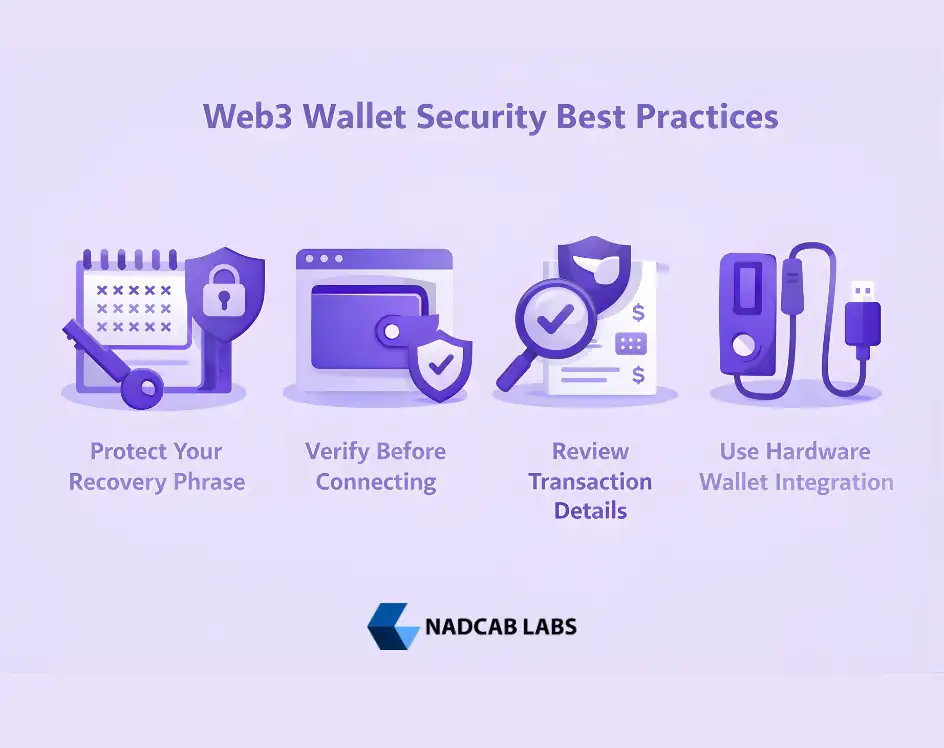
Protect Your Recovery Phrase
Never store your recovery phrase digitally. Avoid screenshots, cloud storage, messaging apps, or password managers. Write it on paper or metal and store in a secure location. Consider splitting the phrase across multiple secure locations for high-value wallets.
Verify Before Connecting
Always confirm you are on the legitimate website before connecting your wallet. Phishing sites create perfect replicas of popular DApps to steal your approval signatures. Bookmark frequently used DApps and access them through bookmarks rather than search results or links from messages.
Review Transaction Details
Before signing any transaction, carefully review what you are approving. Malicious contracts can request unlimited token approvals that drain your wallet later. If a transaction looks suspicious or you don’t understand it, reject it and research before proceeding.
Use Hardware Wallet Integration
For significant holdings, connect a hardware wallet like Ledger or Trezor to your Web3 browser. This keeps private keys offline while still enabling DApp interaction through the browser interface. Hardware wallets add a physical confirmation step that stops remote attacks.
Web3 Browser Use Cases
The decentralized web browser opens access to an expanding ecosystem of blockchain applications.
Decentralized Finance (DeFi)
Access lending protocols, decentralized exchanges, yield farming platforms, and more. Web3 browsers enable direct interaction with DeFi smart contracts for trading, borrowing, and earning interest on crypto assets without traditional financial intermediaries.
NFT Marketplaces
Browse, buy, sell, and create NFTs across platforms like OpenSea, Blur, and Magic Eden. Your browser wallet holds your NFT collection and signs transactions for marketplace activities.
Blockchain Gaming
Web3 gaming requires browser-based wallet connections to manage in-game assets, tokens, and NFTs. Play-to-earn games, metaverse platforms, and blockchain-based gaming all depend on Web3 browser functionality.
Decentralized Identity
Your wallet address becomes a portable identity across Web3. Services can verify your credential schema and on-chain history without accessing personal data. This enables pseudonymous reputation systems where your track record follows you across platforms.
DAO Participation
Decentralized Autonomous Organizations use token-based voting for governance. Web3 browsers enable you to connect, view proposals, and cast votes using your token holdings as voting power.
Privacy in Web3 Browsing
Web3 browsers address privacy concerns differently than traditional browsers.
While blockchain transactions are public by default, Web3 browsers provide privacy at the browsing layer. Tracker blocking prevents advertising networks from profiling your behavior. Some browsers support privacy coins and privacy-preserving transaction methods. Brave recently added shielded Zcash transaction support, allowing private cryptocurrency transfers directly within the browser wallet.
The combination of on-chain transparency for verifiable transactions and off-chain privacy for browsing behavior creates a balanced approach. Users can prove their on-chain reputation while keeping their general internet activity private.
The Future of Web3 Browsers
Web3 browsers continue evolving with emerging technologies and user needs.
AI integration is arriving, with Brave developing agentic browsing features that automate tasks while maintaining security. Multi-chain support expands as new networks launch. Decentralized domain support grows, enabling censorship-resistant websites.
Web3 platform solutions increasingly depend on browser-based access. As DApps mature and user experience improves, Web3 browsers position themselves as the primary interface between users and the decentralized internet. Intuitive support mechanisms are often needed to improve the user experience on decentralized applications, and the use of AI chatbot development provides automated, 24/7 user guidance directly within a Web3 browser environment.
Final Thoughts
Web3 browsers represent a fundamental shift in how we interact with the internet. By integrating crypto wallets, DApp access, and enhanced privacy features, they enable direct participation in decentralized ecosystems without intermediaries. Whether you choose Brave for its comprehensive feature set, Opera for its user-friendly approach, or MetaMask for its Ethereum focus, the key is starting with security awareness.
The learning curve exists, but the reward is control over your digital identity, assets, and data. As Web3 adoption accelerates, understanding how to use these browsers becomes increasingly valuable. Begin with small steps, prioritize security, and explore the expanding world of decentralized applications safely.
Frequently Asked Questions
Q1.What is a Web3 browser exactly?
A Web3 browser combines traditional internet browsing with blockchain connectivity, built-in crypto wallets, and direct access to decentralized applications running on blockchain networks.
Q2.How to use MetaMask for Web3?
Install the MetaMask browser extension, create a wallet, secure your recovery phrase, then connect to DApps by clicking “Connect Wallet” and approving the connection request.
Q3.Is Brave a good Web3 browser?
Yes, Brave offers built-in wallet functionality, multi-chain support, strong privacy features, and native IPFS integration, making it one of the leading Web3 browsers available.
Q4.Can Chrome work as Web3 browser?
Chrome becomes Web3-capable by installing wallet extensions like MetaMask or Phantom. However, native Web3 browsers offer better security and integration than extension-based solutions.
Q5.How do Web3 browsers make money?
Web3 browsers monetize through optional ad programs, premium features, token ecosystems like BAT, and partnerships with DApp platforms while keeping core features free.
Q6.What DApps can Web3 browsers access?
Web3 browsers access DeFi platforms, NFT marketplaces, blockchain games, DAOs, decentralized social networks, and any application built on supported blockchain networks.
Explore Services
Related Services
Reviewed by

Aman Vaths
Founder of Nadcab Labs
Aman Vaths is the Founder & CTO of Nadcab Labs, a global digital engineering company delivering enterprise-grade solutions across AI, Web3, Blockchain, Big Data, Cloud, Cybersecurity, and Modern Application Development. With deep technical leadership and product innovation experience, Aman has positioned Nadcab Labs as one of the most advanced engineering companies driving the next era of intelligent, secure, and scalable software systems. Under his leadership, Nadcab Labs has built 2,000+ global projects across sectors including fintech, banking, healthcare, real estate, logistics, gaming, manufacturing, and next-generation DePIN networks. Aman’s strength lies in architecting high-performance systems, end-to-end platform engineering, and designing enterprise solutions that operate at global scale.