Ai Overview
Every time you open a web browser, type a document, send an email, or manage a spreadsheet, you are using application software. It is the layer of software that sits closest to you as a user. It is the reason a computer feels useful in daily life rather than just a machine running system commands in the background. Application software is a type of computer program designed to help users carry out specific tasks.
Every time you open a web browser, type a document, send an email, or manage a spreadsheet, you are using application software. It is the layer of software that sits closest to you as a user. It is the reason a computer feels useful in daily life rather than just a machine running system commands in the background.
Application software is a type of computer program designed to help users carry out specific tasks. It works on top of system software, which handles the core operations of your device. While system software keeps the machine running, application software puts that machine to work for you.
Key Takeaways
- Application software is any program that helps users perform specific tasks, like writing documents, browsing the web, or managing finances.
- The two broad categories of software are system software and application software. System software runs the machine. Application software serves the user.
- General purpose software, like Microsoft Word or Google Chrome, works for many users across many tasks without being limited to one industry.
- Specific purpose software, like AutoCAD or QuickBooks, is built for one defined job and includes deep features that general tools simply cannot provide.
- Custom application software is built for a single organization when no packaged solution meets their exact workflow or technical requirements.
- There are 14 major functional types of application software, including word processors, spreadsheets, CRM tools, ERP systems, healthcare software, and more.
- Application software can be licensed as freeware, shareware, open-source, commercial, freemium, or SaaS, each with different cost and control implications.
- Business application programs include CRM, ERP, HRMS, accounting software, and project management tools that keep organizations running efficiently.
- AI is now embedded into nearly every category of application software, making tools proactive rather than reactive and automating tasks that once required manual input.
- Good application software improves accuracy, saves time, supports collaboration, and scales with the needs of individuals and growing organizations alike.
In this guide, you will get a clear definition of application software with examples, a full breakdown of its types, a look at its key functions, and answers to common questions like how many types of application software exist and what separates general-purpose software from specific-purpose software.
If you want to understand the broader landscape of software categories, including system software and programming software, that linked resource covers all major types in detail. This article focuses specifically on application software and goes deep on everything that matters.
What Is Application Software? A Clear Definition
Application software refers to any program that performs a specific function for the end user. It is built to solve a problem, complete a task, or provide a service. Unlike system software, which manages hardware and core system functions, application software is what you actually see and interact with.
| Definition: Application software is a set of programs designed to perform specific tasks for end users. It runs on top of system software, uses computer resources to execute user-directed functions, and exists in many forms, from word processors and spreadsheets to enterprise resource planning systems and mobile apps. |
The term computer application software is used interchangeably with application software. Both refer to the same category. The word application simply signals that the software applies computing power to a practical human need.
System software and application software are the two broad categories of software. If you want a deeper comparison of the two types of system software alongside application software, that overview provides the full picture.
How Many Types of Application Software Are There?
Application software can be categorized in more than one way. The most common approach is to group it by purpose, by licensing model, or by the number of users it is built for. Different textbooks and curricula may count the types differently, but the categories below are the ones that matter most in practice.
There are generally three broad divisions you will encounter most often:
- General-purpose application software
- Specific-purpose application software
- Bespoke or custom application software
Within these three groups, you can further divide applications by their function, for example into word processing software, spreadsheet software, presentation software, communication software, and many others. The total number of subtypes depends on how granularly you draw the lines. For the purposes of answering the common question about three types of application software or five types of application software, the answer is that all those lists refer to subtypes within the broader categories.
The next sections walk through all the major types with concrete application software examples so the categories are clear and easy to remember.
General Purpose Application Software
General-purpose software is designed to perform a wide variety of tasks for a wide variety of users. It is not built for one specific job or industry. Instead, it gives users a flexible set of tools that can be applied to many different problems. General purpose application software is the most common category you will encounter in homes, schools, and offices. These programs come pre-installed on most computers or are among the first things people install after setting up a new device. For beginners setting up devices like Raspberry Pi, tools like Software NOOBS make operating system installation simple and user-friendly.
Examples of General Purpose Application Software
| Software Name | Category | Primary Use |
|---|---|---|
| Microsoft Word | Word Processor | Creating, editing, and formatting text documents |
| Microsoft Excel | Spreadsheet | Organizing data, running calculations, building charts |
| Google Chrome | Web Browser | Accessing websites and online services |
| LibreOffice Writer | Word Processor | Open-source document creation and editing |
| Google Slides | Presentation | Building slideshows and visual presentations |
| VLC Media Player | Multimedia | Playing audio and video files in various formats |
| Microsoft OneNote | Note Taking | Organizing notes and ideas |
| Adobe Acrobat Reader | PDF Viewer | Viewing and annotating PDF documents |
The unifying trait of general purpose software is versatility. A student can use Microsoft Word to write an essay. A lawyer can use it to draft a contract. A writer can use it for a manuscript. The same program serves completely different purposes for completely different people. Many modern general-purpose tools can also analyze data and support decision-making for prediction, helping users identify patterns and anticipate future trends.
Specific Purpose Application Software
Specific-purpose application software, also called specialized software, is built to do one particular job well. It is designed for a defined use case, a specific industry, or a narrow set of tasks. Users who need this type of software usually have a professional or technical need that general-purpose tools cannot adequately address.
This category is large. There is specialized software for accounting, for medical diagnostics, for legal case management, for airline reservations, for scientific research, and for hundreds of other domains. The common thread is that the software was built with a specific workflow or set of requirements in mind.
Examples of Specific Purpose Application Software
| Software Name | Industry | Specific Use Case |
|---|---|---|
| QuickBooks | Accounting | Tracking income, expenses, invoices, and payroll |
| AutoCAD | Engineering and Architecture | Creating technical drawings and 3D models |
| Epic Systems | Healthcare | Managing electronic health records |
| Adobe Premiere Pro | Media Production | Professional video editing |
| SAP ERP | Enterprise Business | Managing finance, HR, and operations |
| Tableau | Data Analytics | Data visualization and dashboards |
Custom Application Software
Custom application software, sometimes called bespoke software, is built specifically for one organization or one user. It is not sold as a packaged product. Instead, it is developed to meet requirements that no off-the-shelf product can fully address.
A hospital that needs a patient management system tightly integrated with its existing infrastructure, a fintech company that needs a proprietary trading dashboard, or a blockchain platform that needs a purpose-built token management interface, these are all scenarios where custom software development makes sense. You can read more about how custom software development works and when it is the right choice for your organization.
Custom software takes longer and costs more upfront compared to buying a ready-made application. However, it gives the organization full ownership, exact functionality, and no licensing restrictions. For organizations with unique needs or sensitive operational requirements, it is often the only viable option.
All Types of Application Software by Function
Beyond the three broad categories, application software is also classified by what it does. The following list covers the major functional types you will encounter. This is the breakdown most useful for students, developers, and IT professionals who need a comprehensive list of application software examples.
1. Word Processing Software
Word processing software lets users create, edit, format, and save text-based documents. It is one of the oldest and most widely used types of computer application software. Every version includes text formatting, spell checking, and export options. Modern versions also support collaboration, cloud storage, and document automation, such as using a Google Docs Estimate Template to quickly generate professional quotes.
Examples: Microsoft Word, Google Docs, LibreOffice Writer, Notion, Apple Pages.
2. Spreadsheet Software
Spreadsheet software organizes data in rows and columns. It supports mathematical formulas, statistical functions, charting, and data visualization. It is used in finance, business analysis, scientific research, and education. Many spreadsheet programs now include built-in AI assistance for data interpretation and formula suggestions.
Examples: Microsoft Excel, Google Sheets, LibreOffice Calc, Apple Numbers.
3. Presentation Software
Presentation software allows users to build slide-based visual presentations. It supports image embedding, transitions, animations, speaker notes, and multimedia integration. It is a standard tool in business meetings, academic classrooms, and conference talks. Users can create visually appealing slide decks and save time by using editable presentation templates.
Examples: Microsoft PowerPoint, Google Slides, Apple Keynote, Canva, Visme or Prezi.
4. Web Browser Software
Web browsers are application programs that retrieve and display web content. They interpret HTML, CSS, and JavaScript to render web pages. Browsers have expanded far beyond basic page viewing and now support extensions, offline functionality, and built-in translation.
Examples: Google Chrome, Mozilla Firefox, Microsoft Edge, Apple Safari, Brave.
5. Communication and Collaboration Software
This category covers tools that help people communicate and work together. It includes email clients, instant messaging platforms, video conferencing tools, and project collaboration suites. This software became central to how organizations operate, particularly for distributed teams.
Examples: Microsoft Outlook, Gmail, Slack, Slack alternatives like Lark, Zoom, Cisco Webex.
6. Database Management Software
Database management software allows users to store, organize, retrieve, and manipulate large volumes of structured data. It is foundational to business operations, web applications, and data analytics. There are two main categories: relational databases using SQL and non-relational databases for flexible data structures.
Examples: MySQL, PostgreSQL, Microsoft SQL Server, MongoDB, Oracle Database.
7. Multimedia Software
Multimedia software handles audio, video, and image content. It includes media players, video editors, audio workstations, graphic design tools, and animation platforms. This category serves both professional creators and everyday users.
Examples: Adobe Photoshop, Adobe Premiere Pro, GIMP, VLC Media Player, Audacity, Final Cut Pro.
8. Enterprise Resource Planning Software
Enterprise resource planning (ERP) software integrates core business processes into one unified system. It connects finance, human resources, supply chain, inventory, and customer management. Large organizations depend on ERP systems to reduce redundancy, improve visibility, and make data-driven decisions. This is one of the most powerful examples of enterprise-grade application software in business.
Examples: SAP S/4HANA, Oracle NetSuite, Microsoft Dynamics 365, Odoo, Infor CloudSuite.
9. Educational Software
Educational software supports learning and instruction. It includes learning management systems, interactive tutorials, quiz platforms, and simulation environments. Modern educational software personalizes the learning experience and tracks student progress over time.
Examples: Moodle, Canvas, Duolingo, Coursera, Khan Academy, Blackboard.
10. Healthcare and Medical Software
Healthcare software manages patient records, clinical workflows, diagnostics, and billing. It is among the most regulated types of software due to data sensitivity and patient safety requirements. Custom healthcare workflow automation software is increasingly common as hospitals and clinics seek systems that match their exact operational model.
Examples: Epic Systems, Cerner, Meditech, Teladoc, Practice Fusion.
11. Accounting and Financial Software
Accounting software automates financial record-keeping, tax calculations, invoicing, payroll, and financial reporting. Small businesses use entry-level tools while enterprises rely on fully integrated financial platforms connected to their ERP systems.
Examples: QuickBooks, Xero, FreshBooks, Zoho Books, Tally ERP.
12. Project Management Software
Project management software helps teams plan, track, and deliver work. It covers task assignment, scheduling, resource management, and reporting. Many project management tools now integrate directly with development pipelines and code repositories. Understanding the software development life cycle is closely tied to understanding how project management software is used in software teams.
Examples: Jira, Asana, Monday.com, Trello, ClickUp, Microsoft Project.
13. Gaming Software
Gaming software is application software built to deliver interactive entertainment. It includes single-player games, multiplayer online games, and game development platforms. Games are among the most technically demanding applications because they require real-time graphics rendering, physics simulation, and network synchronization.
Examples: Fortnite, Minecraft, Steam, Unity (as a game creation platform), Unreal Engine.
14. Simulation Software
Simulation software models real-world systems or environments for training, research, design testing, and analysis. It is used in engineering, aviation, medical education, military training, and scientific modeling. Simulations allow users to test scenarios that would be dangerous, expensive, or impossible to replicate physically.
Examples: MATLAB Simulink, AnyLogic, SimScale, Ansys, FlightGear.
Two Categories of Software: Application vs. System
The two most fundamental categories of software are system software and application software. This distinction is essential for understanding how computers work at a high level and for answering questions about what type of software does what.
| Aspect | System Software | Application Software |
|---|---|---|
| Primary Role | Manages hardware and core system operations | Performs specific tasks for end users |
| Runs Without | Cannot run without hardware | Cannot run without system software |
| User Interaction | Mostly runs in the background | Directly interacted with by users |
| Examples | Windows, macOS, Linux | Word, Chrome, QuickBooks, Zoom |
| Purpose | Infrastructure level | Task oriented |
| Customization | Limited | Highly customizable |
The two types of system software that appear most often in this comparison are operating systems and utility software. These run beneath all the application programs you use. For a complete breakdown of both types of system software and how they differ, the linked resource covers that topic in full.
Key Functions of Application Software
The functions of application software vary based on the category, but several core capabilities appear across most types. Understanding these functions helps clarify why application software is so central to both personal and business computing.
| Function | Description | Example in Practice |
|---|---|---|
| Task Execution | Performs user actions | Word formats a document |
| Data Input and Output | Accepts input and returns results | Spreadsheet calculates numbers |
| Storage | Stores data for later use | Database saves records |
| Communication | Enables information exchange | Email sends messages |
| Visualization | Converts data to charts | Dashboard shows graphs |
| Automation | Reduces manual work | Payroll calculates salary |
| Collaboration | Multiple users work together | Docs editing together |
| Reporting | Generates summaries | ERP reports monthly data |
These functions are what make application software valuable. Each function maps to a real need that users or organizations have. As software becomes more sophisticated, many applications combine multiple functions. A single modern CRM platform, for example, handles data storage, communication, automation, collaboration, and reporting all at once. Software testing ensures that all these functions perform correctly, which is why quality assurance is a core part of software development.
Application Software by Licensing Type
Beyond function and purpose, application software is also distinguished by how it is licensed and distributed. This matters for users who need to budget for software, and for developers who need to choose a distribution model.
| License Type | Cost | Modify Code | Examples |
|---|---|---|---|
| Freeware | Free | No | Chrome, VLC |
| Shareware | Trial then paid | No | WinZip |
| Open Source | Free | Yes | LibreOffice |
| Commercial | Paid | No | Microsoft 365 |
| Freemium | Basic free | No | Slack, Zoom |
| SaaS | Subscription | No | Salesforce |
The licensing model affects more than just cost. It affects who has control over updates, what data can be accessed by the vendor, and how easily the software can be replaced or customized. Organizations with strict data governance requirements often prefer open-source or custom-built solutions over SaaS products.
Business Application Programs: What They Include
Business application programs cover the software tools organizations use to run their operations. This is one of the largest and most important segments of the application software market. Business applications include programs for finance, customer management, human resources, communication, project coordination, and more.
The most common categories of business application software are:
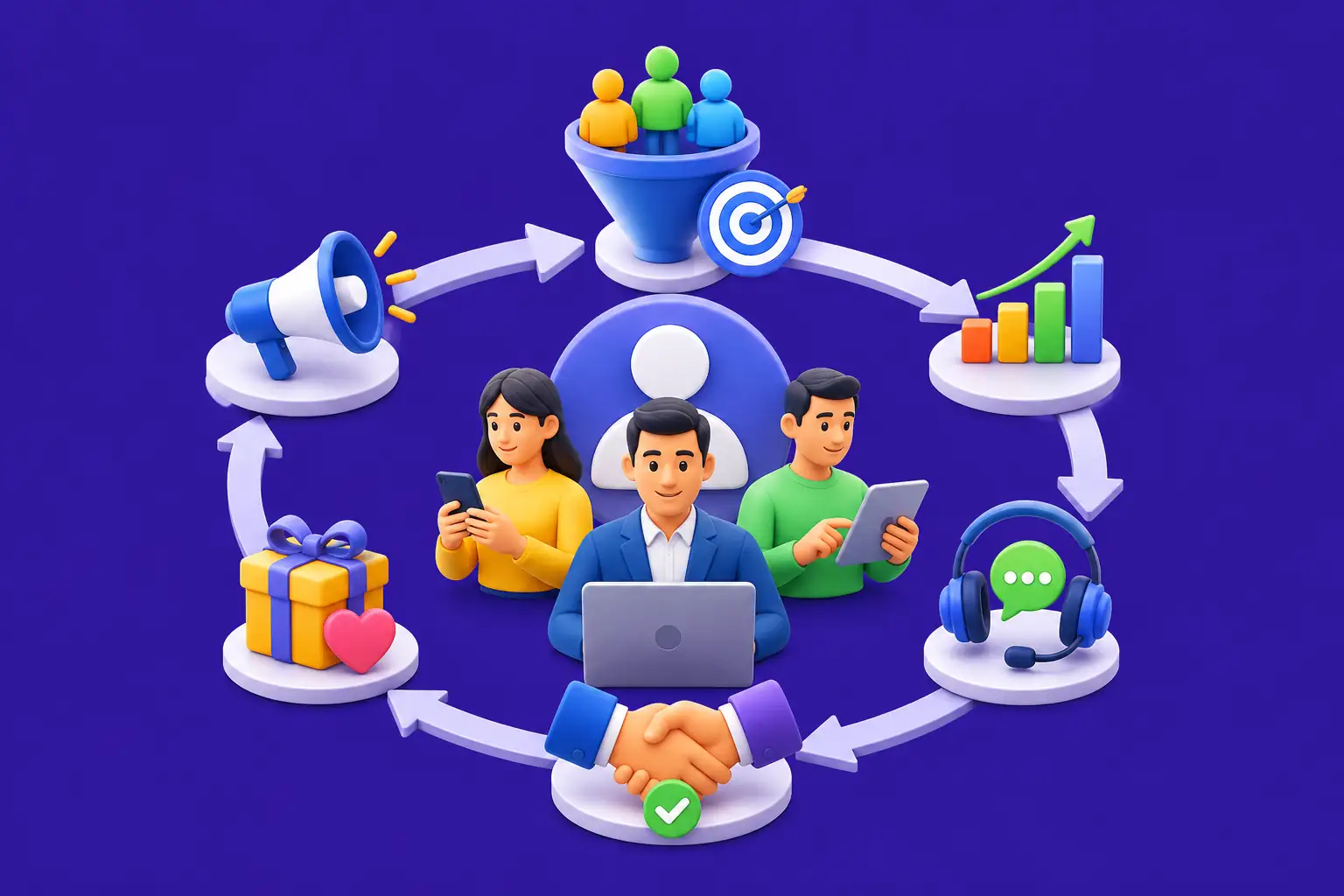
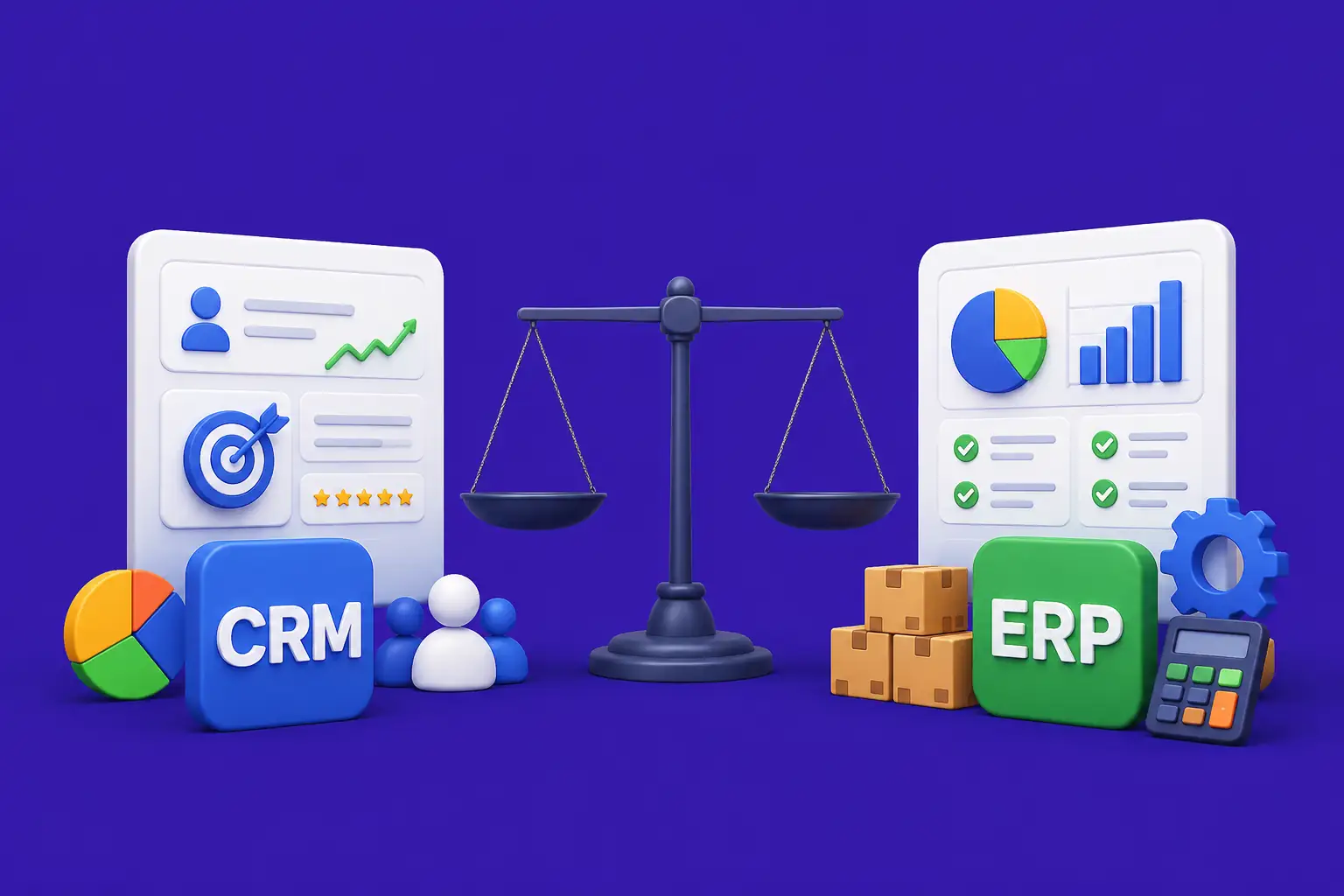
- Customer Relationship Management (CRM): Manages sales pipelines, customer data, and support interactions. Key examples are Salesforce, HubSpot, and Zoho CRM.
- Enterprise Resource Planning (ERP): Integrates finance, HR, supply chain, and operations. Key examples are SAP, Oracle NetSuite, and Microsoft Dynamics.
- Human Resource Management Systems (HRMS): Handles recruitment, payroll, performance reviews, and employee records. Key examples are Workday, BambooHR, and ADP. Many modern HR management systems also include AI-driven analytics, employee engagement tracking, and workflow automation features.
- Accounting Software: Manages invoicing, expense tracking, tax filings, and financial reporting. Key examples are QuickBooks, Xero, and Tally ERP.
- Project Management Tools: Tracks tasks, deadlines, and resources across teams. Key examples are Jira, Monday.com, and Asana.
- Communication Platforms: Supports internal messaging, video calls, and file sharing. Key examples are Microsoft Teams, Slack, and Zoom.
- Content and Document Management: Stores, organizes, and controls access to business documents. Key examples are SharePoint, Google Drive, and Dropbox Business.
Large organizations often integrate many of these tools or invest in custom development to meet requirements no packaged software addresses. For media-intensive businesses, for example, custom media asset management software provides the specific workflow controls and storage architecture that general purpose tools simply cannot match.
20 Application Software Names: A Reference List
Here is a quick reference list of 20 well-known application software names organized by category. This list covers a wide range of use cases and is useful for anyone who needs a software names list or application programs list for study, reference, or comparison.
| # | Software Name | Category | Primary Function |
|---|---|---|---|
| 1 | Microsoft Word | Word Processing | Document creation and editing |
| 2 | Microsoft Excel | Spreadsheet | Data management and calculations |
| 3 | Google Chrome | Web Browser | Internet browsing |
| 4 | Adobe Photoshop | Graphics | Image editing and design |
| 5 | Zoom | Communication | Video conferencing |
| 6 | Slack | Collaboration | Team messaging and file sharing |
| 7 | QuickBooks | Accounting | Financial record-keeping |
| 8 | Salesforce | CRM | Customer relationship management |
| 9 | SAP ERP | Enterprise | Integrated business operations |
| 10 | VLC Media Player | Multimedia | Audio and video playback |
| 11 | AutoCAD | Engineering | Technical drawing and modeling |
| 12 | Moodle | Education | Online course management |
| 13 | Jira | Project Management | Issue tracking and agile planning |
| 14 | MySQL | Database | Relational database management |
| 15 | Duolingo | Education | Language learning |
| 16 | Adobe Premiere Pro | Video Editing | Professional video production |
| 17 | Tableau | Data Analytics | Data visualization and dashboards |
| 18 | LibreOffice | Office Suite | Open-source office tools |
| 19 | Notion | Productivity | Notes and project management |
| 20 | Figma | Design | UI and UX design collaboration |
The Role of AI in Modern Application Software
Artificial intelligence has become a core feature of many types of application software. Word processors now suggest sentence completions. Spreadsheets flag data anomalies. CRM systems predict which sales leads are most likely to convert. Video editing tools automate background removal and color grading. AI in software testing has made quality assurance faster and more reliable by automating test case generation and failure detection.
The most significant change AI brings to application software is the shift from reactive to proactive tools. Earlier software waited for instructions. AI-enabled software anticipates needs, flags issues before they become problems, and adapts to individual user behavior over time.
This trend is visible across every category. Healthcare software now surfaces diagnostic suggestions. Financial software detects fraud in real time. Project management tools rebalance workloads automatically when deadlines slip. AI is not replacing application software. It is making existing categories far more capable.
Advantages of Application Software
- Task Efficiency: Application software automates repetitive work and reduces the time needed to complete tasks manually.
- Accuracy: Calculations, data processing, and reporting handled by software are more accurate than manual alternatives.
- Scalability: Business application software scales with organizational growth, handling larger volumes of data and users without replacing the core system.
- Accessibility: Cloud-based application software is accessible from any device with an internet connection, supporting remote and distributed work.
- Collaboration: Many modern applications allow multiple users to work on the same data or document simultaneously, improving team coordination.
- Customization: Organizations can configure most application software to match their workflows, and custom development allows for fully tailored solutions.
- Integration: Application software increasingly connects with other systems through APIs, allowing data to flow between tools automatically.
Disadvantages and Limitations of Application Software
- Cost: Commercial software licenses, particularly for enterprise tools, can be expensive. Subscription costs accumulate significantly over time.
- Learning Curve: Complex application software, such as ERP systems or professional design tools, requires significant training before users become productive.
- Dependency: Organizations that build critical operations around specific software become dependent on that vendor for updates, support, and pricing decisions.
- Security Risks: Any software that connects to the internet or processes sensitive data introduces potential security vulnerabilities if not properly maintained.
- Compatibility Issues: Software updates can break integrations with other tools, requiring additional development work to restore functionality.
- Over-Engineering: General purpose tools sometimes include features that are never used, adding complexity and consuming system resources unnecessarily.
Final Thoughts
Application software is the practical layer of computing that connects raw machine capability to real human needs. It comes in many forms, from the simplest note-taking app on your phone to the most complex enterprise resource planning system managing the operations of a global company.
Understanding the different types of application software, from general purpose tools to specialized industry solutions to custom-built platforms, helps users make better decisions about which tools to use, which to buy, and when custom development is worth the investment.
The field continues to evolve rapidly. AI capabilities are being embedded into nearly every category. Cloud delivery has replaced local installation as the dominant model. And the line between application types is blurring as platforms expand their scope. Staying current with how software development and testing practices evolve is essential for anyone building or selecting application software today.
If you are considering building a custom application or need to understand which software category best fits your organization’s needs, explore Nadcab Labs’ software development capabilities to see how expert teams can design solutions built around your exact requirements.
Explore Services
Related Services
Reviewed by

Aman Vaths
Founder of Nadcab Labs
Aman Vaths is the Founder & CTO of Nadcab Labs, a global digital engineering company delivering enterprise-grade solutions across AI, Web3, Blockchain, Big Data, Cloud, Cybersecurity, and Modern Application Development. With deep technical leadership and product innovation experience, Aman has positioned Nadcab Labs as one of the most advanced engineering companies driving the next era of intelligent, secure, and scalable software systems. Under his leadership, Nadcab Labs has built 2,000+ global projects across sectors including fintech, banking, healthcare, real estate, logistics, gaming, manufacturing, and next-generation DePIN networks. Aman’s strength lies in architecting high-performance systems, end-to-end platform engineering, and designing enterprise solutions that operate at global scale.