Ai Overview
Running a small business means managing accounts, orders, inventory, and customers — often with a small team. Cloud ERP systems for small businesses bring all of these functions into one connected platform, accessible from anywhere, without the cost of on-site servers. According to industry data, cloud ERP solutions are projected to represent over 70% of the ERP market by 2025, driven largely by small and mid-sized businesses adopting these scalable platforms.
Key Takeaways
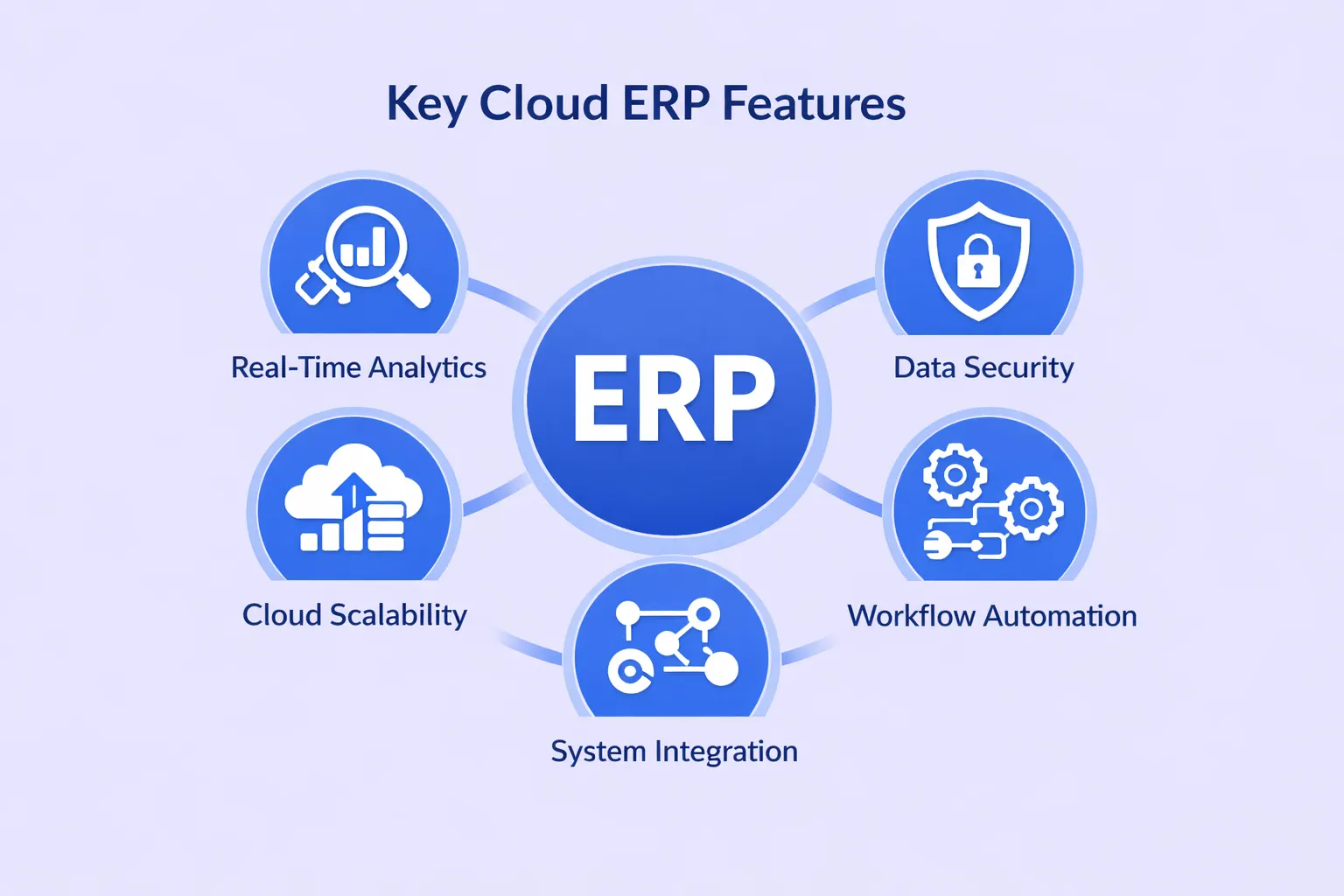
- Unified Platform: Cloud ERP combines accounting, inventory, CRM, and HR into one system, removing the need for disconnected tools.
- Lower Upfront Cost: Subscription-based pricing removes the need for expensive hardware and reduces IT overhead for small businesses.
- Access from Anywhere: Teams can view and update data from any device with an internet connection, supporting remote and field work.
- Scalability: You can start with core modules and add more as your business grows, without switching platforms.
- Automatic Updates: The vendor handles maintenance and security patches, keeping the system current with no manual effort.
- Better Decision-Making: Real-time dashboards and reports give business owners accurate visibility into performance, cash flow, and stock levels.
- Process Automation: Routine tasks like invoicing, order processing, and stock replenishment are automated, reducing manual errors.
- Data Security: Cloud ERP providers use encryption, multi-factor authentication, and regular backups — often more secure than local servers.
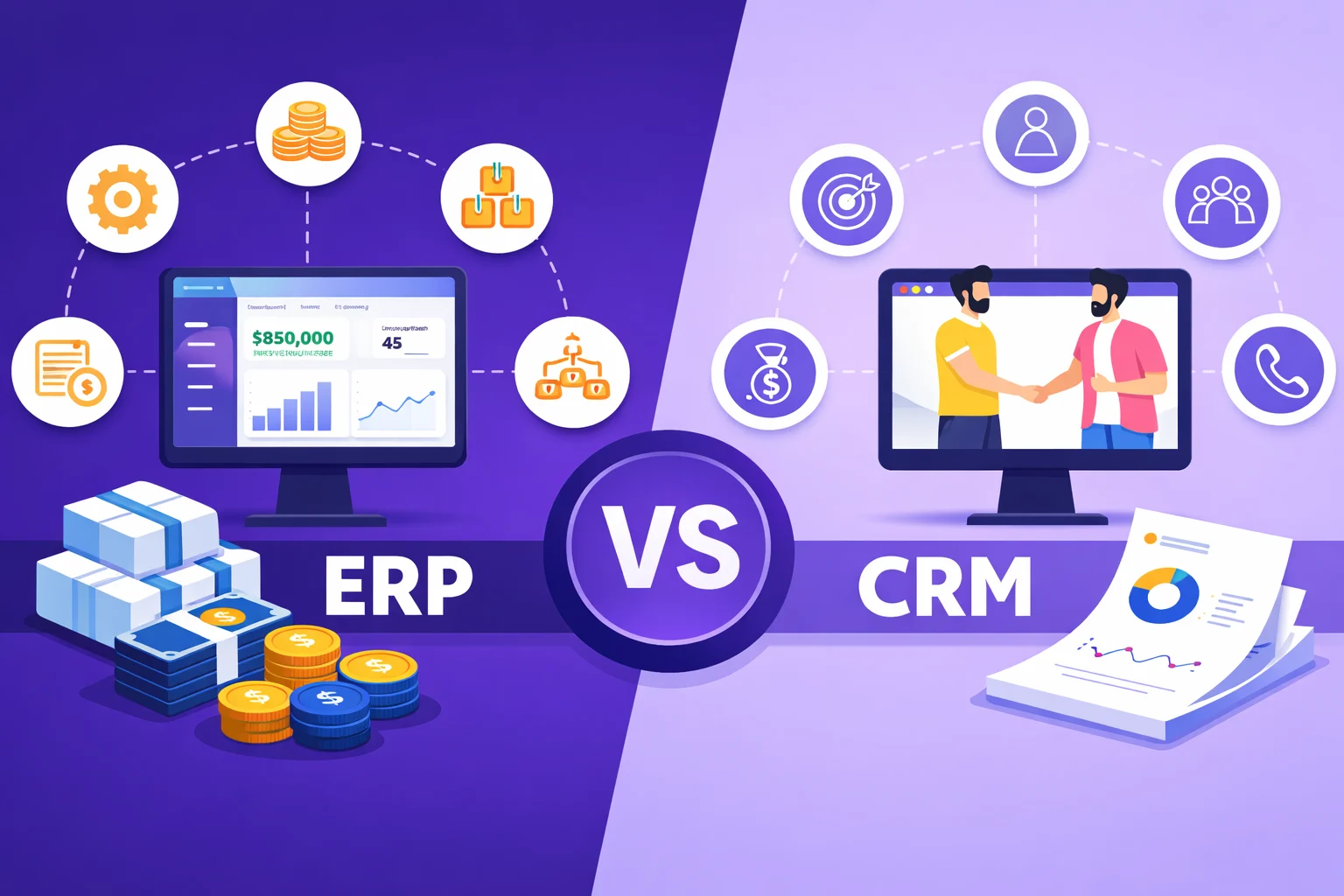
- CRM Integration: Built-in or integrated CRM tools connect sales data with operations, giving a full view of the customer lifecycle.
What Is Cloud ERP Software for Small Businesses?
Enterprise Resource Planning (ERP) Software is a system that integrates core business functions — such as finance, inventory, purchasing, sales, and HR — into a single platform. Cloud ERP means this system is hosted on the vendor’s servers and accessed through a web browser, rather than being installed on your local computers or servers.
For small businesses, this matters because there is no need to buy servers, pay for IT infrastructure, or manage software updates. You log in, and the system is ready. Cloud ERP solutions work on a subscription basis, so costs are predictable and tied to what you actually use.[1]
Most small businesses start with separate tools: QuickBooks for accounting, a spreadsheet for inventory, email for customer tracking. As operations scale, these disconnected tools create errors, duplicate data, and slow down reporting. Cloud ERP replaces this fragmented setup with one integrated system.
Search Intent: What This Blog Answers
This blog targets informational search intent. People searching for “best cloud ERP software for small businesses” or “cloud ERP solutions for growing companies” are researching their options. They want to understand what these systems do, how they compare, what they cost, and whether they are the right fit. This content answers those questions directly with factual information, not sales language.
Why Small Businesses Need Cloud ERP Systems
Disconnected Tools Slow You Down
When accounting data sits in one tool, inventory in another, and customer records in a third, your team spends time reconciling data rather than acting on it. Errors increase when the same information is entered multiple times across systems. A cloud ERP solution connects all of these into one data source so every department works from the same information in real time.[2]
Cost Savings Over On-Premise Systems
Traditional on-premise ERP required buying servers, paying IT staff to maintain them, and large upfront licensing fees. Cloud-based ERP software uses a subscription model. You pay monthly or annually based on the number of users or the features you use. This lowers the barrier for small businesses that cannot afford large capital spending on technology.
Cloud ERP vendors also manage security patches, infrastructure, and backups automatically. This removes costs that small businesses would otherwise bear themselves.[3]
Scalability That Matches Your Growth
Cloud ERP for small businesses is modular. You start with the functions you need — perhaps accounting and inventory — and add sales, HR, or project management later. The system scales without requiring a full replacement. According to industry data, cloud ERP solutions are projected to represent over 70% of the ERP market by 2025, driven largely by small and mid-sized businesses adopting these scalable platforms.
Key Features to Look for in Cloud ERP Software
Not all ERP software for small businesses includes the same modules. Before choosing a platform, identify which features your business actually requires. Here are the most commonly needed ones:
Accounting and Financial Management
This covers general ledger, invoicing, accounts payable and receivable, tax management, and financial reporting. Every small business needs this as the core of their ERP setup.
Inventory Management
Cloud ERP for inventory management tracks stock levels in real time, triggers automatic reorder alerts, handles multi-warehouse data, and reduces instances of overstocking or stockouts. This is essential for retail, wholesale, and manufacturing businesses.
CRM Integration
Cloud ERP systems with CRM integration link customer data directly to sales orders, invoices, and service history. This gives sales and support teams a complete view of each customer without switching between systems.[4]
Reporting and Dashboards
Real-time dashboards show key performance indicators at a glance. Good ERP reporting tools let owners and managers see cash flow, sales trends, inventory levels, and outstanding invoices without waiting for manual reports.
Mobile Access
Remote and field teams need to check inventory, approve purchases, and access customer data from mobile devices. Most top ERP systems for SMBs now include dedicated mobile apps or responsive web interfaces.
Integration with Third-Party Tools
Your ERP should connect with your existing tools — payment gateways, e-commerce platforms, email systems, or HR tools — through open APIs. This prevents data silos from forming even as you expand your software stack.
Build a Custom Cloud ERP for Your Business
Nadcab Labs develops tailored ERP systems for small and growing businesses covering accounting, inventory, CRM, and automation workflows built to match your exact operational requirements, with expertise in AWS Development for scalable and secure cloud-based ERP solutions.
Top Cloud ERP Systems for Small Businesses Compared
The following platforms are consistently recognized as the best cloud ERP software options for small businesses in 2025 and 2026, based on functionality, pricing, and ease of use.
| Platform | Best For | Starting Price | Key Modules | Deployment |
|---|---|---|---|---|
| Oracle NetSuite | Growing SMBs, multi-entity | Custom pricing | Finance, CRM, Inventory, eCommerce | Cloud only |
| Microsoft Dynamics 365 Business Central | Microsoft ecosystem users | ~$70/user/month | Finance, Supply Chain, Sales | Cloud / On-premise |
| Odoo | Startups, budget-conscious SMBs | Free (Community) / Paid Enterprise | CRM, Accounting, Inventory, HR, Manufacturing | Cloud / Self-hosted |
| SAP Business One | SMBs needing advanced finance | Custom pricing | Finance, CRM, Inventory, Sales | Cloud / On-premise |
| Acumatica | Fast-growing businesses | Resource-based pricing | Finance, CRM, Manufacturing, Distribution | Cloud only |
| Zoho ERP (Zoho One) | Service-based startups | ~$37/user/month | CRM, Finance, HR, Project Management | Cloud only |
| Sage Intacct | Finance-focused small businesses | ~$400/month base | Accounting, AP Automation, Reporting | Cloud only |
| Cetec ERP | Small manufacturers | $40/user/month | CRM, Inventory, Manufacturing, Accounting | Cloud (SaaS) |
Best Cloud ERP Platforms: What Each One Does Well
Oracle NetSuite
NetSuite is one of the most widely adopted SaaS ERP platforms for SMBs. It covers finance, inventory, order management, CRM, and e-commerce in a single cloud-native platform. It serves over 24,000 customers globally and is a strong option for businesses with multiple entities, international operations, or plans for rapid growth. Pricing is custom and increases with additional modules and users.[5]
Microsoft Dynamics 365 Business Central
Business Central integrates finance, supply chain, sales, and service management. Its strongest advantage is deep integration with Office 365, Teams, Excel, and Power BI. Teams that already use Microsoft tools will find the learning curve much lower than other platforms. It starts at around $70 per user per month and is available in both cloud and on-premise deployments.
Odoo
Odoo is an open-source ERP platform with over 30 core modules covering CRM, accounting, inventory, HR, manufacturing, and e-commerce. Its Community Edition is free. The Enterprise version includes cloud hosting and advanced features. It is the most affordable option for startups and small businesses that want a customizable system with a low entry cost. By 2026, Odoo had over 170,000 paid customers worldwide.[6]
Acumatica
Acumatica uses resource-based pricing rather than per-user fees, which means the cost does not increase as you add more users. This makes it especially useful for growing businesses with large teams. It covers finance, CRM, manufacturing, distribution, and construction in a fully cloud-based system with an open API architecture for third-party integrations.
SAP Business One
SAP Business One is built specifically for small and mid-size businesses. It covers finance, CRM, inventory, purchasing, and sales in one platform with real-time analytics and mobile access. It is available in both cloud and on-premise versions. Businesses already familiar with SAP tools will benefit most from its ecosystem.
📌 Trend to Watch (2025–2026)
AI and automation are being embedded directly into cloud ERP platforms. Microsoft Dynamics 365 Business Central introduced Copilot in 2025, which can auto-populate journal entries and suggest vendor selections based on email content. As AI capabilities expand across NetSuite, SAP, and Odoo, small businesses will be able to automate more complex decisions without additional staff, lowering costs further while improving accuracy.
Cloud ERP vs On-Premise ERP: What Is the Actual Difference?
| Factor | Cloud ERP | On-Premise ERP |
|---|---|---|
| Upfront Cost | Low — subscription model | High — hardware + licensing |
| Deployment Time | Weeks to a few months | 3–12 months typically |
| IT Maintenance | Managed by vendor | Managed by your IT team |
| Software Updates | Automatic | Manual, requires IT resources |
| Remote Access | Yes — any device, any location | Limited — requires VPN or on-site |
| Scalability | Easy — add modules as needed | Requires new hardware or licenses |
| Data Security | Enterprise-grade encryption + backups | Depends entirely on your setup |
How to Choose the Right Cloud ERP for Your Small Business
With several options available, the right choice depends on your specific operations, not on which platform is the most popular. Here is a straightforward way to evaluate your options:
Step 1: List Your Core Needs
Write down the specific problems you need the ERP to solve. Is inventory tracking your biggest pain point? Do you need better financial reporting? Are you losing time on manual invoicing? Starting from a problem list, not a feature list, helps you focus on what matters.
Step 2: Set a Realistic Budget
Include not just the subscription fee but also implementation costs, user training, and any customization work. Platforms like Odoo and Cetec ERP have low entry prices. NetSuite and SAP Business One cost more but include deeper functionality. Acumatica’s resource pricing can be cost-effective if you need many users.
Step 3: Check Integration with Existing Tools
If you already use QuickBooks, Shopify, Salesforce, or Outlook, check whether the ERP integrates with them via API. Switching tools entirely is expensive and disruptive. The best SaaS ERP platforms for SMBs offer broad integration marketplaces so you can connect what you already have.
Step 4: Evaluate Ease of Use
An ERP that your team cannot figure out will not be used. Look for platforms with clean interfaces, user-friendly onboarding, and responsive customer support. Request a free demo before committing. Zoho One and Odoo are commonly noted for simpler interfaces among affordable cloud ERP software for startups.
Step 5: Confirm Scalability
If you plan to add users, open new locations, or expand internationally, confirm that the platform supports these scenarios without requiring a full migration. Scalable ERP solutions for growing companies allow you to add modules and users within the same system as your business expands.
Frequently Asked Questions
Q1.How much does cloud ERP software cost?
Costs vary widely. Odoo’s Community Edition is free. Zoho One starts at around $37/user/month. Cetec ERP is $40/user/month. Sage Intacct begins at approximately $400/month. Microsoft Dynamics 365 starts near $70/user/month. NetSuite and SAP Business One use custom pricing depending on modules and users.
Q2.Is cloud ERP secure for small businesses?
Yes. Reputable cloud ERP vendors use data encryption, multi-factor authentication, regular security audits, and automatic backups. Cloud ERP is often more secure than on-premise systems because the vendor continuously monitors and updates security infrastructure, which most small businesses cannot afford to do independently.
Q3.How long does cloud ERP implementation take?
Cloud ERP implementation typically takes 3 to 6 months for small businesses, depending on the number of modules, data migration complexity, and any required integrations. Cloud deployments are significantly faster than on-premise systems, which can take 6 to 12 months and require hardware setup.
Q4.Can cloud ERP replace QuickBooks for small businesses?
Yes, for businesses that have grown beyond basic accounting needs. Cloud ERP systems include accounting as one module among many, adding inventory, CRM, supply chain, and reporting capabilities. However, for very small businesses that only need accounting, QuickBooks remains a simpler and lower-cost option than a full ERP system.
Q5.Does cloud ERP work for inventory management?
Yes. Most cloud ERP platforms include inventory management as a core module. They track stock levels in real time, automate reorder alerts, support multi-warehouse management, and reduce overstocking and stockouts. Platforms like NetSuite, Odoo, and Acumatica are specifically noted for strong inventory management features.
Q6.What is the difference between SaaS ERP and cloud ERP?
SaaS ERP is a type of cloud ERP. SaaS (Software as a Service) means the ERP is fully hosted by the vendor, accessed via a browser, and billed on subscription. All SaaS ERP is cloud-based, but not all cloud ERP is SaaS — some cloud deployments are hosted on private servers with different licensing models.
Explore Services
Related Services
Reviewed by

Aman Vaths
Founder of Nadcab Labs
Aman Vaths is the Founder & CTO of Nadcab Labs, a global digital engineering company delivering enterprise-grade solutions across AI, Web3, Blockchain, Big Data, Cloud, Cybersecurity, and Modern Application Development. With deep technical leadership and product innovation experience, Aman has positioned Nadcab Labs as one of the most advanced engineering companies driving the next era of intelligent, secure, and scalable software systems. Under his leadership, Nadcab Labs has built 2,000+ global projects across sectors including fintech, banking, healthcare, real estate, logistics, gaming, manufacturing, and next-generation DePIN networks. Aman’s strength lies in architecting high-performance systems, end-to-end platform engineering, and designing enterprise solutions that operate at global scale.