Ai Overview
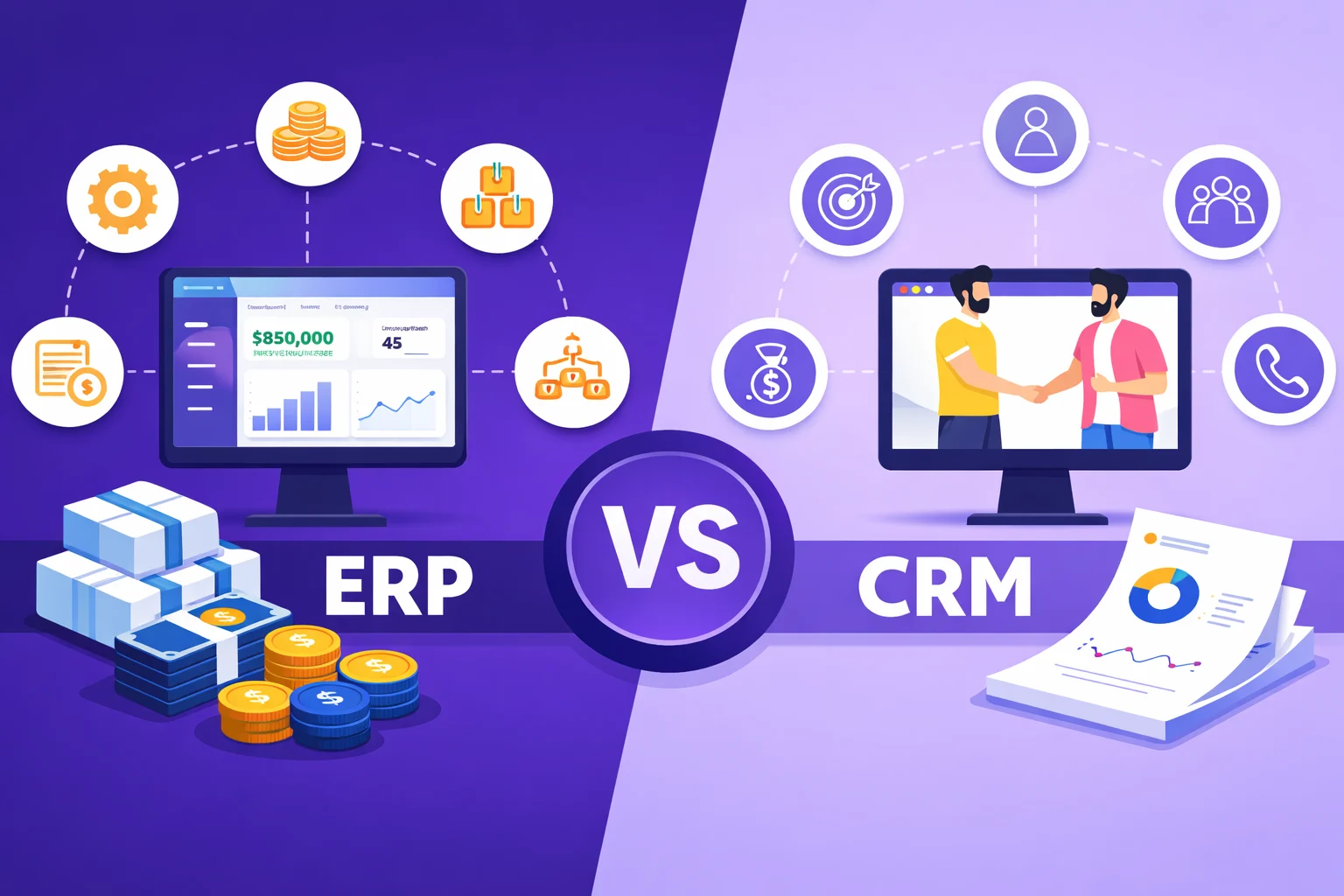
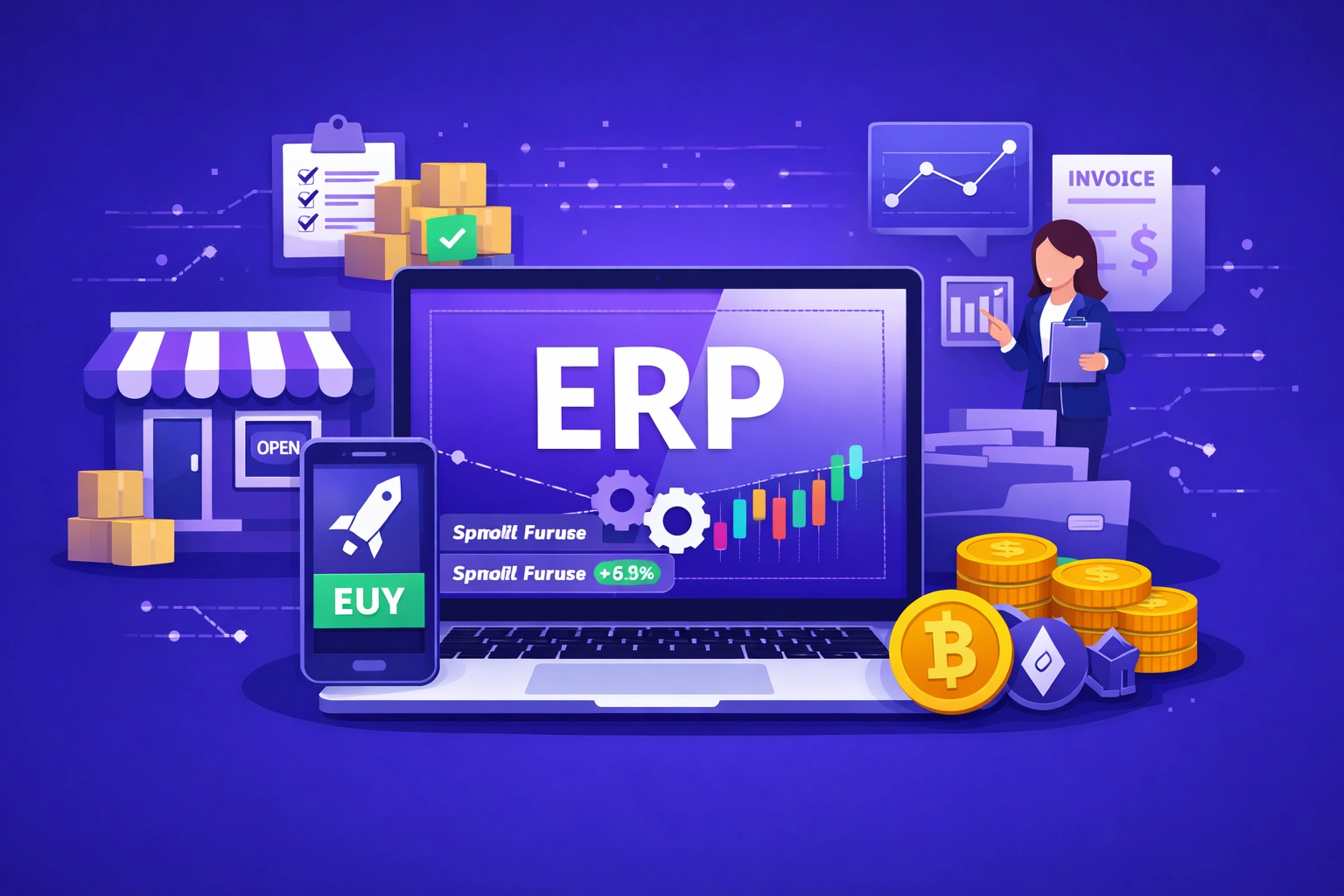
Enterprise Resource Planning (ERP) software is a system that connects all core business functions into one unified platform. Today, ERP solutions are used across industries worldwide, from small businesses to global enterprises, and the market reached approximately $70 billion in 2025 with a projected annual growth rate of 10.
Enterprise Resource Planning (ERP) software is a system that connects all core business functions into one unified platform. Instead of running separate tools for accounting, inventory, payroll, and sales, an ERP system brings all of that data into a single database that every department can access. This eliminates duplicate data entry, reduces errors, and gives managers a complete view of how the business is running at any given moment.
The term “ERP” was coined by Gartner in the 1990s, though the underlying concept of integrated business management software dates back to manufacturing planning tools developed in the 1960s. Today, ERP solutions are used across industries worldwide, from small businesses to global enterprises, and the market reached approximately $70 billion in 2025 with a projected annual growth rate of 10.5% through 2032.[1]
Key Takeaways
- Single System: ERP software connects finance, HR, supply chain, inventory, sales, and more into one shared database, eliminating disconnected tools and duplicate data.
- Market Size: The global ERP market reached approximately $70 billion in 2025 and is growing at a compound annual rate of 10.5% through 2032.
- SMB Adoption: More than 80% of small and medium-sized enterprises with annual revenue below $50 million now use ERP systems.
- Cloud is the Standard: Over 53% of companies have moved to cloud-based ERP, and Gartner predicts more than 50% of all new ERP deployments are cloud-based.
- Modular Design: ERP systems are built around modules, each covering a specific business area such as accounting, procurement, or HR, that all share the same data.
- AI Integration: Modern ERP platforms incorporate artificial intelligence for demand forecasting, workflow automation, predictive maintenance, and real-time analytics.
- Implementation Risk: Around 50% of ERP implementations fail on the first attempt, most commonly due to poor planning, resistance to change, and scope creep.
- ROI Evidence: A Forrester study found that switching to an AI-native ERP solution delivered a 299% return on investment over three years for one large enterprise customer.
- Success Rate: Among companies that used an expert consultant to implement their ERP, 85% reported a successful outcome, compared to significantly lower rates without guidance.
What Does ERP Software Actually Do?
ERP software collects, stores, manages, and interprets data from every department in a business. When a sales order is placed, an ERP system can automatically update inventory levels, trigger a purchase order if stock is low, record the transaction in the accounting module, and notify the warehouse team, all within the same system and at the same time. No manual re-entry is required between departments.
According to Oracle, ERP systems tie together a large number of business processes and enable the flow of data between them. The primary goal is to eliminate information silos where one department holds data that another department cannot access easily. When all business data lives in one place, decision-making becomes faster and more accurate because managers are working from the same set of numbers.
Modern ERP platforms go further than basic data integration. They include workflow automation, compliance management, real-time reporting dashboards, and increasingly, AI-powered forecasting tools that can predict demand, flag anomalies, and suggest corrective actions before a problem becomes visible to human staff.[2]
Core Modules in an ERP System
ERP systems are built around modules. Each module handles a specific business function, but all modules share the same underlying database. This shared data structure is what makes ERP different from buying several separate software tools that happen to cover similar areas. A change made in one module is immediately visible to every other module that depends on that data.
The modules most commonly included in ERP systems are described below. Not every business uses every module. Most ERP vendors allow companies to select and activate only the modules they need.[3]
Financial Management
This is the most commonly requested ERP module. According to one study, 89% of ERP buyers consider accounting the primary feature they seek. The finance module handles general ledger, accounts payable, accounts receivable, fixed assets, tax management, and financial reporting. It replaces standalone accounting software and ensures that financial data is always current and consistent with the rest of the business.
Human Resources and Payroll
The HR module manages employee records, payroll processing, attendance tracking, recruitment, performance reviews, and benefits administration. Connecting HR data with finance data means payroll figures feed directly into the accounting module, removing the need for manual transfers between systems. Some ERP platforms extend this to workforce planning tools that use historical data to predict staffing needs.
Inventory and Warehouse Management
This module tracks stock levels in real time across one or multiple warehouse locations. It records goods received, goods dispatched, transfers between locations, and automatic reorder triggers when stock falls below a set threshold. For businesses that carry physical inventory, this module directly reduces the cost of both overstocking and stockouts.
Procurement and Supply Chain
The procurement module automates the purchasing process from requisition through to payment. It manages supplier records, purchase orders, goods receipts, and invoice matching. The supply chain component extends this to cover demand planning, logistics coordination, and supplier performance tracking. IBM notes that ERP systems can extend beyond internal operations to include suppliers and customers in the integration process.[4]
Manufacturing and Production
For manufacturing businesses, this module handles production planning, bill of materials management, work order tracking, quality control, and capacity planning. It connects production schedules with inventory levels so that raw material availability is factored in before a production run is confirmed. Manufacturing ERP also integrates with Manufacturing Execution Systems (MES) for real-time shop floor visibility.
Sales and Customer Relationship Management
The sales module manages customer orders, pricing, invoicing, and delivery scheduling. Many ERP systems include a built-in CRM component or integrate with standalone CRM tools to link sales activity with customer records, contact history, and support cases. This gives sales teams a complete picture of each customer relationship alongside the operational data from fulfillment and finance.
Project Management
For service businesses and project-based organizations, including firms using construction project management software, this module tracks project budgets, timelines, resource allocation, and profitability. It connects project costs directly with financial reporting, allowing managers to see in real time whether a project is running over budget before it is complete.
ERP Modules at a Glance
| Module | Primary Function | Common Users |
|---|---|---|
| Financial Management | General ledger, invoicing, reporting | Finance teams |
| HR and Payroll | Employee records, payroll, recruitment | HR departments |
| Inventory Management | Stock tracking, reorder triggers | Warehouse and logistics teams |
| Procurement | Purchase orders, supplier management | Procurement and operations |
| Manufacturing | Production planning, quality control | Production and plant managers |
| Sales and CRM | Orders, invoicing, customer data | Sales and customer service |
| Project Management | Budgets, timelines, resource use | Project managers |
Types of ERP Deployment
ERP software is available in three deployment models. The right choice depends on a company’s size, budget, regulatory requirements, and internal IT capacity.
On-Premises ERP
On-premises ERP is installed and runs on the company’s own servers and hardware. The company owns the software license and is responsible for maintenance, upgrades, security, and infrastructure costs. This model offers maximum control over data and customization but requires a significant upfront investment and dedicated IT staff to manage it. It is still used by large enterprises in regulated industries where data cannot leave company-controlled infrastructure.
Cloud ERP
Cloud ERP is hosted on remote servers managed by the software vendor and accessed through the internet. Companies pay a monthly or annual subscription fee and receive automatic updates, security patches, and new features without additional cost. Cloud deployment has initial investment costs that are 20 to 40% lower than on-premises systems, and implementation typically takes 6 to 12 months, which is faster than traditional deployments. More than 53% of companies have already adopted cloud-based ERP as of 2025.[5]
Hybrid ERP
Hybrid ERP combines on-premises and cloud components. A company may keep its most sensitive financial data on its own servers while using cloud-hosted modules for HR or CRM. This model is common in industries with strict data compliance requirements, such as healthcare and defense, where moving all data to the cloud is not possible but some operational flexibility is still needed.
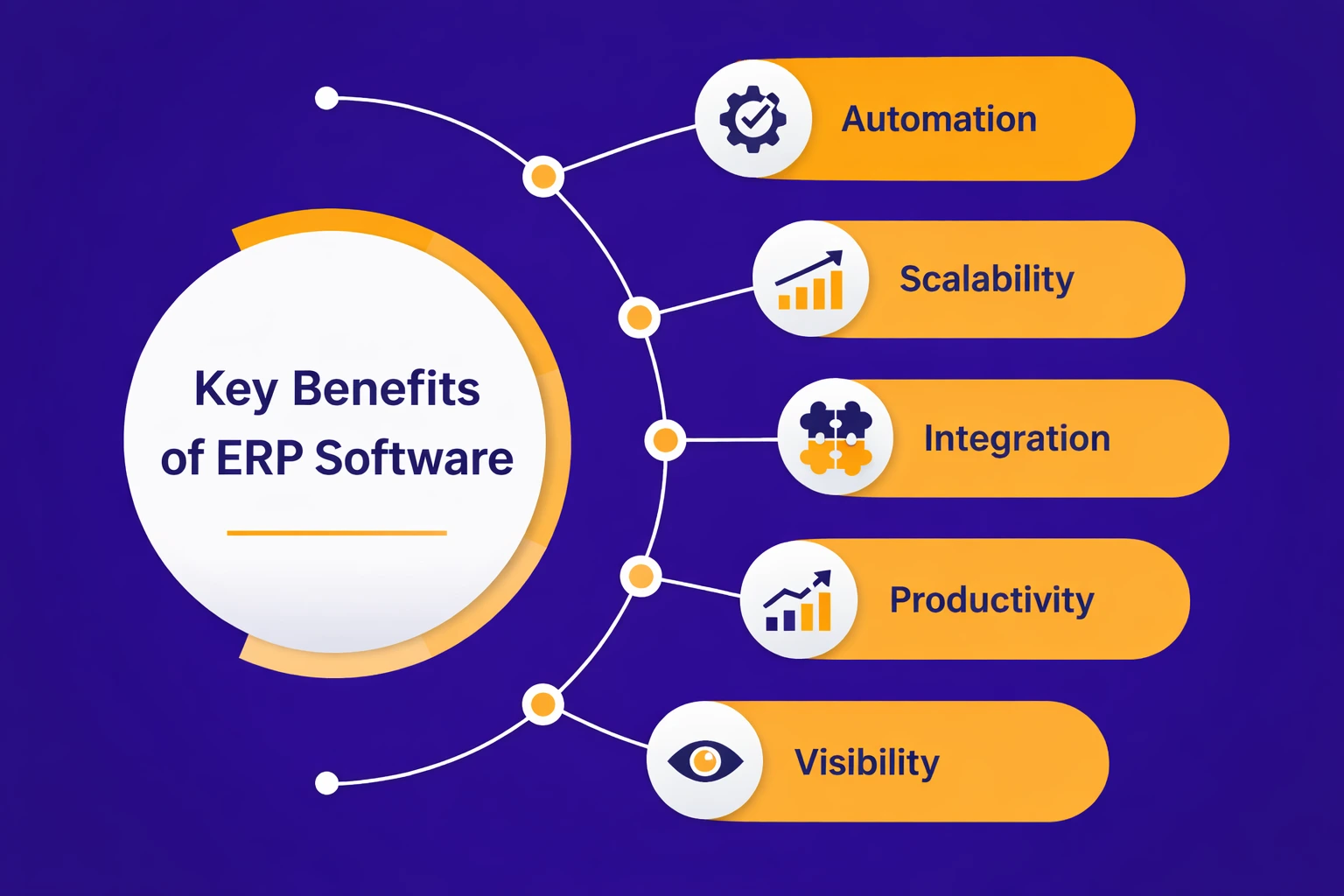
Key Benefits of ERP Software
The benefits of implementing an ERP system are well documented across thousands of real-world deployments. The most significant and consistently reported ones are covered below.
Single Source of Truth
When all departments use the same system and the same database, there is only one version of any piece of data. Finance sees the same inventory numbers as the warehouse team. Sales sees the same customer payment history as accounts receivable. This eliminates the contradictory reporting that occurs when different teams maintain separate spreadsheets and databases.
Process Automation and Time Savings
ERP software development automates repetitive tasks such as invoice generation, purchase order approval, payroll calculation, and stock reordering. This frees staff from manual data entry and allows them to focus on higher-value work. One study found that businesses using AI-native ERP could save CFOs nearly $200,000 per year by automating intercompany transactions and eliminating system sprawl.[6]
Real-Time Visibility
Managers at every level can access live dashboards showing current performance across any business function. A CEO can see revenue trends, a warehouse manager can see current stock levels, and a procurement officer can see outstanding purchase orders, all from the same system and all in real time. By integrating this real-time information with project portfolio management software, executives can go beyond basic data to visualize the status and progress of different business areas. This enables strategic resource planning and makes decision-making faster and more accurate.
Scalability
ERP systems are designed to grow with a business. Adding new users, new locations, new business units, or new modules does not require switching to a different platform. Cloud ERP in particular allows businesses to scale without purchasing additional hardware or hiring additional IT staff.
Regulatory Compliance
ERP systems include built-in compliance tools that track transactions, maintain audit trails, and generate the reports required by tax authorities and regulators. This reduces the risk of compliance failures and the cost of preparing for audits.
ERP Implementation: What to Expect
ERP implementation is a significant project that affects every part of a business. The data on implementation outcomes is mixed but instructive. Around 67% of organizations describe their ERP implementation as successful or very successful. However, approximately 50% of implementations fail on the first attempt. The most commonly cited implementation challenges are resistance to change from staff (82%), insufficient executive sponsorship (72%), and unrealistic expectations about timelines and costs (65%).
Understanding the specific business problems that trigger ERP adoption before beginning the process helps companies set realistic goals and choose the right system for their actual needs rather than purchasing a platform based on brand recognition alone.
Implementation timelines vary by deployment type and system complexity. Cloud ERP implementations typically take 6 to 12 months. On-premises implementations for larger organizations can take 18 months or more. Most implementations cost three to four times the initial budget estimate when all factors including training, data migration, customization, and change management are accounted for. Companies that use an implementation consultant achieve an 85% success rate compared to significantly lower rates for self-managed implementations.[7]
Modern ERP: AI, Automation, and What Has Changed
ERP systems have changed significantly in the last five years. The shift to cloud delivery was the first major change. The integration of artificial intelligence is the second. Modern ERP platforms use AI for demand forecasting, predictive maintenance alerts, anomaly detection in financial transactions, and natural language interfaces that let users query data without writing reports manually.
According to Infor, today’s ERP systems are cloud-based and use technologies such as AI, machine learning, chatbots, process mining, and robotic process automation to drive productivity. A 2025 Gartner study found that 65% of Chief Information Officers expected AI to be integrated into their ERP systems, and in leading platforms this is now standard rather than optional.
Industry-specific ERP has also matured significantly. Rather than a single generic system that covers all industries equally, vendors now offer vertically specialized ERP packages for manufacturing, healthcare, retail, construction, food and beverage, and other sectors. These come pre-configured with the workflows, compliance modules, and reporting formats relevant to that industry, reducing the customization burden and speeding up deployment.
ERP Software Examples in 2025 and 2026
The most widely used ERP systems in 2025 and 2026 include the following platforms, each with different strengths depending on company size and industry:
| ERP System | Best Suited For | Deployment |
|---|---|---|
| SAP S/4HANA | Large enterprises, complex operations | Cloud and on-premises |
| Oracle NetSuite | Small to mid-size businesses | Cloud only |
| Microsoft Dynamics 365 | Mid to large businesses, Microsoft ecosystem users | Cloud and hybrid |
| Infor CloudSuite | Industry-specific deployments | Cloud |
| Odoo | Small businesses, high customization needs | Cloud and on-premises |
| Acumatica | SMBs needing strong integrations | Cloud |
ERP for Small Businesses vs. Enterprises
A common misconception is that ERP software is only for large companies. In reality, more than 80% of small and medium-sized enterprises with annual revenue below $50 million already use ERP systems. Cloud delivery has removed the infrastructure barriers that previously made ERP inaccessible to smaller organizations. Most cloud ERP vendors offer tiered pricing based on the number of users and modules activated, which makes it possible for a business with 20 employees to use the same underlying technology as one with 20,000.
The key difference between ERP for small businesses and ERP for enterprises is not the technology itself but the scope and complexity of implementation. A small business can often implement a cloud ERP in three to six months using standard configurations. A global enterprise deploying ERP across dozens of countries, business units, and regulatory jurisdictions may take two years or more and require significant custom development. Both benefit from the same core principle: replacing fragmented data with a unified system.
Need a Custom ERP System for Your Business?
Nadcab Labs develops custom ERP software tailored to your industry, workflows, and integration requirements, including finance, inventory, HR, procurement, and production modules built for how your business actually operates.
Frequently Asked Questions
Q1.What does ERP software stand for?
ERP stands for Enterprise Resource Planning. It refers to a category of business management software that integrates core business functions — including finance, HR, supply chain, inventory, and sales — into a single system with a shared database. The term was coined by Gartner in the 1990s and has since become the standard term for integrated business platforms.
Q2.What are the main ERP system features?
The core features of an ERP system include a centralized database, modular structure, workflow automation, real-time reporting, role-based access controls, and integration with external tools. Modern ERP systems also include AI-powered forecasting, mobile access, compliance tracking, and cloud deployment options that allow access from anywhere with an internet connection.
Q3.What is cloud ERP software?
Cloud ERP software is an ERP system hosted on remote servers and accessed over the internet rather than installed on company-owned hardware. It is delivered as a subscription service, includes automatic updates, and typically costs 20 to 40% less upfront than on-premises ERP. Over 53% of companies have adopted cloud ERP as of 2025, making it the most common deployment model.
Q4.How long does ERP implementation take?
Implementation timelines vary by system size and deployment type. Cloud ERP implementations for small to mid-size businesses typically take 6 to 12 months. Large enterprise deployments, particularly on-premises or hybrid systems, can take 18 months to 2 years. Companies that rush implementation or skip process reengineering are among the most likely to experience delays and cost overruns.
Q5.What problems does ERP solve in business?
ERP solves the problem of disconnected data across departments. When finance, inventory, HR, and sales all use separate tools, data becomes inconsistent, reporting becomes unreliable, and staff waste time re-entering information manually. ERP replaces all of this with a single system where every department sees the same data in real time, reducing errors and improving decision-making speed.
Explore Services
Related Services
Reviewed by

Aman Vaths
Founder of Nadcab Labs
Aman Vaths is the Founder & CTO of Nadcab Labs, a global digital engineering company delivering enterprise-grade solutions across AI, Web3, Blockchain, Big Data, Cloud, Cybersecurity, and Modern Application Development. With deep technical leadership and product innovation experience, Aman has positioned Nadcab Labs as one of the most advanced engineering companies driving the next era of intelligent, secure, and scalable software systems. Under his leadership, Nadcab Labs has built 2,000+ global projects across sectors including fintech, banking, healthcare, real estate, logistics, gaming, manufacturing, and next-generation DePIN networks. Aman’s strength lies in architecting high-performance systems, end-to-end platform engineering, and designing enterprise solutions that operate at global scale.