Ai Overview
Both ERP and HRIS are software systems that businesses use to manage people and operations. Because of these overlaps, many businesses are unsure which system they need, or whether they need both. The answer depends on what problem you are actually trying to solve. Many HRIS platforms offer subscription pricing starting at $5 to $15 per employee per month, with implementation measured in weeks rather than months.
Both ERP and HRIS are software systems that businesses use to manage people and operations. Both store employee data. Both can handle payroll. Because of these overlaps, many businesses are unsure which system they need, or whether they need both. The answer depends on what problem you are actually trying to solve. This blog explains exactly what each system does, where they differ, where they overlap, and how to decide which one fits your business requirements.
Key Takeaways
- Scope: ERP covers the entire organization — finance, supply chain, inventory, sales, procurement, and HR. HRIS covers only the HR department and everything related to the employee lifecycle.
- Primary Users: ERP is used across all departments. HRIS is used primarily by HR teams, with employee self-service access for the broader workforce.
- HR Depth: HRIS offers deeper, more specialized HR features — performance reviews, onboarding workflows, succession planning — than the HR module in most ERP systems.
- Integration: ERP’s greatest strength is connecting all business functions in one shared database. HRIS can operate independently or integrate with an ERP as a specialized add-on.
- Cost: ERP systems cost significantly more to license and implement. HRIS platforms are more affordable and faster to deploy for businesses that only need HR functionality.
- Implementation Time: ERP implementation typically takes 3 to 12 months. A standalone HRIS can be live within weeks for small and mid-sized businesses.
- Best Fit: HRIS is better for HR-focused needs. ERP is better when business-wide data integration across multiple departments is the priority.
- Can Be Combined: Many mid-to-large businesses run both — using ERP for finance and operations while connecting a dedicated HRIS for deeper HR and talent management capabilities.
- Not Interchangeable: Choosing the wrong system creates either overspend on features you will never use, or gaps in HR functionality that affect compliance and employee management.
What Is ERP Software?
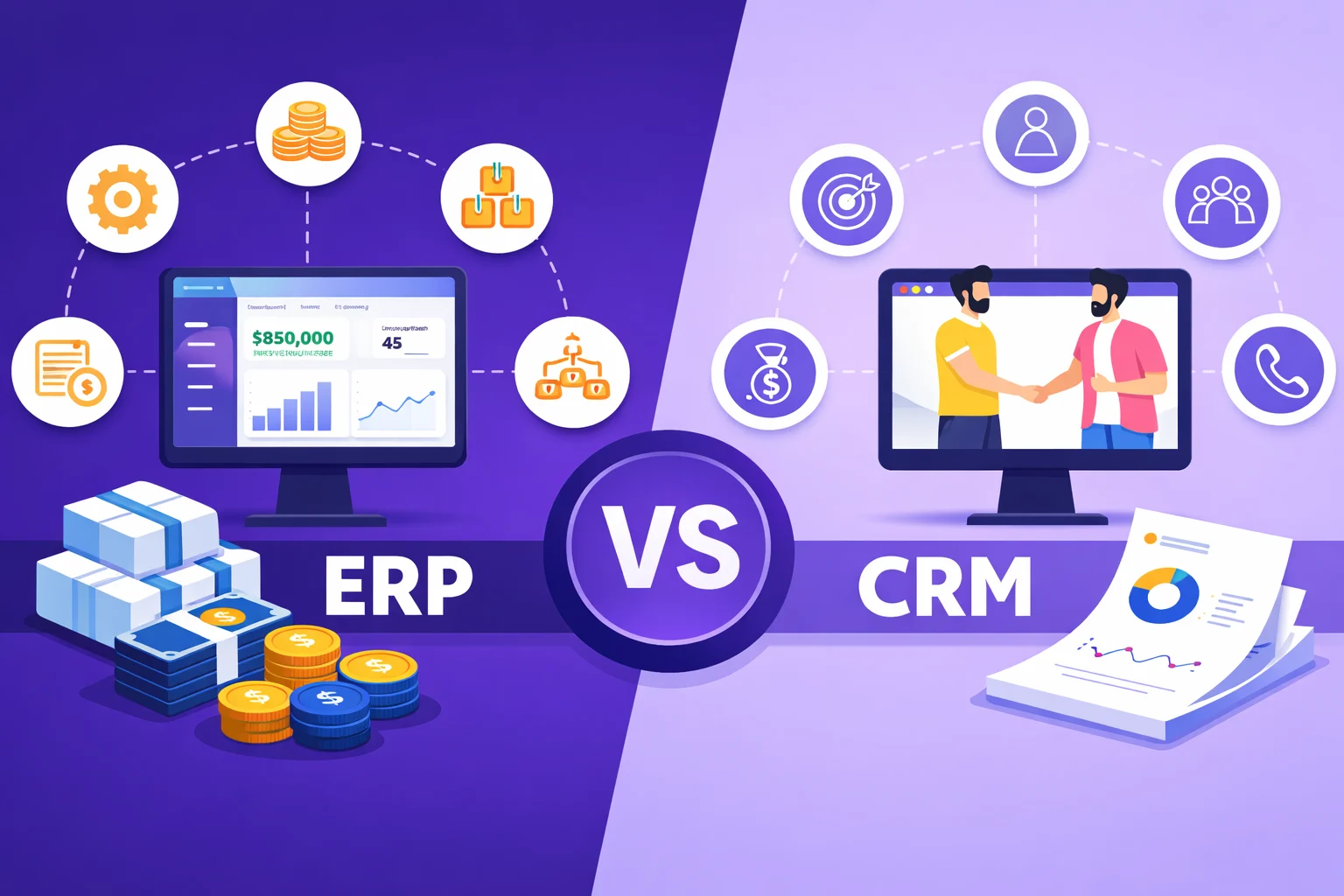
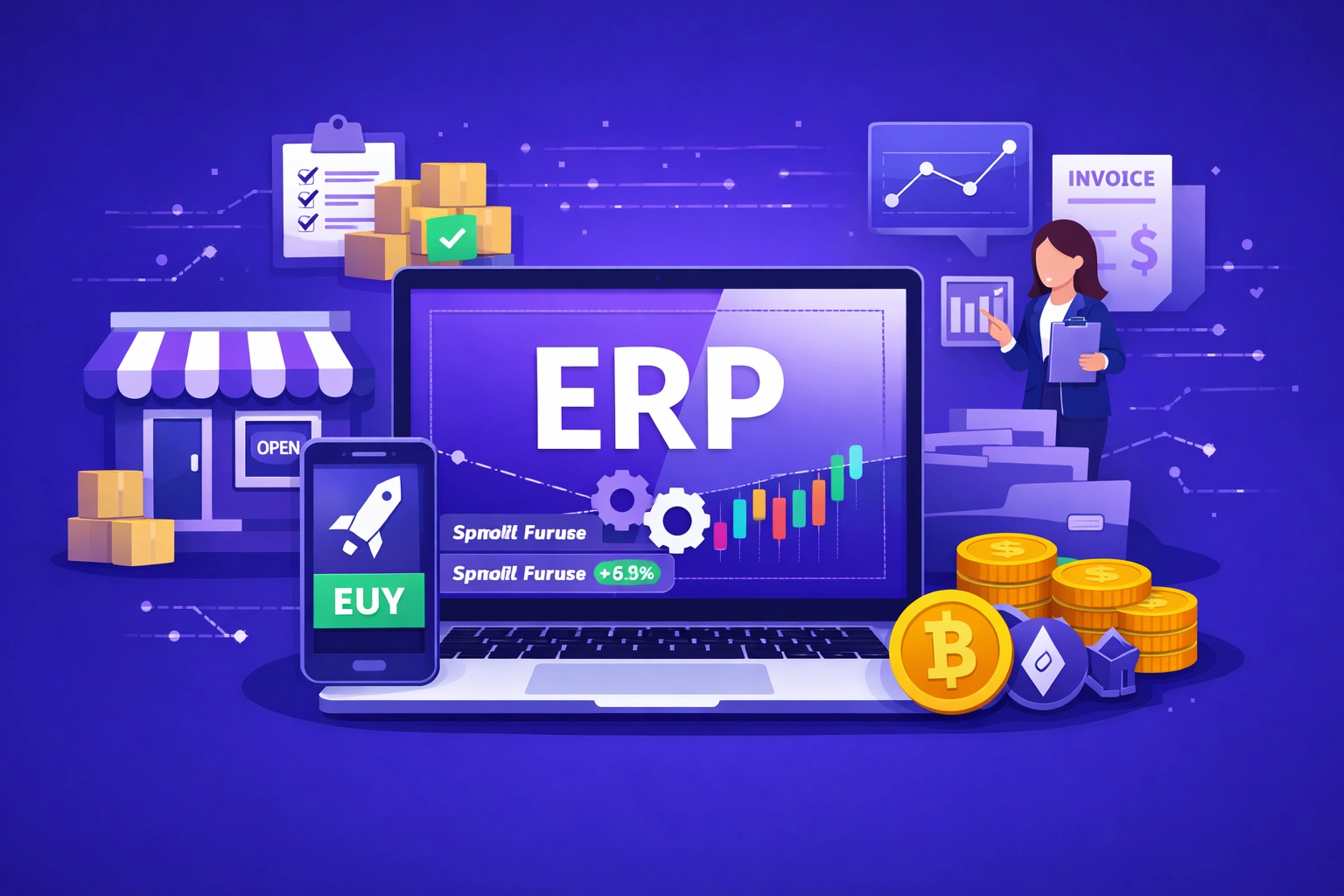
Enterprise Resource Planning (ERP) is a software system that integrates the core operations of an entire organization into a single platform. It connects departments such as finance, accounting, procurement, supply chain, manufacturing, inventory, sales, and HR through one shared database. Every department works from the same data source in real time, which removes duplication, improves reporting accuracy, and speeds up decision-making across the business.
ERP systems are modular. A business can implement the modules it needs — finance and inventory first, then add HR or manufacturing later. Because all modules share the same database, data entered in one area is immediately visible to all others. A purchase order raised in procurement automatically updates inventory and creates a liability entry in finance without manual input from multiple teams.[1]
ERP systems include an HR module as one component among many. This module typically covers payroll, employee records, time and attendance, and basic compliance reporting. However, the HR module in most ERP systems is not as deep or specialized as a dedicated HRIS. It handles what is needed to run payroll and maintain workforce records, but does not typically include advanced talent management, succession planning, or employee engagement tools.
What Is an HRIS?
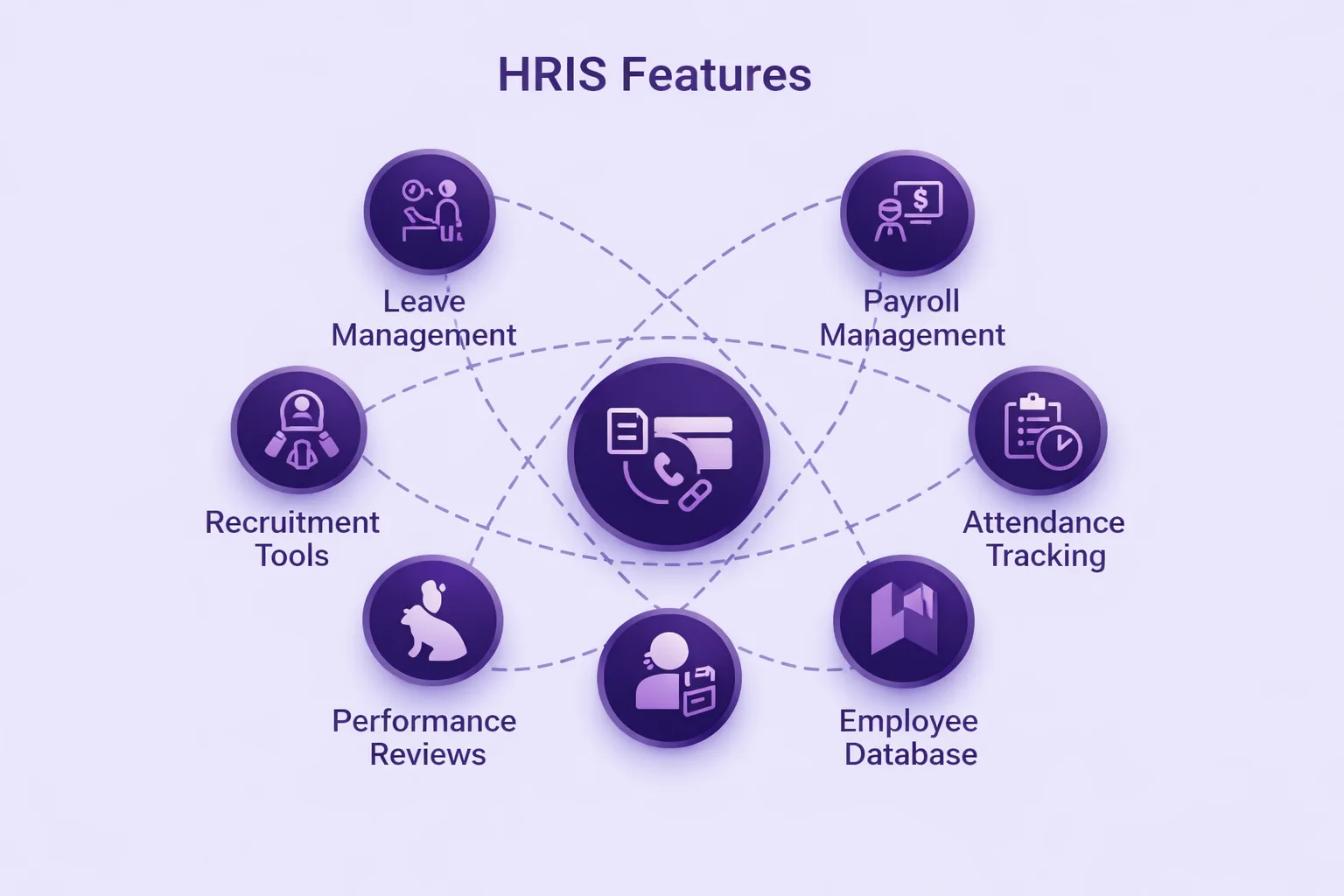
A Human Resource Information System (HRIS) is software built exclusively to manage HR functions. Everything it does is focused on the employee lifecycle — from recruitment and onboarding to performance management, payroll, benefits administration, leave tracking, compliance, and offboarding. All HR-related data is stored and managed in one centralized system, accessible to HR teams and employees through self-service portals.[2]
HRIS platforms are designed with HR professionals as the primary user. The interface, reporting tools, and workflows are built around HR tasks specifically — not adapted from a broader business platform. This specialization means HRIS systems offer more detailed HR functionality than the HR module in most ERP systems, particularly in areas like performance reviews, training tracking, succession planning, and employee engagement measurement.
The terms HRIS, HRMS (Human Resource Management System), and HCM (Human Capital Management) are often used interchangeably in the market. In practice, HCM platforms tend to include the broadest strategic HR features such as workforce planning and analytics, while HRIS is more commonly associated with operational HR data management. For the purposes of this comparison, HRIS refers to the full category of dedicated HR software.
Core Differences Between ERP and HRIS
1. Scope and Purpose
The most fundamental difference between ERP and HRIS is scope. ERP is designed to manage and connect every major function across an entire organization. Its purpose is business-wide integration — so that finance, operations, HR, supply chain, and sales all work from the same live data. HRIS is designed for one purpose: managing people and HR processes. It does not manage inventory, supplier contracts, or financial reporting outside of payroll.[3]
This scope difference shapes everything else about how the two systems are built, priced, and implemented. ERP complexity comes from integrating many different business domains. HRIS complexity comes from going deep into one domain — HR — with features that cover every stage of the employee lifecycle in detail.
2. Primary Users
ERP is used across the entire organization. Finance teams use the accounting module. Warehouse staff use the inventory module. Procurement teams use the purchasing module. HR uses the HR module. The system is multi-departmental by design. HRIS is used primarily by HR teams and, through self-service portals, by employees for tasks like submitting leave requests, viewing payslips, or updating personal information. Line managers also use HRIS for performance reviews and approval workflows.[4]
3. HR Feature Depth
ERP HR modules cover the basics: employee records, payroll processing, time tracking, and statutory compliance reporting. HRIS platforms go much further. A dedicated HRIS typically includes applicant tracking and recruitment workflows, structured onboarding and offboarding processes, performance review cycles, goal setting and tracking, learning and development management, succession planning, employee engagement surveys, and detailed workforce analytics. The HR module in an ERP is sufficient for businesses that primarily need payroll and compliance. For businesses that want to actively manage talent, development, and retention, a standalone HRIS provides substantially more capability.
4. Data Integration
ERP’s core advantage is that all business data lives in one place. When payroll runs in the ERP, the cost automatically flows into the finance module. When a new hire is added, their cost center updates in the budget forecast. This cross-departmental data flow removes the need for manual reconciliation between systems. HRIS does not offer this by default. It manages HR data well but requires integration through APIs or middleware to connect with finance, operations, or supply chain data that lives in other systems.[5]
5. Cost and Implementation
ERP systems are significantly more expensive than standalone HRIS platforms. Enterprise ERP implementations from vendors like SAP, Oracle, or Microsoft Dynamics can cost hundreds of thousands to millions of dollars depending on the number of modules and users. Mid-market ERP options (NetSuite, Odoo, Sage) are more accessible but still require substantial implementation investment. A dedicated HRIS is faster and cheaper to deploy, particularly for businesses that only need HR functionality. Many HRIS platforms offer subscription pricing starting at $5 to $15 per employee per month, with implementation measured in weeks rather than months.
ERP vs HRIS: Side-by-Side Comparison
| Factor | ERP System | HRIS Platform |
|---|---|---|
| Primary Purpose | Integrate all business operations | Manage HR processes and employee data |
| Scope | Entire organization (all departments) | HR department only |
| Primary Users | All departments | HR teams, managers, employees |
| HR Feature Depth | Basic (payroll, records, compliance) | Deep (recruitment, performance, L&D, engagement) |
| Finance Integration | Native (same database) | Requires API integration |
| Supply Chain / Inventory | Yes | No |
| Payroll Processing | Yes | Yes |
| Talent Management | Limited | Comprehensive |
| Implementation Time | 3 – 12 months | Weeks to 3 months |
| Cost (entry level) | Higher — multi-module licensing | Lower — per-employee subscription |
| Best For | Multi-department integration at scale | HR-focused businesses, growing teams |
| Can They Work Together? | Yes — many businesses run both via API integration | Yes — many businesses run both via API integration |
Where ERP and HRIS Overlap
The overlap between ERP and HRIS is real, and it is the main reason businesses get confused. Both systems can store employee records. Both can process payroll. Both can handle leave management and time tracking. Both support compliance reporting for labor regulations and tax requirements. If you look only at these shared features, the systems look interchangeable.
The difference becomes clear when you look at what each system does beyond the overlap. ERP connects that employee data to finance, operations, and supply chain. HRIS connects that employee data to recruitment, performance, learning, and engagement. The shared functions are the starting point, not the full picture of either system.[6]
📌 Important Clarification
An ERP with an HR module is not the same as a dedicated HRIS. The HR module in most ERP systems is designed to connect workforce costs to financial data — not to manage the full employee lifecycle. If your business needs detailed performance management, structured onboarding, learning pathways, or succession planning, you will need either a standalone HRIS or an ERP that integrates with one. Checking which specific HR features an ERP’s HR module includes before making a buying decision avoids discovering gaps after implementation.
Which System Does Your Business Need?
Choose HRIS If:
- Your primary challenge is managing people — hiring, performance, compliance, payroll, and employee engagement.
- You are a small or mid-sized business that does not need to connect HR data to supply chain, procurement, or manufacturing systems.
- You want to implement quickly without a long, complex project.
- Your budget is limited and HR functionality is the only business system you need to upgrade.
- You already have separate finance software (QuickBooks, Xero) and only need HR to integrate with it via API.
Choose ERP If:
- You need data to flow automatically between HR, finance, inventory, procurement, and operations.
- You are a growing business that needs a single source of truth across multiple departments.
- Manual reconciliation between separate systems is creating errors and delays in financial reporting.
- You operate in manufacturing, distribution, or retail where supply chain and inventory management are core business functions alongside HR.
- You need deep customization across multiple departments from one vendor.
Consider Both If:
Many mid-to-large businesses use ERP for finance, supply chain, and operations while connecting a dedicated HRIS for deeper talent management capabilities. The ERP handles cross-departmental data integration. The HRIS handles everything related to recruiting, performance, engagement, and learning. They connect through APIs so employee and payroll data flows between both systems without manual entry. This combination is common in organizations with 200 or more employees where both operational integration and HR depth are required simultaneously. Businesses that need a fully custom solution across both domains often work with an ERP software development company to build integrated architecture that serves both HR and operational needs from a unified codebase.
📌 Trend to Watch (2025–2026)
The line between ERP and HRIS is narrowing as both types of vendors expand their capabilities. ERP vendors like SAP and Oracle are deepening their HR modules with AI-powered talent management features. HRIS platforms like Workday and BambooHR are adding financial planning and analytics tools that were previously exclusive to ERP systems. The result is that by 2026, the choice between ERP and HRIS increasingly comes down to where the business started — finance-first or people-first — rather than a hard capability boundary between the two categories.
Examples of ERP and HRIS Platforms
Understanding which specific products fall into each category helps clarify the practical difference between ERP and HRIS software.
| Category | Platform | Known For |
|---|---|---|
| ERP | SAP S/4HANA | Large enterprise, finance and supply chain depth |
| ERP | Oracle ERP Cloud | Finance, procurement, multi-entity businesses |
| ERP | Microsoft Dynamics 365 | Microsoft ecosystem, SMB to enterprise |
| ERP | Oracle NetSuite | Cloud-native, fast-growing businesses |
| ERP | Odoo | Open-source, modular, SMB-friendly |
| HRIS | Workday HCM | Large enterprise, finance + HR combined |
| HRIS | BambooHR | Small and mid-sized businesses, ease of use |
| HRIS | Rippling | HR + IT management, fast-growing teams |
| HRIS | HiBob | Modern teams, engagement and culture features |
| HRIS | Zoho People | Affordable, integrates with Zoho suite |
Build a Custom ERP or HR Management System
Nadcab Labs develops custom ERP and HRIS platforms tailored to your business requirements — covering finance, HR, payroll, inventory, and operations with modular architecture built to scale with your organization.
Frequently Asked Questions
Q1.Can HRIS replace an ERP system?
ERP integrates all business functions — finance, supply chain, inventory, sales, and HR — into one platform. HRIS focuses exclusively on HR processes: employee records, payroll, recruitment, performance, and compliance. ERP is business-wide; HRIS is people-focused. Both can handle payroll and basic employee data, but HRIS goes deeper into HR while ERP connects HR to broader operations.
Q2.Can HRIS replace an ERP system?
No. HRIS cannot replace ERP because it does not manage finance, inventory, supply chain, or procurement. HRIS handles the HR department only. If your business needs cross-departmental data integration — for example, connecting payroll to finance and budgeting automatically — you need an ERP. HRIS can complement an ERP but cannot replicate its business-wide integration capability.
Q3.Does ERP include HR and payroll features?
Yes, most ERP systems include an HR module that covers employee records, payroll processing, time and attendance, and basic compliance reporting. However, the HR module in ERP is less specialized than a dedicated HRIS. It handles operational HR needs but typically lacks advanced features like structured onboarding workflows, performance review cycles, succession planning, and employee engagement tools.
Q4.Which is better for small businesses, ERP or HRIS?
For small businesses that primarily need to manage people, an HRIS is the better starting point. It is faster to implement, lower in cost, and focused on exactly what HR teams need. ERP makes more sense when a small business needs to connect HR with finance, inventory, and operations — typically when it reaches a size where manual reconciliation between separate tools becomes a real operational problem.
Q5.Can ERP and HRIS work together?
Yes, and many mid-to-large organizations use both. ERP handles finance, supply chain, and operations. HRIS handles talent management, recruitment, performance, and engagement. The two systems connect via APIs so employee and payroll data flows between them without manual entry. This combined approach gives businesses both cross-departmental integration and deep HR functionality without compromising either.
Explore Services
Related Services
Reviewed by

Aman Vaths
Founder of Nadcab Labs
Aman Vaths is the Founder & CTO of Nadcab Labs, a global digital engineering company delivering enterprise-grade solutions across AI, Web3, Blockchain, Big Data, Cloud, Cybersecurity, and Modern Application Development. With deep technical leadership and product innovation experience, Aman has positioned Nadcab Labs as one of the most advanced engineering companies driving the next era of intelligent, secure, and scalable software systems. Under his leadership, Nadcab Labs has built 2,000+ global projects across sectors including fintech, banking, healthcare, real estate, logistics, gaming, manufacturing, and next-generation DePIN networks. Aman’s strength lies in architecting high-performance systems, end-to-end platform engineering, and designing enterprise solutions that operate at global scale.