Ai Overview
Google Drive, Dropbox, and OneDrive dominate the cloud storage market. Privacy concerns have grown, pricing has climbed, and the limitations of big-tech cloud platforms have become harder to ignore. If you store sensitive files, run a business with strict compliance needs, or simply want more control over your data, there are excellent cloud storage alternatives worth knowing about.
Google Drive, Dropbox, and OneDrive dominate the cloud storage market. Most people use one of them without thinking twice. But the landscape has shifted significantly. Privacy concerns have grown, pricing has climbed, and the limitations of big-tech cloud platforms have become harder to ignore.
If you store sensitive files, run a business with strict compliance needs, or simply want more control over your data, there are excellent cloud storage alternatives worth knowing about. Some offer stronger encryption. Some are cheaper. Some give you complete ownership of your storage infrastructure. And several deliver a combination of all three.
Key Takeaways
- Google Drive, Dropbox, and OneDrive are convenient but lack end-to-end encryption by default, raising privacy concerns.
- Proton Drive, MEGA, Sync.com, and Tresorit offer zero-knowledge encryption, meaning even the provider cannot access your files.
- Nextcloud and SyncThing give you full control through self-hosting, with no monthly fees and no third-party data access.
- MEGA gives the most generous free storage at 20 GB, while Internxt starts at just $1.99 per month for 200 GB.
- Your best choice depends on whether you prioritize privacy, price, collaboration features, backup capability, or storage volume.
This guide covers 12 of the best cloud storage alternatives available today. Each one is reviewed for privacy, pricing, ease of use, and the type of user it serves best.
Why People Look for Cloud Storage Alternatives
The main cloud platforms are not bad products. Google Drive works well for document collaboration. Dropbox has a polished sync experience. OneDrive integrates tightly with Microsoft 365. But each of them has meaningful drawbacks depending on what you need.
- Privacy: Google, Microsoft, and Dropbox do not offer end-to-end encryption by default. Your files are encrypted on their servers, but the provider holds the encryption keys.
- Cost: Google Drive charges $9.99 per month for 2 TB. Dropbox charges significantly more for business plans. Alternatives like MEGA, Internxt, and pCloud offer competitive pricing.
- Storage limits: Free tiers have shrunk over the years. Google’s 15 GB is shared across Gmail, Drive, and Photos, which fills up quickly.
- Vendor lock-in: Storing everything in one ecosystem, especially Google or Microsoft, creates dependency. If pricing changes or the service shuts down, migration is painful.
- Compliance and data sovereignty: European businesses, healthcare organizations, and legal professionals often need storage that meets GDPR or HIPAA requirements. In these environments, using a HIPAA compliant password manager alongside secure cloud storage helps protect sensitive credentials, strengthen access controls, and support overall regulatory compliance.
- Cost optimization: Many businesses using the AWS Platform, Google Cloud, or Azure look for lower-cost storage solutions such as Backblaze B2, IDrive, or Nextcloud to reduce long-term storage expenses.
12 Best Cloud Storage Alternatives Reviewed
A cloud storage alternative is especially important when you think about web development servicewhich would actually require a supportive cloud storage facility to store and save essential yet older data. This in turn would improve the site visibility and performance.
Top best cloud storage alternatives:
- Proton Drive ensures complete data privacy
- Nextcloud gives full user control
- MEGA provides large free storage
- Sync.com supports secure file sharing
- pCloud offers flexible lifetime plans
- Backblaze B2 suits data archiving needs
- IDrive enables multi-device backup
- IceDrive uses strong file encryption
- Box supports enterprise-level storage
- Tresorit delivers advanced data security
- Internxt focuses on private cloud storage
- SyncThing enables secure device syncing
Let us explore these cloud storage options with their features and benefits.
01. Proton Drive | Open Source · Swiss-Based
Best for: Privacy-focused individuals and Proton ecosystem users
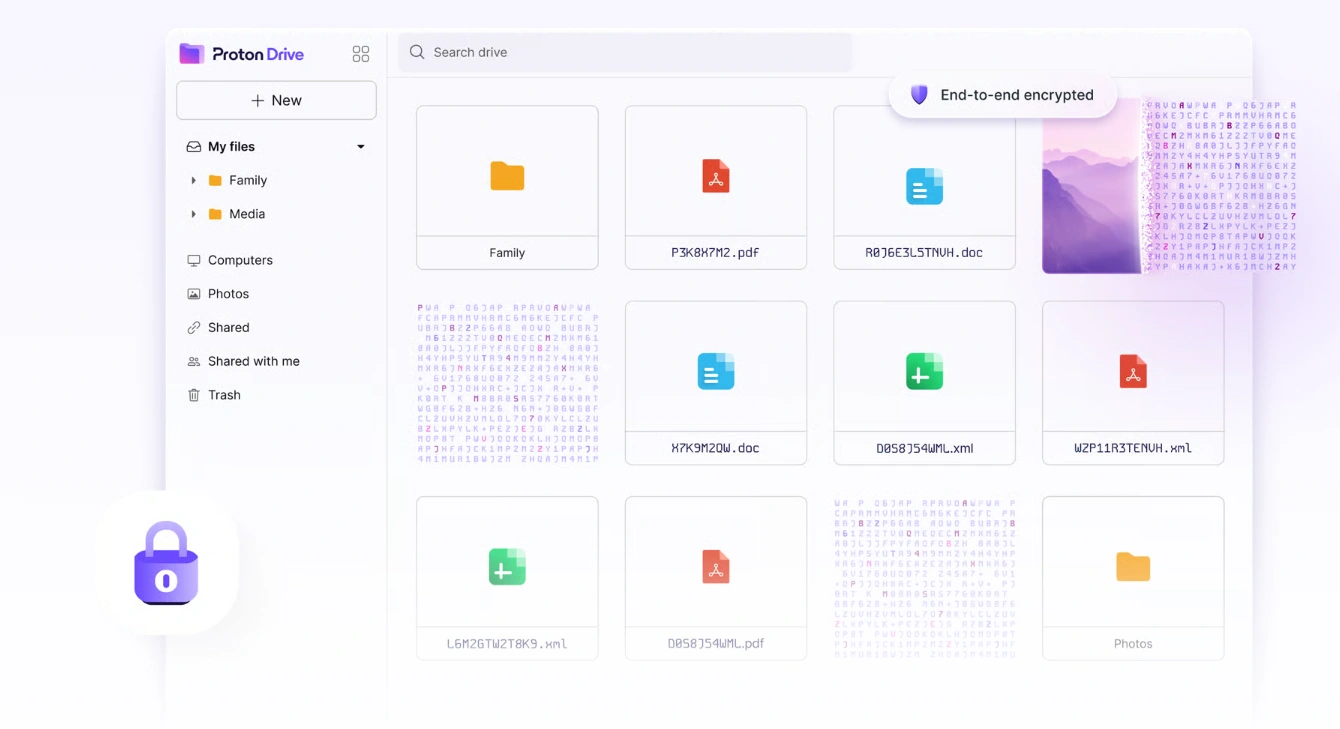
Proton Drive is the cloud storage product from Proton, the Swiss company behind Proton Mail and Proton VPN. It uses end-to-end encryption, which means your files are encrypted on your device before they are uploaded. Proton has no ability to read what you store, and neither does any third party without your decryption key.
It is open-source, which means security researchers can audit the code independently. You can share files with others without file size limits, password-protect shared links, and set expiration dates on links. The desktop and mobile clients are solid and it integrates naturally with Proton Mail and Proton Calendar.
| Plan | Details |
|---|---|
| Free Plan | 1 GB |
| Paid Plans | 200 GB for 3.99 EUR per month, 500 GB for 9.99 EUR per month |
| Good to Know | Part of Proton’s bundled plans, which include Mail, VPN, and Calendar |
| Pros | Cons |
|---|---|
| ✓ True zero-knowledge encryption | ✗ Only 1 GB free storage |
| ✓ Open-source and independently audited | ✗ More expensive than Google Drive for equivalent storage |
| ✓ Strong integration with Proton ecosystem | ✗ Fewer collaboration features than Google Workspace |
| ✓ Password-protected and expiring share links |
02. Nextcloud | Self-Hosted · Open Source · No Monthly Fee
Best for: Users who want full ownership and self-hosting capability
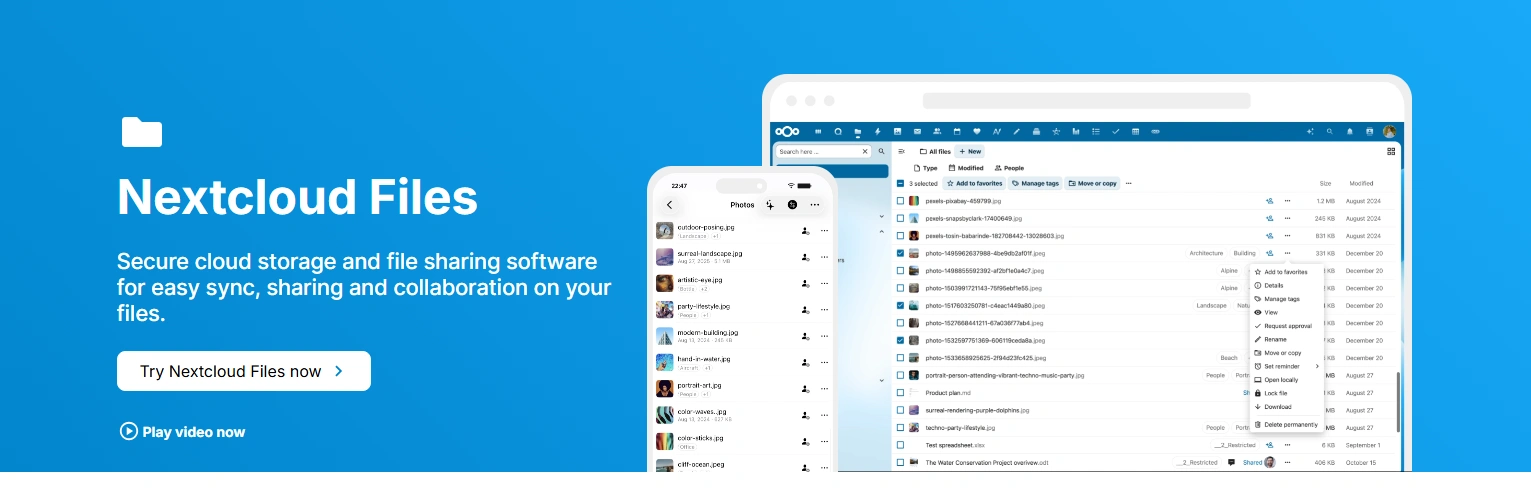
Nextcloud is not a traditional cloud storage service. It is software you install on your own server, a home computer, a Raspberry Pi, or a rented VPS, and it becomes your personal cloud platform. Your files go to your server, not a third-party data center. You control everything.
It supports file versioning, file and folder tagging, and public link sharing. You can mount Nextcloud storage as WebDAV in most file managers. Beyond storage, it supports integration with office suites like OnlyOffice and Collabora Online for collaborative document editing directly in the browser. It also has apps for notes, calendar, and contacts.
| Plan | Details |
|---|---|
| Free Plan | Free if self-hosted |
| Paid Plans | Managed hosting typically 5 to 15 EUR per month |
| Good to Know | Zero ongoing cost if you own the hardware |
| Pros | Cons |
|---|---|
| ✓ Complete control over your data and infrastructure | ✗ Requires technical setup and maintenance |
| ✓ No ongoing subscription if self-hosted | ✗ Availability depends on your server uptime |
| ✓ Extensible with apps for documents, notes, calendar | ✗ No built-in file sharing for external users without configuration |
| ✓ No file size limits beyond your hardware |
03. MEGA | 20 GB Free · End-to-End Encrypted · 300 Million+ Users
Best for: Users who want the largest free tier with built-in encryption
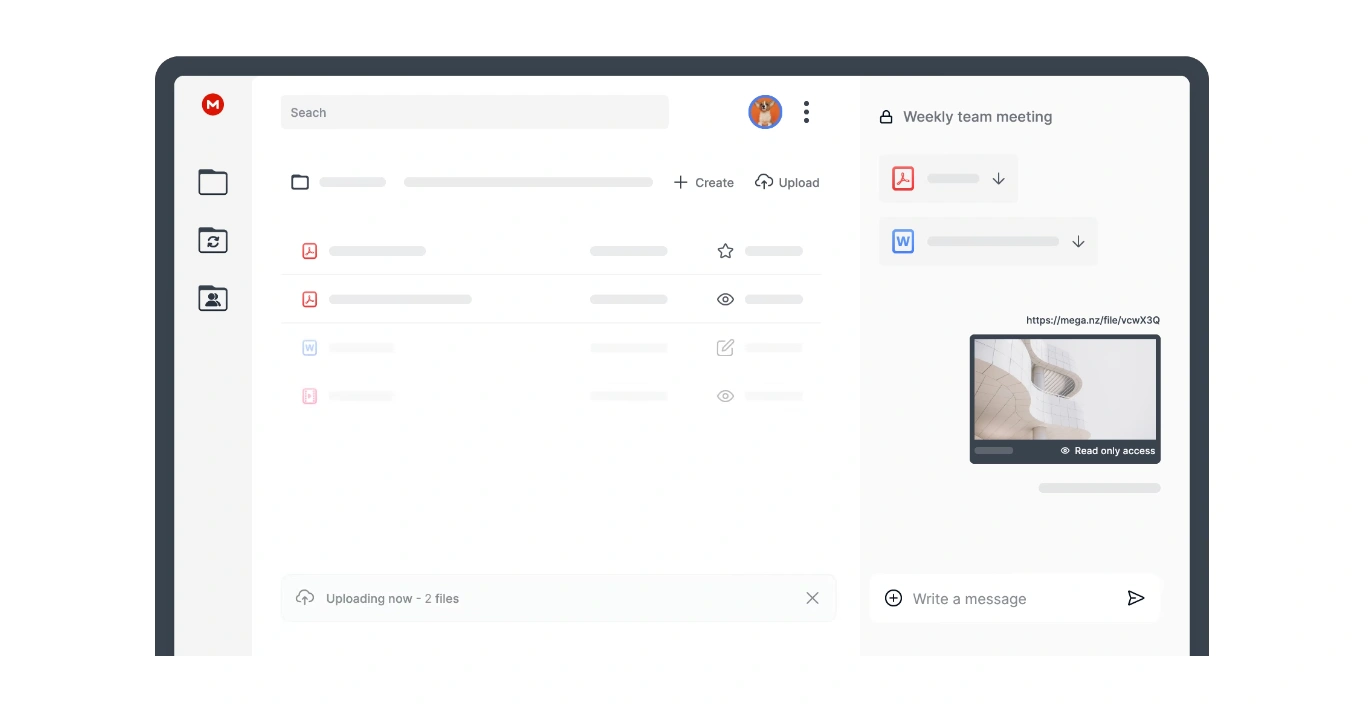
MEGA is a New Zealand-based cloud storage service with over 300 million registered users. Its standout feature is the most generous free storage tier of any major cloud provider: 20 GB for every account at no cost. All files stored on MEGA are end-to-end encrypted by default. MEGA cannot read your files because encryption and decryption happen on your device.
Performance in independent tests has been consistently strong. The web interface is clean, mobile apps work reliably, and file sharing is straightforward with optional password protection and expiration dates. One limitation is that MEGA does not support real-time collaborative editing the way Google Docs does.
| Plan | Details |
|---|---|
| Free Plan | 20 GB (the largest free tier available) |
| Paid Plans | 2 TB plans from approximately 10 EUR per month |
| Good to Know | No smaller paid tiers between free and 2 TB, which can be a gap for moderate users |
| Pros | Cons |
|---|---|
| ✓ 20 GB free storage, more than any major competitor | ✗ No paid plan between free and 2 TB |
| ✓ End-to-end encryption on all plans by default | ✗ No real-time collaborative document editing |
| ✓ Fast sync speeds in independent performance tests | ✗ Ownership history and jurisdiction has drawn scrutiny in the past |
| ✓ Password-protected sharing and expiring links |
04. Sync.com | Zero-Knowledge · HIPAA and GDPR Ready · Canadian-Hosted
Best for: Businesses and individuals who need compliance-grade privacy
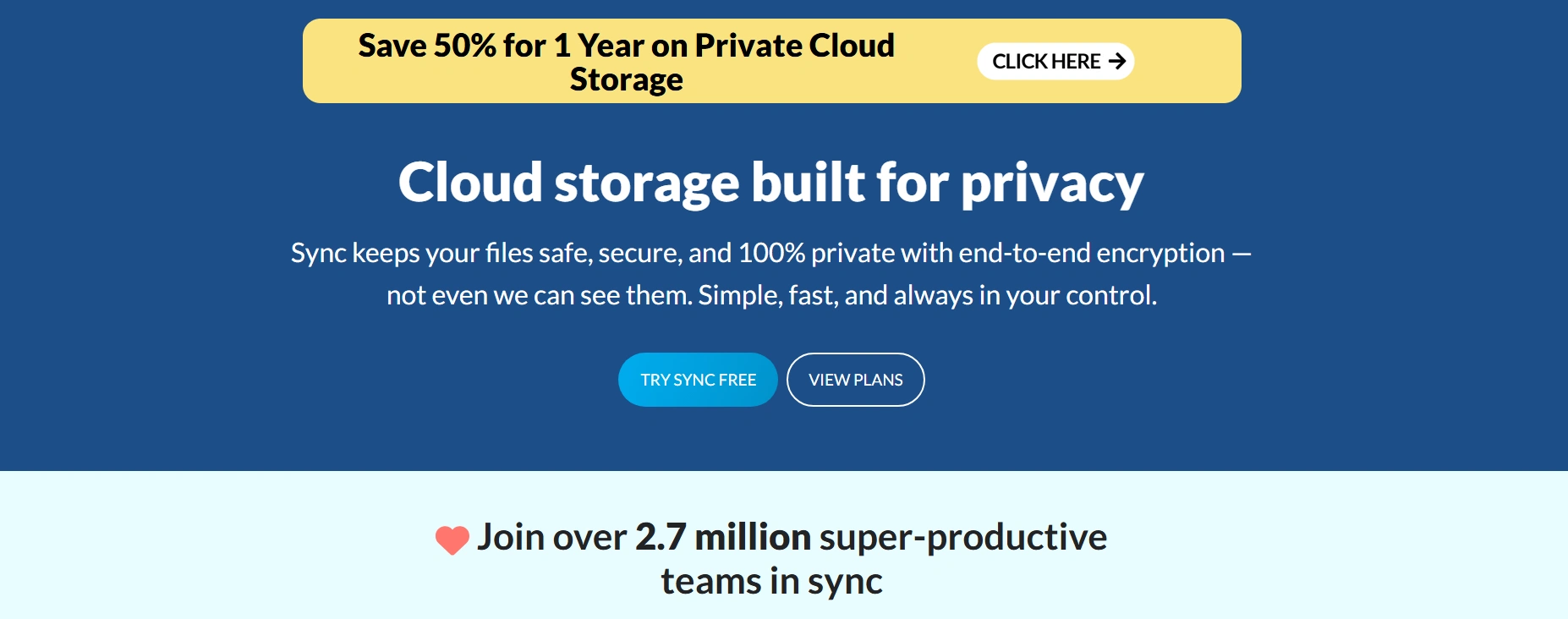
Sync.com is a Canadian cloud storage provider built specifically around privacy and compliance. It offers zero-knowledge encryption across all plans, meaning your files are encrypted before they leave your device. The service is HIPAA-compliant and GDPR-ready, making it one of the few consumer-accessible cloud platforms suitable for storing healthcare or legal data.
Speed is a trade-off with Sync.com. Because encryption happens on the client side, upload and download times are slower. The web interface was significantly updated in mid-2025. The Sync Vault feature lets you store files in the cloud without syncing them locally, useful for archival content.
| Plan | Details |
|---|---|
| Free Plan | 5 GB |
| Paid Plans | $8 per month for 2 TB, $15 per month per user for unlimited team storage |
| Good to Know | Flat pricing with no transfer fees |
| Pros | Cons |
|---|---|
| ✓ Zero-knowledge encryption on all plans | ✗ Slower upload and download speeds due to client-side encryption |
| ✓ HIPAA and GDPR compliance ready | ✗ Free tier is small at 5 GB |
| ✓ Flat pricing with no transfer fees | ✗ Less polished collaboration tools than Google Drive |
| ✓ Sync Vault for archival storage without local sync |
05. pCloud | Lifetime Plans Available · Media-Friendly · Swiss-Based
Best for: Users who want lifetime plans and strong media streaming
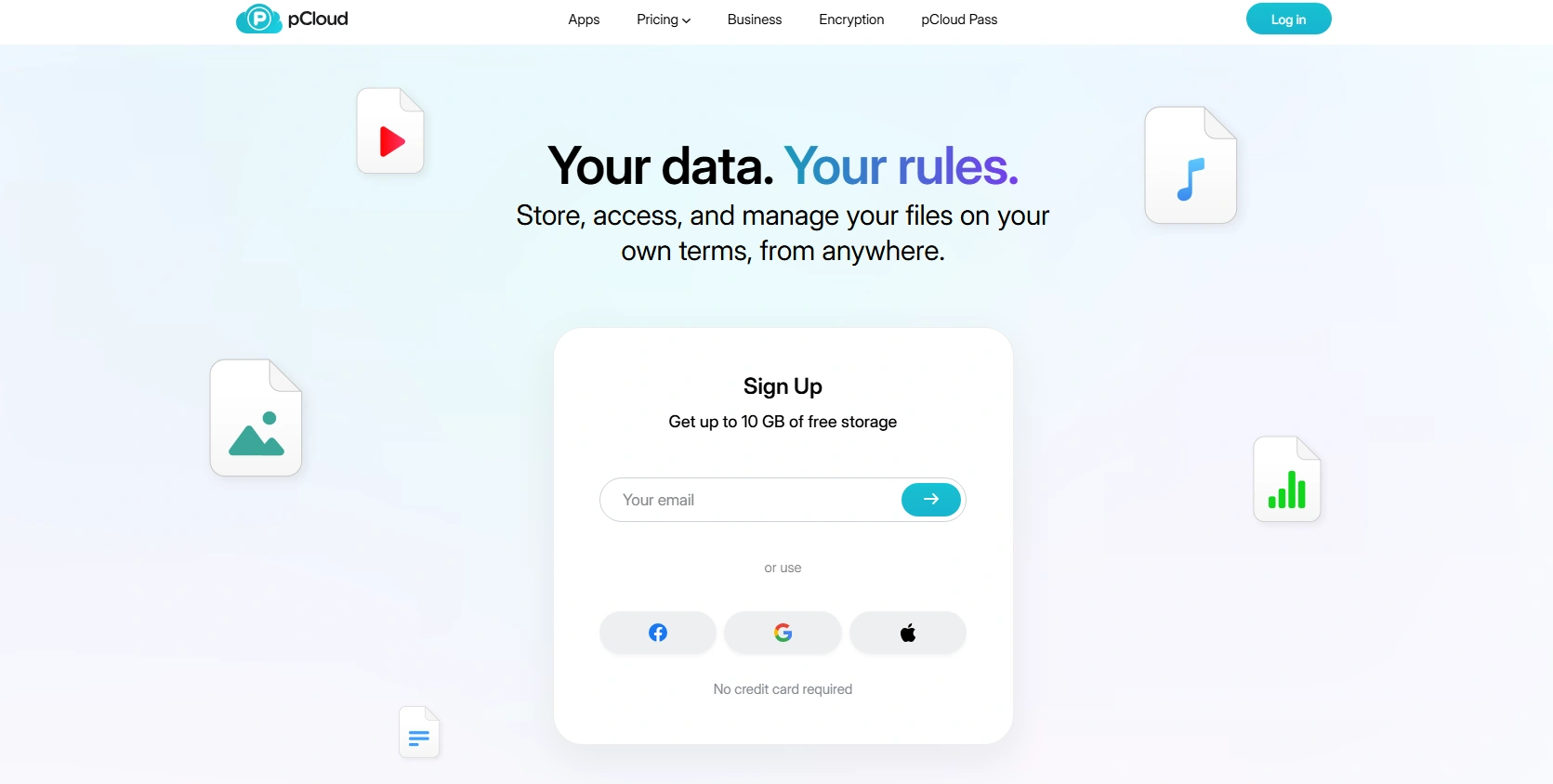
pCloud is a Swiss-based cloud storage provider known for its lifetime plan pricing, which lets you pay once and keep the storage indefinitely. It has clients for Linux, Windows, macOS, iOS, Android, and even a command-line version. By default, pCloud does not use end-to-end encryption, but it offers an optional add-on called pCloud Crypto. pCloud is particularly well-suited for media storage because it lets you stream audio and video files directly from the cloud.
| Plan | Details |
|---|---|
| Free Plan | 10 GB |
| Paid Plans | 500 GB for approximately 4 EUR per month; 2 TB for approximately 100 EUR per year; lifetime plans also available |
| Good to Know | End-to-end encryption requires pCloud Crypto, which costs extra |
| Pros | Cons |
|---|---|
| ✓ Lifetime plans available for one-time cost | ✗ Zero-knowledge encryption is a paid add-on, not included by default |
| ✓ Strong media streaming from cloud | ✗ Lifetime plans carry risk if the company changes direction |
| ✓ Flexible sync from any folder on your drive | ✗ Not ideal for team collaboration workflows |
| ✓ Available on all major platforms including Linux |
06. Backblaze B2 | From $6 per TB per Month · S3-Compatible · No Egress Fees to CDN Partners
Best for: Developers, businesses, and power users needing low-cost archival storage
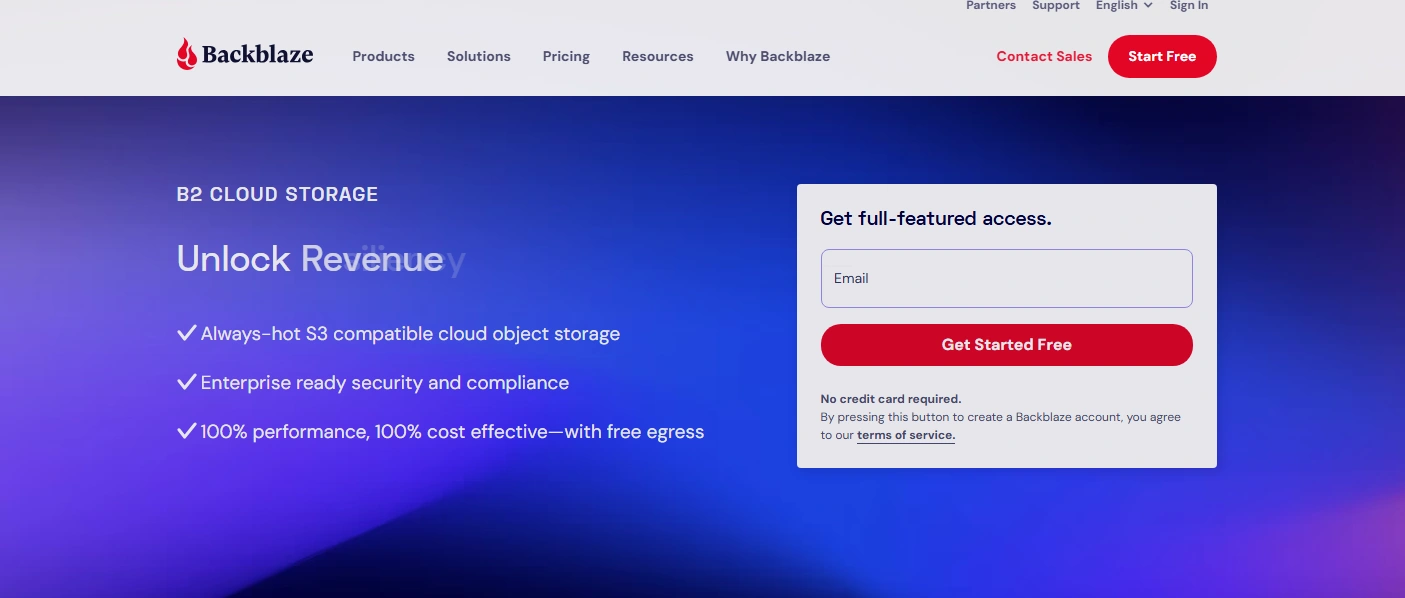
Backblaze B2 is not a traditional consumer cloud drive. It is an object storage platform built for developers and advanced users who need scalable, high-volume storage at a very low cost. Priced at around $6 per TB per month, it is significantly more affordable than services like AWS cloud storage or Google Cloud Storage for similar capacity.
Backblaze B2 is S3-compatible, which means it works with any tool designed for Amazon S3. Egress is free when downloading through partner CDNs like Cloudflare, Fastly, and bunny.net. It is best understood as the cheapest reliable place to put large volumes of data, not as a replacement for Google Drive.
| Plan | Details |
|---|---|
| Free Plan | 10 GB (trial) |
| Paid Plans | $6 per TB per month for standard storage; $15 per TB per month for B2 Overdrive high-throughput tier |
| Good to Know | Free egress when downloading through partner CDN networks including Cloudflare |
| Pros | Cons |
|---|---|
| ✓ Extremely low cost at $6 per TB per month | ✗ No consumer-friendly interface for everyday file management |
| ✓ S3-compatible for broad tool support | ✗ Not suitable for end-user file sharing without third-party tools |
| ✓ Free egress through partner CDN and compute networks | ✗ No zero-knowledge encryption |
| ✓ Reliable and proven at scale |
07. IDrive | Multi-Device Backup · Microsoft 365 Support · 10 GB Free
Best for: Users who need to back up unlimited devices under one plan
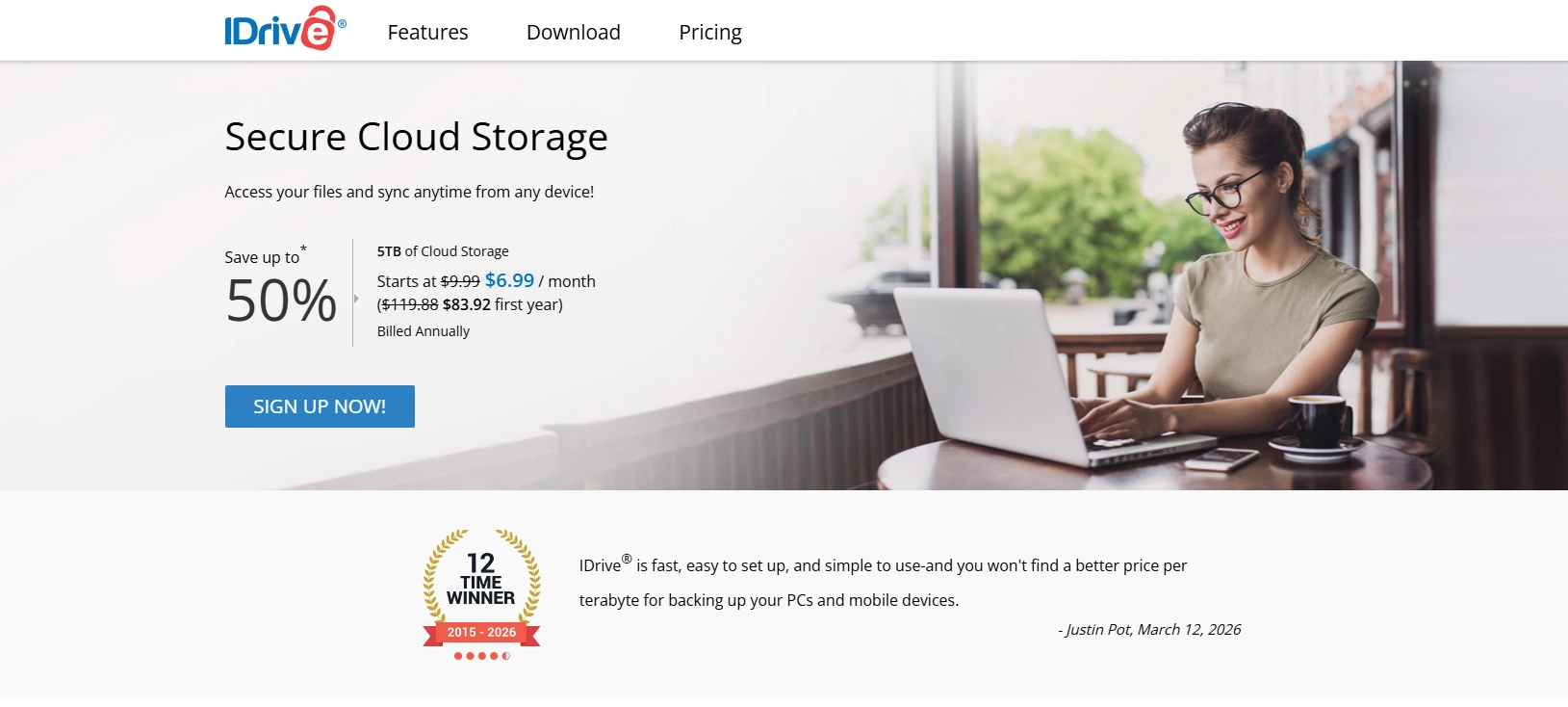
IDrive’s most distinctive feature is the ability to back up unlimited devices under a single account: phones, tablets, laptops, desktops, and even NAS drives from Synology and QNAP all connect to one subscription. IDrive has also added the ability to create, edit, and share Microsoft 365 documents including Word, Excel, and PowerPoint directly from the web interface. You can also back up other cloud storage services to IDrive, including Dropbox, Box, OneDrive, and Google Drive.
| Plan | Details |
|---|---|
| Free Plan | 10 GB |
| Paid Plans | $69.65 per year for 5 TB; scales to 10 TB, 20 TB, 50 TB, and 100 TB |
| Good to Know | First-year pricing is heavily discounted; renewal rates are standard |
| Pros | Cons |
|---|---|
| ✓ Backs up unlimited devices on a single account | ✗ First-year pricing is misleading; renewal costs are higher |
| ✓ Supports NAS and external hard drive backup | ✗ Interface is functional but not as polished as Google Drive |
| ✓ Can back up other cloud services to IDrive | ✗ No zero-knowledge encryption |
| ✓ Microsoft 365 document creation in browser |
08. IceDrive | Twofish Encryption · Lifetime Plans · 10 GB Free
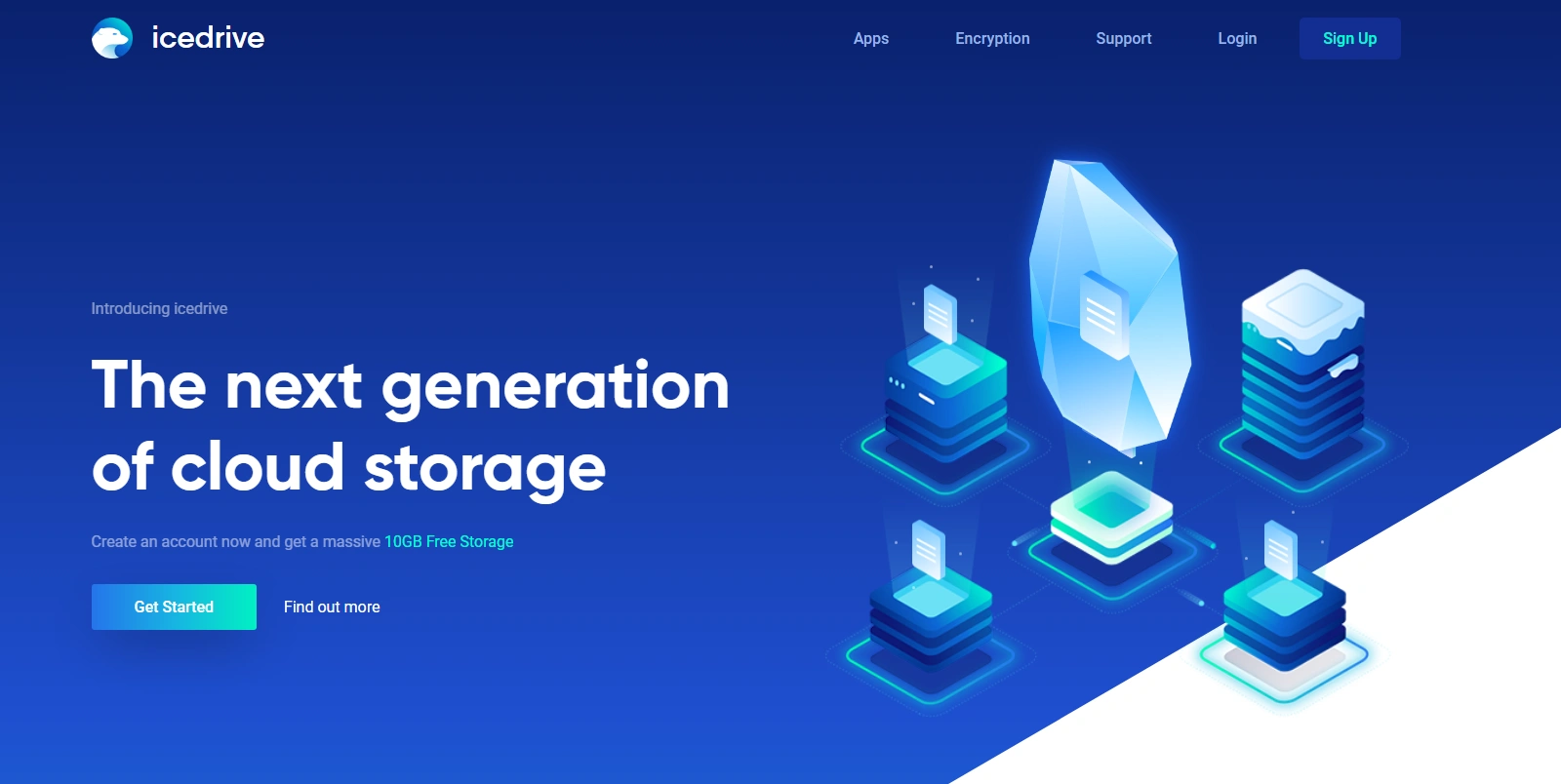
Best for: Privacy-conscious users who want a modern interface with strong encryption
IceDrive stands out for using the Twofish encryption algorithm, making it the only major cloud provider to deploy it. Encryption happens on your device before upload, making IceDrive a zero-knowledge service. The web interface is among the most visually polished of any cloud storage alternative. It also offers lifetime plans for users who want to avoid ongoing subscriptions.
| Plan | Details |
|---|---|
| Free Plan | 10 GB (with 50 GB bandwidth limit per month) |
| Paid Plans | $4.99 per month for 100 GB; $7.99 per month for 1 TB; $14.99 per month for 3 TB; lifetime plans also available |
| Good to Know | Unique Twofish encryption algorithm for zero-knowledge storage |
| Pros | Cons |
|---|---|
| ✓ Zero-knowledge encryption using Twofish algorithm | ✗ Bandwidth limits on the free plan |
| ✓ Polished, modern web interface | ✗ Smaller provider with less track record than major platforms |
| ✓ Lifetime plan option available | ✗ No collaborative document editing features |
| ✓ Solid free tier at 10 GB |
09. Box | Enterprise-Grade · HIPAA, FedRAMP, GDPR · 10 GB Free
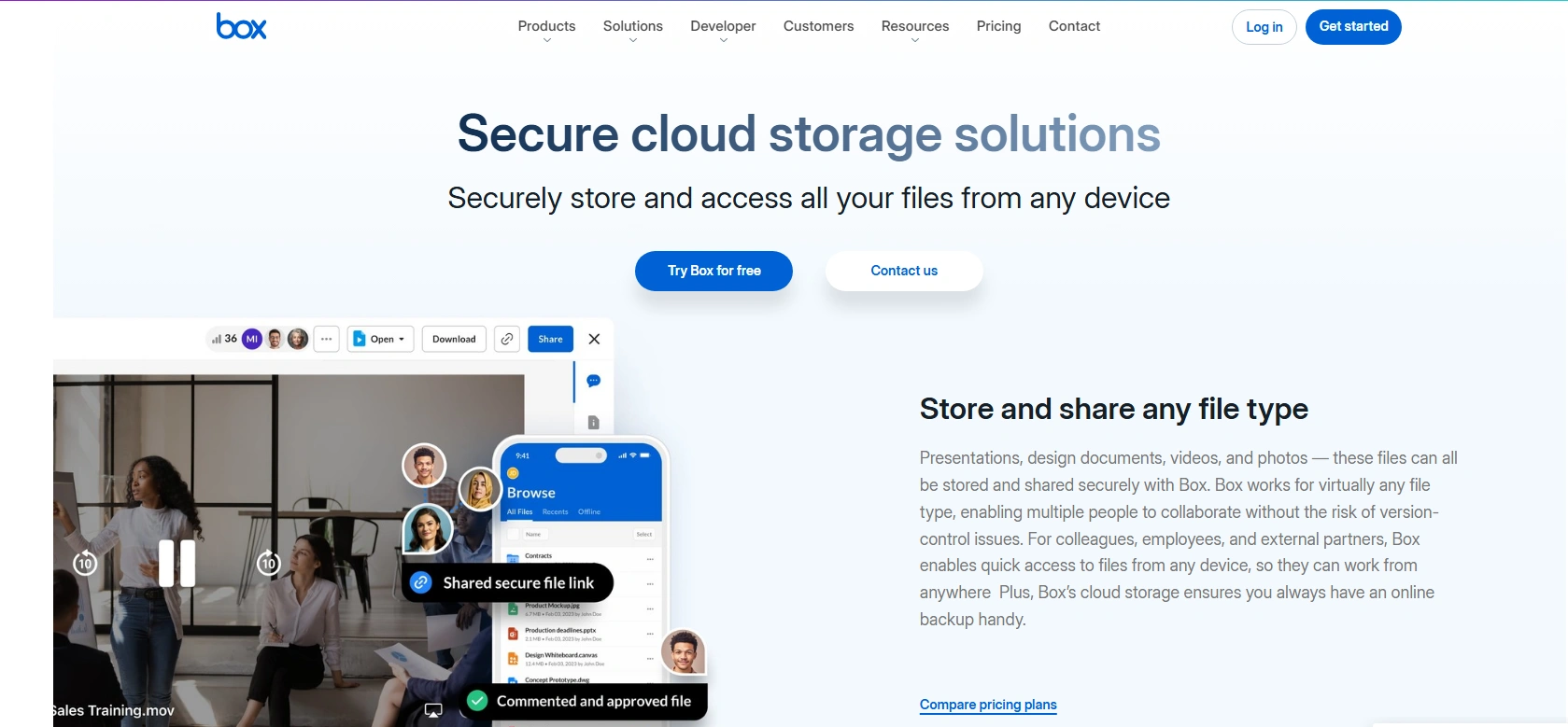
Best for: Enterprise teams with compliance requirements and integration needs
Box is an enterprise-focused cloud storage and content management platform, widely adopted in corporate environments, particularly in regulated industries. Box has earned compliance certifications including HIPAA, FedRAMP, and GDPR. It integrates with Salesforce, Microsoft 365, Google Workspace, Slack, and Zoom. Its administrative controls let IT teams manage permissions, set data retention policies, and audit file activity in detail.
| Plan | Details |
|---|---|
| Free Plan | 10 GB for individuals |
| Paid Plans | $10 per user per month for business plans; enterprise plans vary |
| Good to Know | Extensive compliance certifications make it suitable for regulated industries |
| Pros | Cons |
|---|---|
| ✓ HIPAA, FedRAMP, and GDPR compliance | ✗ Expensive for small teams or individuals |
| ✓ Deep integration with enterprise tools and platforms | ✗ Not designed for personal use cases |
| ✓ Granular admin controls and audit logging | ✗ No zero-knowledge encryption |
| ✓ In-browser document collaboration |
10. Tresorit | Swiss-Based · End-to-End Encrypted · GDPR Compliant
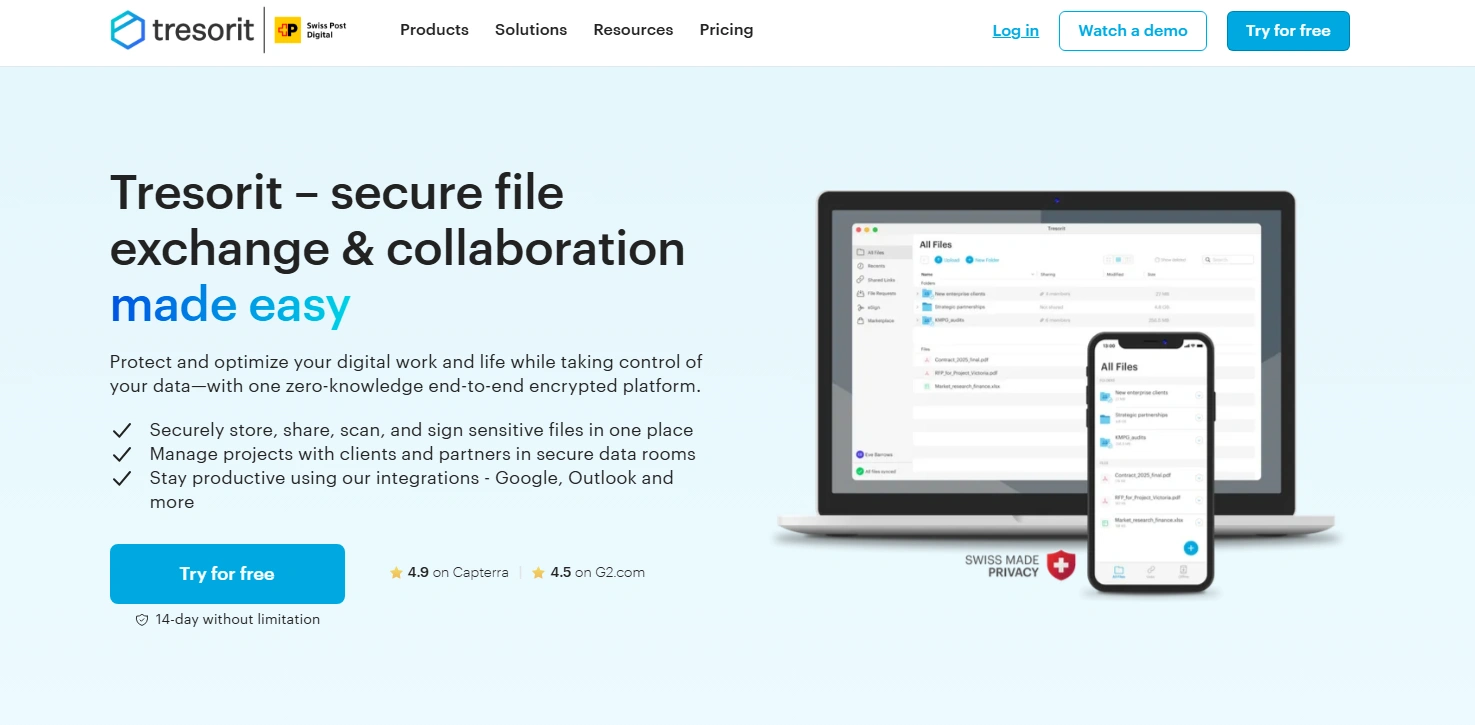
Best for: Businesses and professionals handling highly sensitive data
Tresorit is a Swiss-based cloud storage provider positioned at the premium end of the privacy-focused market. It offers end-to-end encryption across all plans. It supports shared team folders, secure file sharing with external recipients, version history, and remote wipe. GDPR compliance is built into the product architecture rather than added as a feature, which matters for European businesses.
Tresorit is more expensive than most alternatives, which reflects its positioning as a premium security product. It is worth the cost for legal firms, financial institutions, and healthcare organizations where the consequences of a data breach are severe.
| Plan | Details |
|---|---|
| Free Plan | 5 GB trial |
| Paid Plans | Business plans from approximately $12 per user per month; personal plans also available |
| Good to Know | Premium pricing justified for high-sensitivity use cases |
| Pros | Cons |
|---|---|
| ✓ End-to-end encryption built into every plan | ✗ More expensive than most alternatives |
| ✓ Swiss jurisdiction with strong data protection | ✗ Small free trial only, no permanent free tier |
| ✓ GDPR-compliant by design | ✗ Less suitable for casual personal use |
| ✓ Team collaboration with shared encrypted folders |
11. Internxt | From $2.00 per Month · Zero-Knowledge · Open Source
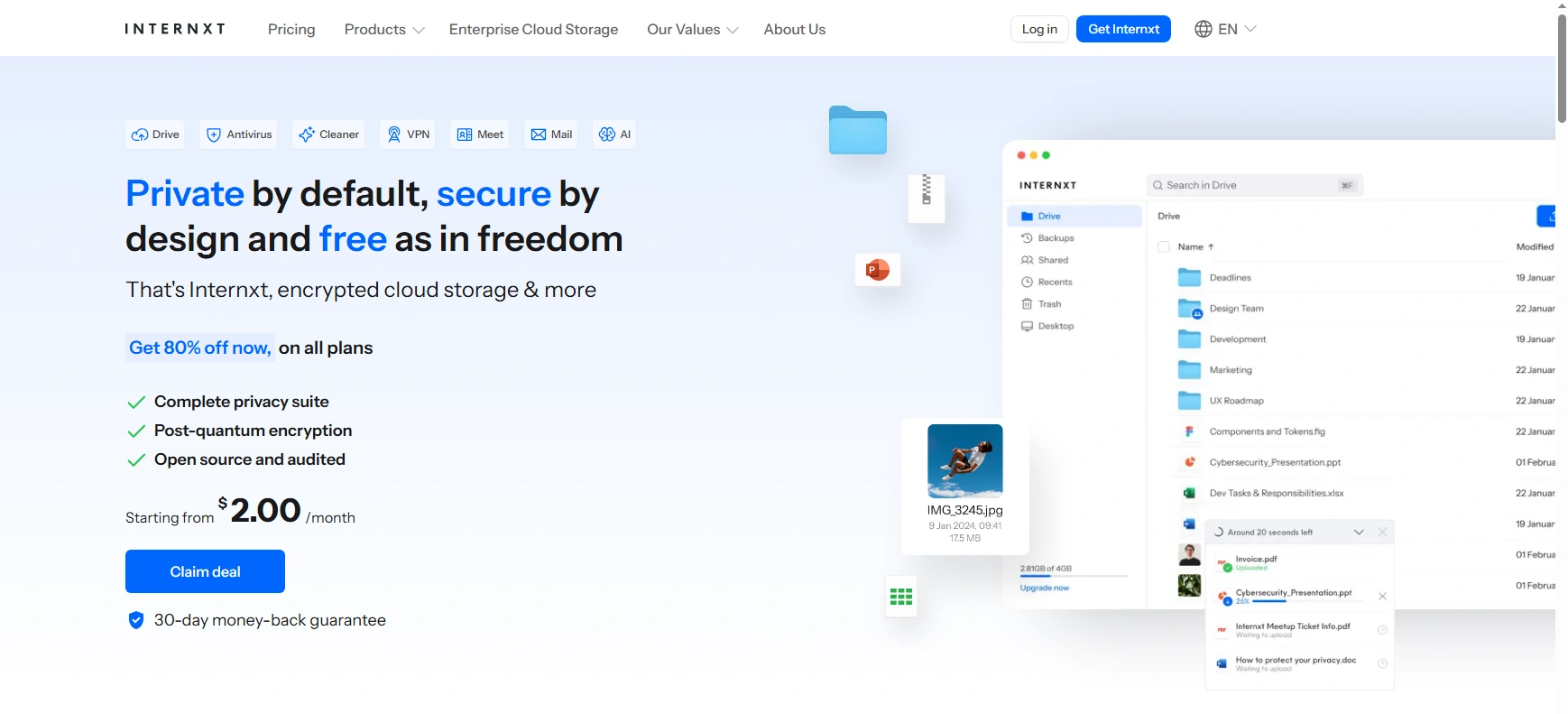
Best for: Budget-conscious users who want privacy without premium pricing
Internxt is a newer cloud storage provider that has built its reputation on combining privacy with affordability. It is zero-knowledge and open-source, which means files are encrypted on your device before upload and the code is publicly auditable. It has also committed to GDPR compliance and uses renewable energy for its infrastructure. Starting at $1.99 per month for 200 GB, Internxt is among the most affordable privacy-focused storage options available.
| Plan | Details |
|---|---|
| Free Plan | 1 GB |
| Paid Plans | From $1.99 per month for 200 GB; plans scale up to 10 TB |
| Good to Know | Among the most affordable zero-knowledge storage options available |
| Pros | Cons |
|---|---|
| ✓ Very affordable starting price | ✗ Smaller track record than established providers |
| ✓ Zero-knowledge encryption on all plans | ✗ Feature set still maturing |
| ✓ Open-source and independently auditable | ✗ Small free tier at 1 GB |
| ✓ GDPR compliant with renewable energy commitment |
12. SyncThing | Peer-to-Peer · Free and Open Source · No Subscription
Best for: Users who want private file sync without any cloud server
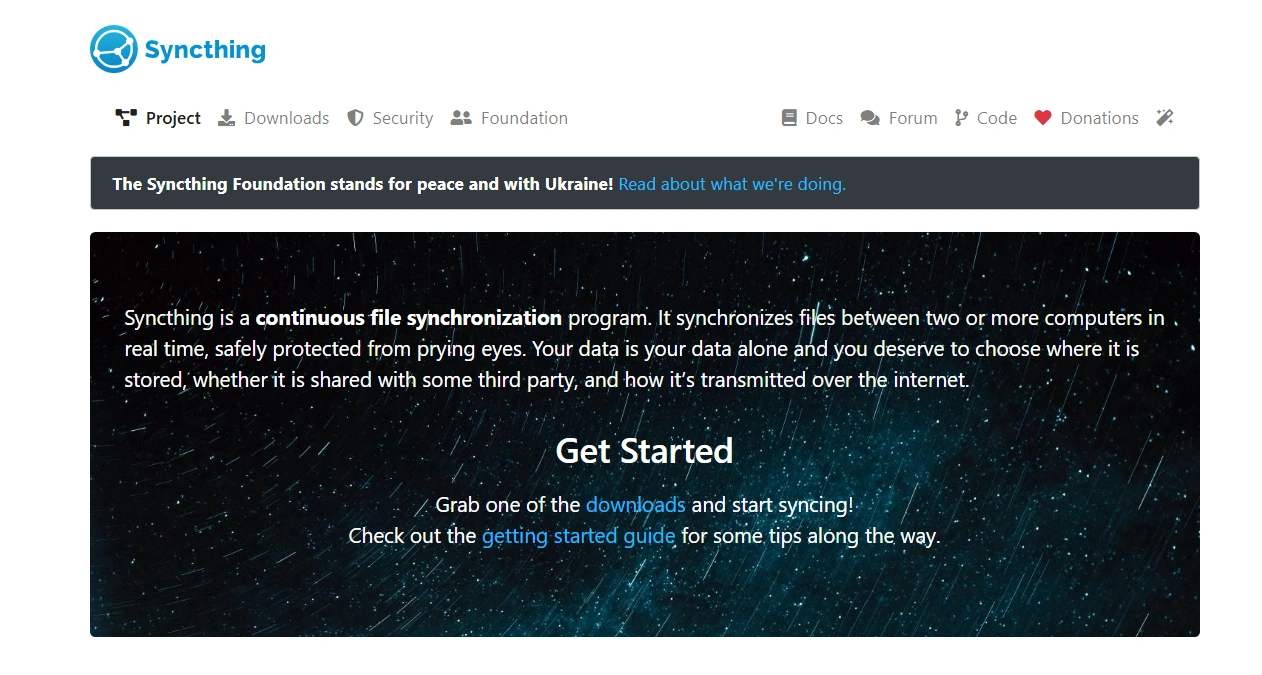
SyncThing is fundamentally different from every other option on this list. It does not store your files on a cloud server at all. Instead, it syncs files directly between your devices in real time, with no intermediary server in between. Because there is no cloud server involved, there is no subscription fee, no storage limit beyond your device capacity, and no third party with any access to your data. SyncThing is free, open-source, and available for Windows, macOS, Linux, Android, and BSD systems.
The trade-offs are significant. You cannot access your files from a web browser if all your devices are offline, and you cannot share files with external recipients through a link. It is a replacement for the sync function of cloud storage, not cloud storage itself.
| Plan | Details |
|---|---|
| Free Plan | Free, no limits |
| Paid Plans | Free, open-source |
| Good to Know | No third-party servers involved; all sync is device to device |
| Pros | Cons |
|---|---|
| ✓ Completely free with no storage limits | ✗ Files not accessible online if all devices are offline |
| ✓ No third-party server; true privacy by architecture | ✗ Cannot share files externally via link |
| ✓ Works on all major platforms including Linux and Android | ✗ Requires all devices to be running for sync to work |
| ✓ No ongoing subscription |
Quick Comparison: 12 Cloud Storage Alternatives at a Glance
| Service | Free Storage | Paid Plans (from) | Best For | Zero-Knowledge? |
|---|---|---|---|---|
| Proton Drive | 1 GB | 3.99 EUR / month (200 GB) | Privacy-first users | Yes |
| Nextcloud | Self-hosted | Free (self-host) or managed plans vary | Full control, open-source | Yes (self-hosted) |
| MEGA | 20 GB | ~10 EUR / month (2 TB) | Large free tier, encryption | Yes |
| Sync.com | 5 GB | $8 / month (2 TB) | Business, compliance | Yes |
| pCloud | 10 GB | ~4 EUR / month (500 GB) | Lifetime plans, media | Optional add-on |
| Backblaze B2 | None (10 GB trial) | $6 / TB / month | Archiving, developers | No |
| IDrive | 10 GB | $69.65 / year (5 TB) | Multi-device backup | No |
| IceDrive | 10 GB | $4.99 / month (100 GB) | Privacy, Twofish encryption | Yes |
| Box | 10 GB | $10 / user / month | Enterprise, compliance | No |
| Tresorit | 5 GB (trial) | From $12 / month | Maximum business security | Yes |
| Internxt | 1 GB | From $1.99 / month (200 GB) | Budget-friendly, private | Yes |
| SyncThing | None (peer-to-peer) | Free and open-source | Offline sync between devices | Yes (no servers) |
How to Choose the Right Cloud Storage Alternative
The right alternative depends entirely on your priorities. Here is a practical decision framework based on the most common use cases.
| Your Priority | Best Options to Consider |
|---|---|
| Privacy above everything | Proton Drive, Sync.com, Tresorit, IceDrive |
| Largest free storage tier | MEGA (20 GB) |
| Lowest cost for large storage | Internxt, Backblaze B2, pCloud |
| Full data ownership and control | Nextcloud (self-hosted), SyncThing |
| Business and enterprise compliance | Box, Tresorit, Sync.com |
| Backing up multiple devices | IDrive |
| Media storage and streaming | pCloud |
| Developer and archival storage | Backblaze B2 |
| Budget-friendly with privacy | Internxt, MEGA |
| Sync between your own devices only | SyncThing |
One useful practical approach is to use two services for different purposes. A privacy-focused service like Proton Drive or Sync.com handles your sensitive documents. A high-capacity low-cost service like Backblaze B2 or IDrive handles your backups and media archives. This split-service model keeps costs reasonable while applying the right level of security to the right type of data.
What to Look for When Evaluating Cloud Storage
- Encryption model: There is a significant difference between encryption at rest (provider holds the key) and end-to-end zero-knowledge encryption (only you hold the key). For sensitive files, always choose zero-knowledge.
- Free storage size: Free tiers vary from 1 GB (Proton Drive, Internxt) to 20 GB (MEGA). If you store a lot of data, the cost per GB on paid plans matters more.
- Pricing model: Monthly subscriptions, annual subscriptions, and lifetime plans all have different implications. Annual plans typically save 15 to 20 percent over monthly billing.
- Platform support: Make sure the service has reliable apps for all the devices and operating systems you use. Linux users in particular should check this carefully.
- Sharing and collaboration: Look for services that support password-protected links, expiration dates, and ideally real-time editing if you share files regularly.
- Compliance certifications: For business use in regulated industries, check whether the service holds relevant certifications such as HIPAA, GDPR compliance, SOC 2, or FedRAMP.
- Speed: Client-side encryption adds overhead to uploads and downloads. If you frequently transfer large files, test speed before committing to a subscription.
- Versioning: File versioning lets you restore previous versions of documents. This is essential for avoiding data loss from accidental edits or ransomware.
Final Thoughts
Google Drive, Dropbox, and OneDrive are not bad products. But they are not the right products for everyone. Whether your concern is privacy, cost, compliance, data ownership, or simply wanting more storage for less money, the alternatives reviewed above give you a strong set of options to choose from.
For privacy, Proton Drive and Sync.com lead the field. For the best free tier, MEGA stands apart at 20 GB. For complete control, Nextcloud is unmatched. For budget-conscious privacy, Internxt makes encrypted storage accessible. For large-scale archiving at low cost, Backblaze B2 is the clear winner.
No single service is the best for every person. The right approach is to identify your highest-priority requirement, whether that is privacy, price, device support, collaboration features, or compliance, and choose the service that leads in that dimension.
Frequently Asked Questions
Q1.What is the best free cloud storage alternative to Google Drive?
MEGA offers the largest free storage of any mainstream cloud provider at 20 GB per account, with end-to-end encryption included by default. It is the strongest free alternative for users who want both capacity and privacy. Google Drive offers 15 GB free but without zero-knowledge encryption.
Q2.Which cloud storage alternative is the most private?
Proton Drive, Sync.com, and Tresorit are among the most privacy-focused options. All three use zero-knowledge end-to-end encryption, meaning the provider cannot access your files regardless of legal requests. Proton Drive and Sync.com are both hosted in strong privacy jurisdictions (Switzerland and Canada respectively).
Q3.Is there a cloud storage alternative that is completely free with no limits?
SyncThing is free and open-source with no storage limits, because it syncs files directly between your own devices without using any cloud server. The trade-off is that your files are only accessible on devices where SyncThing is installed and running. There is no web browser access and no file sharing with others.
Q4.What is the cheapest cloud storage alternative for large amounts of data?
Backblaze B2 is the cheapest option at $6 per TB per month for large volumes. Internxt is the most affordable consumer-friendly alternative starting at $1.99 per month for 200 GB. pCloud offers competitive annual pricing and lifetime plan options for users who want to avoid ongoing subscriptions.
Explore Services
Related Services
Reviewed by

Aman Vaths
Founder of Nadcab Labs
Aman Vaths is the Founder & CTO of Nadcab Labs, a global digital engineering company delivering enterprise-grade solutions across AI, Web3, Blockchain, Big Data, Cloud, Cybersecurity, and Modern Application Development. With deep technical leadership and product innovation experience, Aman has positioned Nadcab Labs as one of the most advanced engineering companies driving the next era of intelligent, secure, and scalable software systems. Under his leadership, Nadcab Labs has built 2,000+ global projects across sectors including fintech, banking, healthcare, real estate, logistics, gaming, manufacturing, and next-generation DePIN networks. Aman’s strength lies in architecting high-performance systems, end-to-end platform engineering, and designing enterprise solutions that operate at global scale.