Ai Overview
A CRM system is software that helps businesses manage customer relationships and streamline interactions across the entire customer lifecycle. The system sends personalized product recommendations based on purchase history, increasing average order value by 22%. They restructure their onboarding process, reducing churn from 8% to 3% annually. Understanding the tangible benefits of types of crm systems helps justify the investment in your organization.
Key Takeaways
- Operational CRM automates daily sales, marketing, and customer service tasks to improve efficiency.
- Analytical CRM uses data analytics to uncover customer insights and drive strategic business decisions.
- Collaborative CRM breaks down communication silos between departments for better customer experiences.
- Most successful businesses use a combination of all three CRM types to maximize customer value.
- Types of CRM systems vary in complexity, pricing, and implementation requirements based on business size.
- Choosing the right types of crm systems depends on your business goals, budget, and operational needs.
- Custom CRM solutions allow businesses to tailor features specific to their unique industry and workflows.
- CRM system implementation requires proper training, change management, and ongoing optimization.
- Integration capabilities are critical when selecting types of crm systems for your business ecosystem.
- Modern CRM platforms are increasingly cloud-based, offering scalability and accessibility for remote teams.
Quick Answer
Types of CRM systems are categorized into three main categories: Operational CRM automates sales, marketing, and service processes to streamline customer interactions. Analytical CRM analyzes customer data to provide insights for strategic decision making. Collaborative CRM enables seamless communication across departments to improve customer relationships and internal teamwork.
Customer Relationship Management (CRM) has become essential for businesses of all sizes. But not all types of CRM systems work the same way. Understanding the different types of CRM systems is crucial if you want to choose the right solution for your business. Whether you are running a small startup or managing a large enterprise, knowing how these three main CRM categories work can help you streamline operations and grow revenue.
In this comprehensive guide, we will break down each types of crm systems, explain how they work in real business scenarios, and help you identify which one aligns best with your organizational goals.
What is a CRM System?
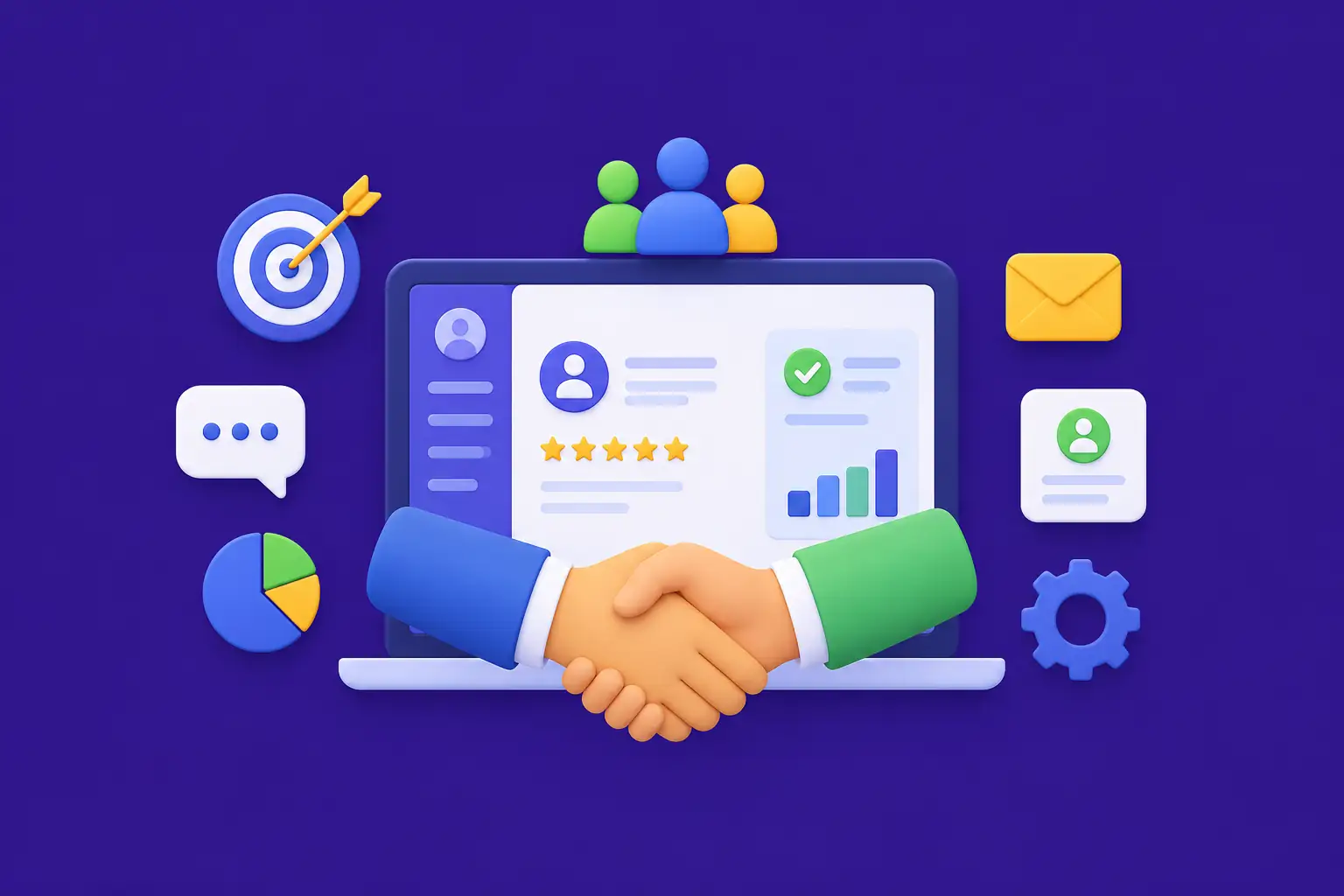
A CRM system is software that helps businesses manage customer relationships and streamline interactions across the entire customer lifecycle. Think of it as a digital hub where all customer information, communication history, and transaction details are stored in one centralized location.
CRM systems enable teams in sales, marketing, customer service, and operations to collaborate better, understand customer needs more deeply, and deliver personalized experiences at scale. Rather than storing customer data in scattered spreadsheets or email inboxes, a CRM system organizes everything in a unified platform.
Simple Analogy: A CRM system is like having a personal assistant who remembers every customer conversation, tracks every deal, and reminds your team about follow-ups. It ensures no customer falls through the cracks.
Types of CRM Systems Overview
There are three primary types of crm systems, each serving different business functions and addressing specific organizational needs. Understanding these distinct categories will help you determine which approach or combination best fits your business model.
Types of CRM Systems Overview
Operational CRM
Automates sales, marketing, service processes
Analytical CRM
Analyzes data for strategic insights
Collaborative CRM
Enables cross-team communication
Operational CRM Explained
Operational CRM is the most common types of crm systems used by businesses today. It focuses on automating and streamlining customer-facing business processes. Think of operational CRM as a sales assistant who manages daily tasks and ensures nothing gets missed.
The primary goal of operational CRM is to improve efficiency, reduce manual work, and enable teams to focus on building stronger customer relationships. It serves as the backbone of day-to-day customer interactions across sales, marketing, and support departments.
Key Features of Operational CRM
- Sales Force Automation: Tracks leads, opportunities, and deals through each stage of the sales pipeline
- Marketing Automation: Automates email campaigns, lead scoring, and customer segmentation
- Service Management: Organizes customer support tickets and streamlines issue resolution
- Contact Management: Centralizes all customer information in one searchable database
- Pipeline Management: Visualizes sales progress and forecasts revenue accurately
- Task and Activity Tracking: Reminds teams about follow-ups and important deadlines
Real World Example: Sales Team Using Operational CRM
Imagine a software sales team receives 50 new leads from a marketing campaign. Without operational CRM, the sales manager would manually enter data into spreadsheets and send email reminders for follow-ups. With operational CRM, the system automatically imports leads, scores them based on fit, assigns them to sales representatives, sends automated reminders for check-ins, and tracks the progress of each opportunity through the sales pipeline. Sales teams can close deals 30% faster using operational CRM because they spend less time on administrative tasks and more time selling.
Analytical CRM Explained
Analytical CRM is fundamentally different from operational CRM. While operational CRM focuses on automating tasks, analytical CRM focuses on understanding customer behavior through data analysis. Think of analytical CRM as a data analyst who examines customer patterns to reveal hidden opportunities.
This types of crm systems helps executives and managers make informed strategic decisions based on comprehensive customer insights. It transforms raw customer data into actionable business intelligence that drives profitability and growth.
Key Features of Analytical CRM
- Customer Data Integration: Aggregates data from multiple touchpoints to create a 360-degree customer view
- Advanced Analytics: Uses machine learning and AI to predict customer behavior and trends
- Reporting Dashboards: Visualizes key metrics like customer lifetime value, churn rate, and acquisition cost
- Segmentation: Groups customers by behavior, demographics, or value to enable targeted strategies
- Forecasting: Predicts future revenue, customer attrition, and market trends
- ROI Measurement: Tracks the effectiveness of marketing campaigns and sales initiatives
Real World Example: Marketing Team Using Analytical CRM
A marketing director manages campaigns across email, social media, and paid ads. Analytical CRM collects data from all these channels and reveals that customers who engage with educational content are 4 times more likely to convert. Additionally, it identifies that customers from enterprise companies have a 65% higher lifetime value than SMBs. Armed with these insights, the marketing team reallocates budget toward educational content and targets enterprise accounts more aggressively, resulting in a 40% increase in revenue.
Analytical CRM Data Flow
Collaborative CRM Explained
Collaborative CRM is designed to improve communication and information sharing across different departments and teams within an organization. Think of collaborative CRM as a communication bridge that connects sales, marketing, customer service, and other teams on a unified platform.
This types of crm systems ensures that customer information flows seamlessly between departments, eliminating silos and enabling a cohesive customer experience. When sales hands off a customer to support, or marketing coordinates with sales on account-based marketing initiatives, collaborative CRM makes these handoffs smooth and efficient.
Key Features of Collaborative CRM
- Unified Customer Profiles: All departments see the same up-to-date customer information
- Internal Communication Tools: Enables teams to discuss customer issues and opportunities within the platform
- Activity Timeline: Displays all customer interactions across all departments in chronological order
- Knowledge Sharing: Allows teams to document best practices and solutions for common customer issues
- Permission Controls: Manages data access so teams see relevant information without compromising privacy
- Integration Capabilities: Connects CRM with email, messaging platforms, and other business tools
Real World Example: Cross Functional Team Using Collaborative CRM
A customer service representative sees in the CRM that an account was recently upsold by the sales team. The customer has a question about implementation. Instead of transferring the customer to another team or losing context, the support agent sees the sales notes, recent email exchanges, and product configuration details. The agent resolves the issue immediately, and leaves internal notes for the account manager. When the account manager logs in, they see that the customer received excellent support, strengthening the relationship. This seamless collaboration increases customer satisfaction and retention.
Comparison of CRM Types
| CRM Type | Primary Purpose | Key Features | Best For |
|---|---|---|---|
| Operational CRM | Automate daily customer processes and tasks | Sales automation, marketing campaigns, service ticketing, contact management | Sales teams, customer service, marketing departments |
| Analytical CRM | Analyze customer data for strategic insights | Data integration, advanced analytics, dashboards, customer segmentation, forecasting | Executives, data analysts, strategic planners |
| Collaborative CRM | Improve cross-team communication and coordination | Unified profiles, internal messaging, activity timelines, knowledge sharing, integrations | Cross-functional teams, enterprises, complex customer journeys |
How Types of CRM Systems Work in Business: Step by Step
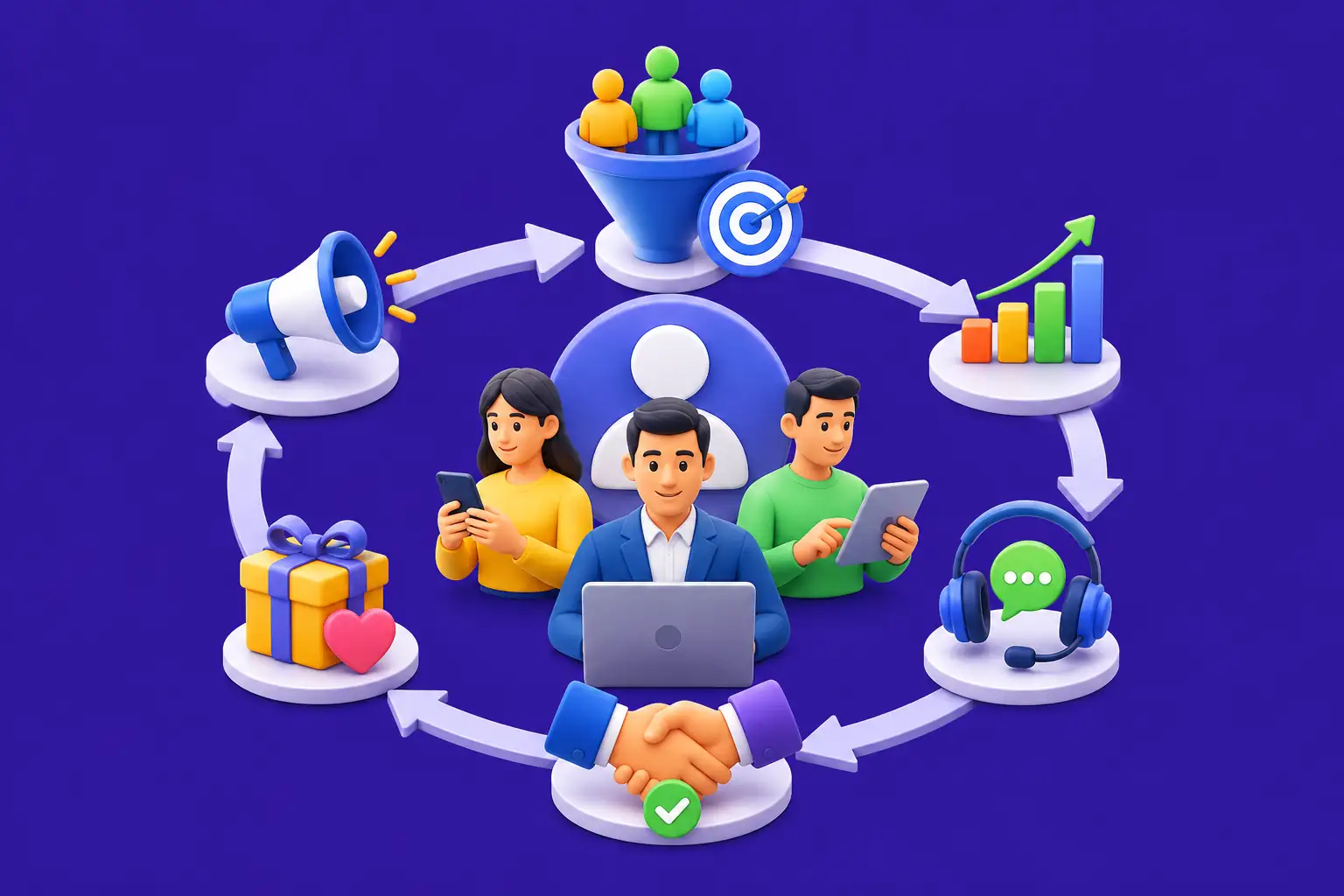
Understanding how types of crm systems operate in a real business environment will help you visualize the benefits. Here is a practical workflow showing how CRM systems drive business growth.
Step 1: Lead Generation and Capture
A prospect fills out a form on your website or is imported from a marketing platform. The CRM system automatically captures this lead and stores all information including name, email, company, industry, and source.
Step 2: Lead Qualification and Scoring
Operational CRM automatically scores the lead based on engagement and fit. High-quality leads are prioritized and routed to the appropriate sales representative immediately. Many businesses also use AI sales call assistants like SalesEcho to engage inbound prospects, qualify buying intent through real-time conversations, and accelerate the handoff process to sales teams.
Step 3: Sales Process Management
The sales rep moves the opportunity through defined pipeline stages: initial contact, discovery, proposal, negotiation, and closed deal. The CRM tracks every email, call, and meeting, ensuring nothing falls through the cracks.
Step 4: Deal Closure and Customer Onboarding
Once a deal closes, the CRM automatically notifies the customer service and onboarding teams. All customer information transitions seamlessly to ensure a smooth handoff and excellent onboarding experience.
Step 5: Customer Support and Retention
Customer service representatives can instantly access the customer’s purchase history, contract terms, and any previous issues. They resolve problems faster and provide personalized support based on full customer context.
Step 6: Data Analysis and Strategy Optimization
Analytical CRM analyzes the entire customer journey. Managers discover that customers from a specific industry have the highest lifetime value, or that deals taking longer than 90 days have a higher closure rate. These insights guide future strategy adjustments.
Customer Journey Through CRM System
How to Choose the Right CRM Type for Your Business
Selecting from types of crm systems depends on your specific business goals, team structure, and growth stage. Here are key factors to consider when evaluating which CRM category best fits your needs.
Consider Your Primary Business Challenge
Are you struggling with sales team productivity? Choose operational CRM. Do you need to understand customer behavior better? Pick analytical CRM. Is poor communication between departments hurting customer experience? Go with collaborative CRM.
Evaluate Your Team Size and Complexity
Small teams with simple workflows might start with operational CRM features. Large enterprises with multiple departments need collaborative capabilities. Organizations relying on data-driven decisions prioritize analytical CRM functionality.
Assess Your Budget and Resources
Operational CRM solutions are typically more affordable and easier to implement. Analytical CRM requires investment in data infrastructure and analytics expertise. Collaborative CRM demands integration work across multiple systems.
Plan for Growth
Most successful businesses ultimately implement all three types of crm systems as they scale. Start with operational CRM to streamline processes, then add analytical CRM to optimize strategy, and finally layer in collaborative CRM for seamless teamwork.
Real World Use Cases for Types of CRM Systems
E-Commerce Business Using Operational CRM
An online retailer uses operational CRM to track customer inquiries, automate follow-ups for abandoned carts, and manage returns. The system sends personalized product recommendations based on purchase history, increasing average order value by 22%.
SaaS Company Using Analytical CRM
A software company uses analytical CRM to analyze which features drive customer adoption and retention. They discover that users who complete onboarding within 7 days have 5 times lower churn. They restructure their onboarding process, reducing churn from 8% to 3% annually.
Enterprise Organization Using Collaborative CRM
A multinational corporation uses collaborative CRM so that sales, marketing, customer success, and operations teams work seamlessly. When a customer has a billing issue, the support team coordinates with finance without transferring the customer. Cross-departmental collaboration reduces resolution time from 5 days to 8 hours.
Why Businesses Prefer Custom CRM Solutions
Off-the-shelf CRM platforms serve general business needs well. However, many growing companies discover that their unique industry requirements, complex workflows, or specific integrations demand customization. This is where custom CRM solutions become valuable.
Benefits of Custom CRM Development
- Tailored to Your Workflow: Custom CRM solutions are built to match your exact business processes, eliminating unnecessary features and adding missing functionality.
- Perfect Integration: Seamlessly connect with your existing tools, databases, and legacy systems without expensive middleware solutions.
- Competitive Advantage: Features unique to your business that competitors cannot easily replicate.
- Cost Efficiency at Scale: As your business grows, custom solutions often become more cost effective than paying licensing fees for features you do not use.
- Full Data Ownership: Your customer data stays on your servers with complete control over security and privacy.
When you work with experienced custom CRM solutions partners, you get a system built specifically for your business model, industry vertical, and growth objectives. Unlike generic platforms, custom CRM development ensures you pay only for what you need and get exactly the features that drive your business forward.
Benefits of CRM Systems
Understanding the tangible benefits of types of crm systems helps justify the investment in your organization.
Increased Productivity
Automation eliminates manual data entry, freeing teams to focus on high-value activities.
Better Customer Insights
Comprehensive customer profiles and analytics reveal patterns and opportunities.
Improved Collaboration
Unified platform breaks down departmental silos and improves communication.
Faster Deal Closure
Sales teams close opportunities quicker with better visibility and automation.
Higher Customer Retention
Personalized support and proactive engagement reduce churn and increase loyalty.
Measurable ROI
Track metrics, forecast accurately, and demonstrate clear business impact.
Challenges and Limitations of CRM Systems
While types of crm systems offer significant benefits, organizations should be aware of potential challenges when implementing and using them.
Implementation Complexity
CRM implementation requires careful planning, data migration, system configuration, and team training. Many implementations take 3 to 6 months and require significant internal resources.
User Adoption Challenges
Employees accustomed to old workflows may resist changing to new CRM processes. Without proper change management and training, adoption rates suffer, limiting the ROI potential.
Data Quality Issues
CRM systems are only as good as the data entered. Incomplete, inaccurate, or outdated customer information leads to poor insights and unreliable reports.
Integration Difficulties
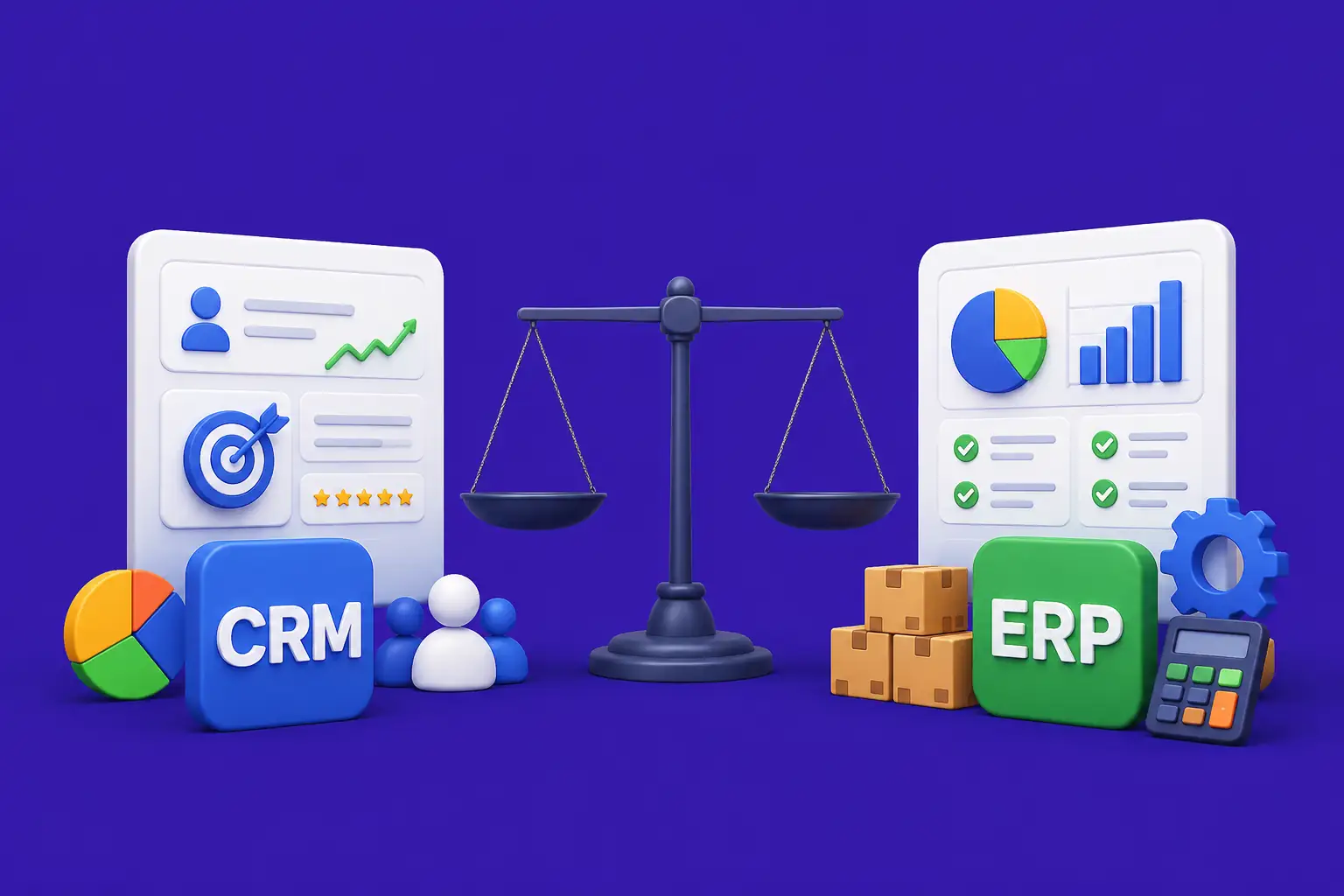
Connecting CRM with existing systems like accounting software, email platforms, or ERP systems can be technical and expensive.
Ongoing Maintenance
CRM systems require continuous optimization, updates, user support, and occasional customization as business needs evolve.
Future Trends in CRM Systems
The CRM landscape continues to evolve. Understanding emerging trends helps businesses stay competitive and make smarter technology investments.
AI and Machine Learning Integration
Next-generation types of crm systems incorporate AI to predict customer behavior, automate complex tasks, and provide intelligent recommendations without human intervention.
Predictive Analytics
CRM systems now forecast customer churn, predict deal closure probability, and identify upsell opportunities with remarkable accuracy.
Mobile-First Approach
Modern CRM platforms prioritize mobile experiences, allowing sales teams and field representatives to access customer information and update records on the go.
Cloud-Based Scalability
Cloud CRM systems offer superior scalability, allowing businesses to expand without infrastructure constraints. They also provide better security, automatic updates, and disaster recovery capabilities.
Ready to Build the Perfect CRM System for Your Business?
Choosing the right types of crm systems can transform how your business operates, from improving sales efficiency to delivering better customer experiences. However, many businesses outgrow standard CRM tools due to limited flexibility and scalability.
At Nadcab Labs, we design and develop custom CRM solutions tailored to your workflows, industry needs, and growth goals. Our CRM systems are built to scale with your business while improving performance, automation, and customer engagement.
Why Choose Nadcab Labs for CRM Software Development Services
- Industry expertise in building custom CRM solutions for 50+ companies
- Deep understanding of operational, analytical, and collaborative CRM requirements
- Seamless integration with your existing technology stack
- Ongoing support and optimization post-launch
- Proven track record of delivering measurable ROI
Final Thoughts
Understanding the three main types of crm systems is the first step toward selecting the right solution for your business. Operational CRM automates daily processes and improves team efficiency. Analytical CRM provides data-driven insights that guide strategic decisions. Collaborative CRM breaks down departmental silos and creates seamless customer experiences.
In reality, most successful organizations implement elements of all three types of crm systems. They start with operational features to streamline workflows, layer in analytical capabilities to optimize strategy, and add collaborative tools to improve teamwork and customer satisfaction.
As your business grows and evolves, your CRM needs will change too. Off-the-shelf platforms provide a solid foundation, but many companies eventually discover that custom CRM solutions deliver superior value. By working with experienced CRM development partners, you can build a system that evolves with your business, eliminates unnecessary features, and delivers exactly what you need to succeed.
Start your CRM journey today. Evaluate your current challenges, define your priorities, and choose a solution that aligns with your business objectives. Your customers will thank you with increased loyalty, and your teams will thank you with improved productivity.
Frequently Asked Questions
Q1.What are the 3 types of CRM systems?
The three main types of CRM systems are Operational CRM (automates sales, marketing, and service processes), Analytical CRM (analyzes customer data for strategic insights), and Collaborative CRM (improves communication and coordination between departments). Each serves different organizational needs and provides unique value.
Q2.Which CRM type is best for small businesses?
Small businesses typically benefit most from Operational CRM because it automates daily sales and customer service tasks without requiring significant technical expertise or budget. As the business grows, adding Analytical CRM features helps optimize strategy based on customer data.
Q3.What is the difference between operational and analytical CRM?
Operational CRM focuses on automating customer-facing processes like sales, marketing, and support to improve efficiency. Analytical CRM focuses on analyzing customer data to uncover patterns, trends, and insights that guide strategic business decisions. Operational CRM is about doing things right, while Analytical CRM is about doing the right things.
Q4.What is collaborative CRM and why is it important?
Collaborative CRM enables seamless communication and information sharing between sales, marketing, customer service, and operations teams. It is important because it eliminates information silos, ensures consistent customer experiences across touchpoints, and improves internal teamwork. Modern enterprises rely on collaborative CRM to provide cohesive customer journeys.
Q5.Can a business use multiple types of CRM systems together?
Yes, most large organizations use all three types of CRM systems in an integrated approach. They implement Operational CRM for daily process automation, Analytical CRM for data insights and forecasting, and Collaborative CRM for cross-functional teamwork. Modern CRM platforms often combine features from all three categories.
Q6.How long does it take to implement a CRM system?
CRM implementation typically takes 3 to 6 months for mid-sized organizations, depending on system complexity, data volume, and integration requirements. Smaller implementations with basic features might take 4 to 8 weeks, while large enterprise deployments can take 12 months or longer. Success requires proper planning, change management, and team training.
Q7.What is the average cost of CRM system implementation?
CRM implementation costs vary widely based on system choice, business complexity, and integration needs. Basic cloud-based CRM platforms cost 50 to 300 dollars per user monthly. Implementation services typically range from 10,000 to 100,000 dollars for small to mid-sized organizations. Custom CRM development can cost significantly more but provides superior long-term value and scalability.
Q8.How do I ensure good data quality in my CRM system?
Data quality is maintained through consistent data entry standards, regular data audits, automated validation rules, and user training. Establish clear processes for data entry, eliminate duplicate records, implement field-level validation, and periodically review data accuracy. Poor data quality undermines CRM value, so investing in data governance pays significant dividends.
Q9.Are cloud-based CRM systems more secure than on-premises systems?
Cloud-based CRM systems typically offer strong security with professional monitoring, automatic updates, and disaster recovery capabilities. However, security depends on the provider’s practices and your configuration. Reputable cloud CRM vendors invest heavily in security, often providing better protection than many organizations can achieve with on-premises systems. Evaluate vendor security certifications and compliance standards.
Q10.What is the ROI potential of implementing a CRM system?
Businesses typically see ROI within 12 to 24 months of CRM implementation. Common benefits include 20 to 30 percent improvement in sales productivity, 10 to 25 percent increase in customer retention, 15 to 40 percent reduction in customer acquisition costs, and improved forecasting accuracy. Exact ROI depends on implementation quality, user adoption, and how well the system aligns with business processes.
Explore Services
Related Services
Reviewed by

Naman Singh
Co-Founder & CEO, Nadcab Labs
Naman Singh is the Co-Founder and CEO of Nadcab Labs, where he drives the company’s vision, global growth, and strategic expansion in blockchain, fintech, and digital transformation. A serial entrepreneur, Naman brings deep hands-on experience in building, scaling, and commercializing technology-driven businesses. At Nadcab Labs, Naman works closely with enterprises, governments, and startups to design and implement secure, scalable, and business-ready Web3 and blockchain solutions. He specializes in transforming complex ideas into high-impact digital products aligned with real business objectives. Naman has led the development of end-to-end blockchain ecosystems, including token creation, smart contracts, DeFi and NFT platforms, payment infrastructures, and decentralized applications. His expertise extends to tokenomics design, regulatory alignment, compliance strategy, and go-to-market planning—helping projects become investor-ready and built for long-term sustainability. With a strong focus on real-world adoption, Naman believes in building blockchain solutions that deliver measurable value, solve practical problems, and unlock new growth opportunities for organizations worldwide.