Ai Overview
Here is something most people never stop to think about. One costs $600 million, while the other costs about 40 pence. The machine that predicted last Tuesday’s storm uses the same basic concept as the chip inside your kettle. This difference between a tiny 40 pence chip and a $600 million machine is what this guide explores.
Here is something most people never stop to think about. The machine that predicted last Tuesday’s storm uses the same basic concept as the chip inside your kettle. Both are computers. One costs $600 million, while the other costs about 40 pence. The idea behind both is the same, but the execution is very different.
This difference between a tiny 40 pence chip and a $600 million machine is what this guide explores.
Key Takeaways
According to classic textbooks, computers are divided into four types: supercomputer, mainframe computer, minicomputer, and microcomputer.
Computers are mainly classified based on three basic factors: their size and power, how they handle data, and their purpose. Sometimes, some experts also classify computers based on their usage.
According to modern classifications and current trends, computers are commonly grouped into seven main types: supercomputer, mainframe computer, minicomputer, workstation, personal computer (microcomputer), server, and embedded computer.
According to data processing methods, computers are classified into three types: analog computer, digital computer, and hybrid computer.
General-purpose computers are designed to perform many different tasks by running different types of software, while special-purpose computers are built to perform one specific task.
Personal computers are the most widely used type of computers and include devices such as desktops, laptops, tablets, and smartphones.
Embedded computers are the most common type of computer in the world and are built inside devices like cars, washing machines, smart TVs, and medical equipment.
Servers are powerful computers that store, manage, and deliver data to other computers over a network.
By the end, you will clearly understand what makes each type of computer different, what it is used for, and why it was designed that way. There are no textbook definitions and no unnecessary filler, only clear and genuinely useful information.
How Many Types of Computers Are There?
It depends on who you ask. Most textbooks give you four. Some give you seven. A few go all the way to fifteen. The number shifts because there are three different ways to classify computers:
-
- By size and power: from the tiny embedded chip to the warehouse-filling supercomputer
- By how they handle data: analog, digital, or hybrid
- By purpose: general-purpose or special-purpose
We will cover all three types and also introduce two newer types of computers, quantum computers and wearable computers, which are changing the meaning of what a computer can be.
What Are the 4 Types of Computers?
The traditional textbook answer groups computers by size into four types:
- Supercomputer: The fastest and most powerful
- Mainframe computer: Handles millions of tasks at once
- Minicomputer: The mid-range option, now largely retired
- Microcomputer: The personal computer that most people use daily
These four form the original classification. But computers have evolved, so the full picture is bigger. Keep reading.
What Are the 7 Types of Computers?
Expand beyond the classic four, and you get the seven most commonly listed types:
- Supercomputer
- Mainframe computer
- Minicomputer
- Workstation
- Personal computer (microcomputer)
- Server
- Embedded computer
Each one exists because it solves a different problem at a different scale. Here is what makes each one distinct. Now, let’s explore each type of computer based on its major categories, including size, data processing capability, and purpose.
Types of Computers by Size and Power
Think of this as a ladder. At the top: machines so powerful they need their own buildings. At the bottom: computers so small you forgot they existed. Every rung has a purpose.
1. Supercomputer
If computers had a top trump card, the supercomputer would win every category. Speed? Unmatched. Power? Frightening. Cost? Also frightening.
Here is how it achieves that speed: it does not have one faster processor. It has thousands of processors all working on the same problem at the exact same time. This is called parallel processing. It is why a supercomputer can simulate a nuclear explosion without setting one off.
| Feature | Detail |
|---|---|
| Speed | Over 1 quintillion calculations per second (top machines) |
| Size | Fills entire rooms — sometimes entire buildings |
| Cost | $30 million to $600 million+ |
| Used for | Weather forecasting, nuclear research, drug discovery, space simulation |
You will never own one. But every time a weather app tells you to bring an umbrella tomorrow, that forecast came from a supercomputer.
2. Mainframe Computer
Supercomputers get the headlines. Mainframes do the actual work.
Here is the key difference: a supercomputer throws all its power at one problem as fast as possible. A mainframe spreads its power across millions of problems at once. Different machines, different jobs.
Mainframes are why your bank transfer does not fail. They are why a plane ticket booked online does not get sold to someone else at the same moment. They run quietly in the background, handling a near-impossible number of tasks at once, and they rarely go down.
| Feature | Detail |
|---|---|
| Simultaneous users | Hundreds of millions at once |
| Uptime | Runs for years, sometimes decades, without rebooting |
| Speed | Measured in MIPS — millions of instructions per second |
| Used for | Banking, airline bookings, insurance, government databases |
Banks love mainframes so much that they refuse to replace them, even when newer options exist. Reliability that is good is hard to walk away from.
3. Minicomputer
Nobody talks about minicomputers anymore. That is a shame, because they quietly changed the world.
Before minicomputers arrived in the 1960s, only giant institutions could afford computers. Universities. Governments. Big banks. Everyone else was locked out.
Then the minicomputer arrived — smaller than a mainframe, much cheaper, and still powerful enough to serve dozens of users at once. Medium-sized businesses could finally afford to computerise. It cracked open the door that personal computers later blew off its hinges.
| Feature | Detail |
|---|---|
| Simultaneous users | 4 to 200 |
| Size | Roughly fridge-sized — big but not room-filling |
| Cost | Far cheaper than a mainframe |
| Status | Largely retired. Now called mid-range servers. |
| Used for | Accounting, factory control, university admin, research labs |
In 1965, a mainframe cost over $1 million. The PDP-8 minicomputer did a similar job for $18,000. That price gap is what opened computing to smaller businesses for the first time.
4. Workstation
A workstation looks exactly like a desktop computer. Same shape. Same keyboard, monitor, and mouse. From across the room, you cannot tell them apart.
Open the case and it is a completely different story.
More RAM — often 64GB or more. Faster processors with more cores. Professional-grade graphics cards that cost more than most laptops. A workstation is built for the work that makes a regular PC overheat and give up.
| Feature | Detail |
|---|---|
| Users | Single user doing seriously demanding work |
| RAM | Typically, 32GB to 256GB |
| Cost | $2,000 to $15,000+ |
| Used for | 3D animation, architectural design, AI training, video production, CAD |
One frame from a Pixar film can take 100 hours to render on a single workstation. That is why studios run hundreds of them at once.
5. Personal Computer
This needs no grand introduction. The personal computer (also called a microcomputer or PC) is the one on your desk, in your bag, or in your pocket.
It is built around a single microprocessor chip — one chip that acts as the brain. One user. One machine. The whole personal computing revolution came down to fitting that brain onto a chip small enough and cheap enough for individuals to own.
Personal computers come in more shapes than ever:
| Type | What it does |
|---|---|
| Desktop | Stays at your desk. Strong performance. Easy to upgrade. |
| Laptop | Battery powered and portable. Fits easily in a bag. |
| Tablet | Touchscreen device ideal for browsing, reading, and watching. |
| Smartphone | The most widely used computer in the world. |
| Notebook | Thin and lightweight laptop designed for portability. |
The Apple II (1977) had 4KB of RAM. Your phone today has around 4,000,000KB. A million times more memory, in 50 years.
A computer by itself cannot do anything useful without instructions. These instructions come in the form of software. If you want to understand how programs control computers and devices, you can explore what software is and how it works.
6. Server
A server does not look exciting. It is usually a plain grey box in a rack inside a cold, humming room that nobody visits.
But everything you do online flows through one.
Every page you load. Every email you receive. Every video you stream. Every app you open. All of it is stored on a server, retrieved by a server, and sent to you by a server. They run 24 hours a day, 7 days a week, handling thousands of requests every second without complaint.
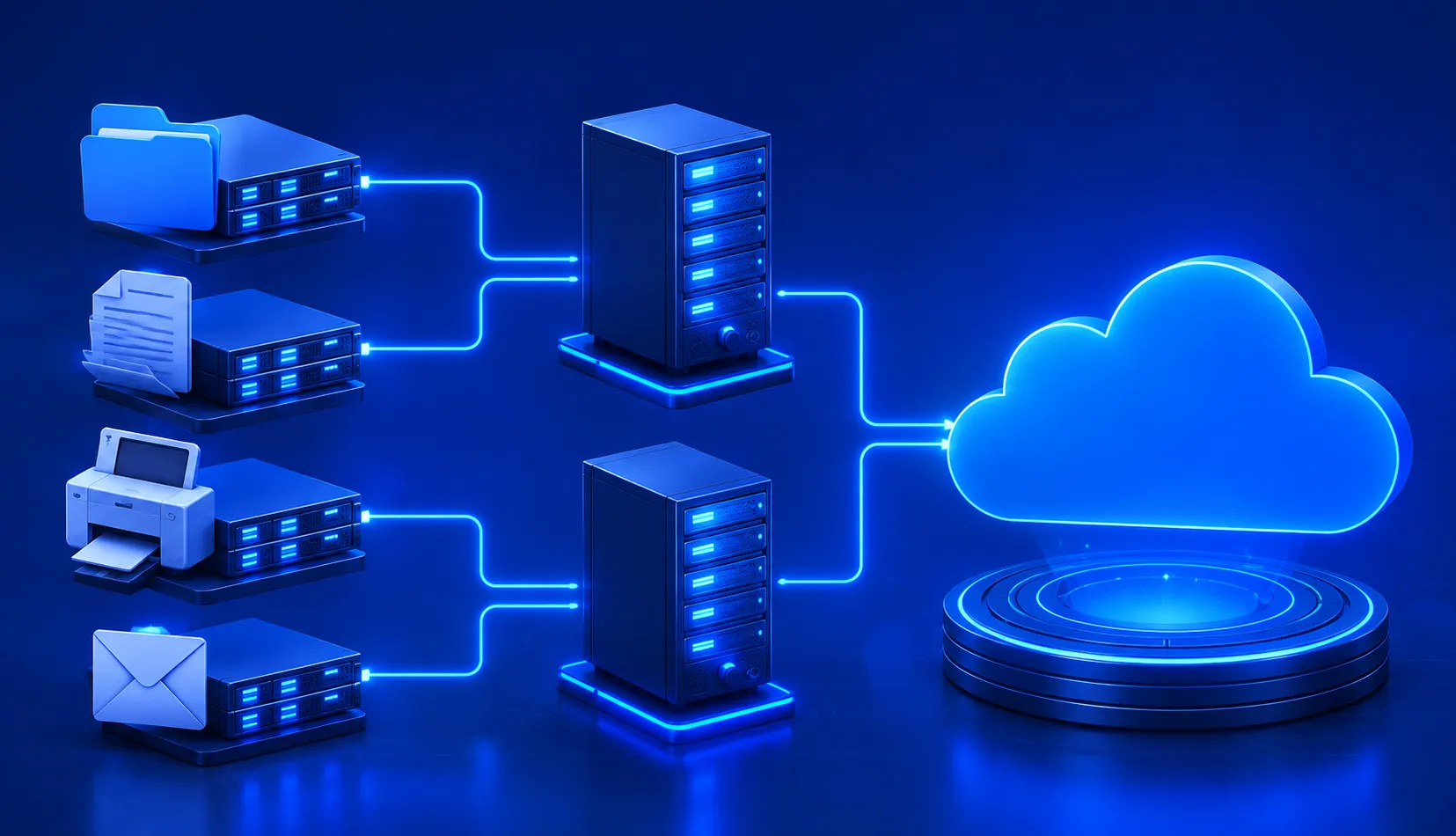
| Server type | What it does |
|---|---|
| Web server | Sends web pages to your browser when you type a URL |
| Database server | Stores and organises data for apps and websites |
| File server | Lets people on a network share and access files |
| Mail server | Manages the sending, receiving, and storing of emails |
| Game server | Hosts the shared game world that all players connect to |
You hit enter. A server — possibly on the other side of the world — finds the page and sends it back. All in under 200 milliseconds.
Modern digital platforms depend heavily on powerful server infrastructure. From fintech platforms to large-scale decentralized applications, servers process millions of transactions and user requests every day. Companies building scalable platforms often rely on advanced software architecture and distributed systems to manage this load. If you want to understand how these large-scale systems are designed, you can explore modern blockchain development services and enterprise software development services that power today’s digital platforms.
7. Embedded Computer
Here is a question almost nobody gets right: which type of computer exists in the greatest numbers?
Not smartphones. Not laptops. Not servers.
Embedded computers. By an enormous margin.
An embedded computer is a tiny processor built directly inside another device. It does one job. It does that job forever. It does not care about your other apps or your Wi-Fi password. It just runs its one task — perfectly, invisibly, every single time.
Right now, you are surrounded by them.
| Location | Examples |
|---|---|
| At home | Microwave, washing machine, smart TV, thermostat, fridge, doorbell |
| In your car | ABS brakes, airbags, fuel injection, GPS, lane assist, engine control |
| In healthcare | Pacemakers, insulin pumps, patient monitors, MRI machines |
| Everyday life | Traffic lights, ATMs, lifts, vending machines, card readers |
| In industry | Factory robots, quality sensors, conveyor belt controllers |
Over 40 billion embedded computers exist right now. That is roughly 5 per person on Earth — and most people have never once thought about them.
Embedded computers are becoming even more important with the rise of connected devices. Smart homes, industrial automation systems, and connected healthcare devices all rely on embedded processors that communicate with larger software platforms. Many modern IoT solutions combine embedded systems with cloud software and blockchain infrastructure to create secure and automated environments.
Types of Computers by How They Handle Data
Size and power is one way to classify computers. The other is how a computer actually processes information. This gives us three more types.
1. Analog Computer
Analog computers do not work with numbers. They work with physical signals — voltage, pressure, temperature, speed. They measure the world in a continuous stream, without converting anything into digits first.
A car speedometer is analog. A mercury thermometer is analog. They respond to physical change in real time, directly.
Analog computers peaked in the 1960s — they were inside the Saturn V rockets that carried humans to the Moon. Then digital computers got fast enough to replace them for most jobs, and analog quietly faded out.
Here is the twist: analog is making a comeback.
Modern AI research is finding that analog circuits process certain signals faster and with far less energy than digital systems. For edge computing and IoT devices that constantly process real-world data, analog often makes more sense. The old technology turns out to be an efficient future.
2. Digital Computer
Every modern device you own is a digital computer. Laptop, phone, tablet, smart speaker — all digital.
Digital computers translate everything into binary: just two values, 0 and 1. Every photo, song, message, and video you have ever seen on a screen was broken down into billions of 0s and 1s before the computer could touch it.
It sounds limiting. In practice, it is the most flexible and precise system ever invented. Digital computers are accurate, programmable, and can run any software you give them.
The abacus was technically the first digital computer. It counted separate units — which is exactly what “digital” means. 4,000 years old. Same concept.
3. Hybrid Computer
A hybrid computer reads analog signals and processes them digitally. It bridges the physical world and the digital one.
- A petrol pump meter measures the continuous flow of fuel (analog) and shows you a price as a number (digital).
- A hospital patient monitor reads your heart rate as an electrical signal (analog) and displays it as a graph and number on a screen (digital).
As AI grows and IoT devices multiply, hybrid computing is becoming more important, not less. The real world generates analog data all the time. Processing it well means handling both types.
Types of Computer by Purpose
This is the third classification — and one many guides skip. It is simple but useful.
General-Purpose Computer
General-purpose computers are flexible because they can run different programs depending on the task. These programs fall into different categories such as system software, application software, and utility software. Understanding the types of software used in computers helps explain how machines perform so many different tasks.
Your laptop is a general-purpose computer. So is your smartphone. Right now, one might be writing a report. An hour later it is playing music. Tomorrow it might edit a video. Same machine. Different jobs every time.
Examples: desktop PCs, laptops, tablets, smartphones.
Special-Purpose Computer
A special-purpose computer is built to do one specific job — and only that job. The hardware and software are locked together. You cannot ask it to do something else.
These are built when reliability and speed matter more than flexibility.
Examples include:
- Weather forecasting supercomputers
- ATM machines
- GPS navigation systems
- Insulin pumps
- Aircraft autopilot systems
- Traffic light controllers
Most embedded computers are special-purpose computers. They do their one job, forever, without distraction.
Two More Types Worth Knowing
These do not fit neatly into the categories above because they are genuinely new categories of their own.
Quantum Computer
Every computer you have ever used works with bits: a 0 or a 1. One or the other.
A quantum computer uses qubits. A qubit can be 0, 1, or both at the same time. This is called superposition — and it is not a metaphor. It is actual quantum physics.
What this means in practice: a quantum computer can explore millions of possible answers to a problem at once, rather than checking them one by one. For certain problems — cracking encryption, simulating molecules, optimising huge systems — this is an almost unimaginable advantage.
Quantum computers are not a replacement for your laptop. They are not better at writing emails or running spreadsheets. They are specialised tools for a specific class of problem, and for those problems, they are in a completely different league.
A powerful enough quantum computer could crack the encryption protecting your banking, messages, and passwords. Governments are already building defences — before the threat fully exists.
Wearable Computer
Computers spent decades getting smaller. Smaller than a room. Smaller than a desk. Smaller than a briefcase. Small enough for a pocket.
The next step was obvious: small enough to wear.
Smartwatches, fitness trackers, smart glasses, medical patches, AR headsets — these are all computers worn on the body. They collect real-world data about you, process it, and give you information without requiring you to stop and look at a screen.
Most wearables offload heavy processing to your smartphone. They are not powerful enough to do everything on their own — yet. But that is changing fast. The line between a wearable and a standalone personal computer is getting blurrier every year.
Types of Computer Network
A computer on its own is useful. A computer connected to others is something else entirely.
Computer networks are how machines talk to each other. They range in size from two devices in the same room to billions of devices across the planet.
| Network | Covers | How | In Real Life |
|---|---|---|---|
| PAN (Personal Area Network) | Up to 10 metres | Bluetooth, USB | Your phone connecting to wireless earbuds |
| LAN (Local Area Network) | One building | Ethernet, Wi-Fi | Your home or office Wi-Fi |
| MAN (Metropolitan Area Network) | A whole city | Fibre optic | A university linking all its campuses |
| WAN (Wide Area Network) | Countries or worldwide | Satellites, undersea cables | The internet itself |
| VPN (Virtual Private Network) | Anywhere | Encrypted tunnel over the internet | A remote worker safely accessing company files |
The 5 Types of Computers Most People Mean
When people search for “5 types of computers,” they usually mean the five that matter most in everyday life and education:
- Supercomputer
- Mainframe
- Personal computer (PC/microcomputer)
- Server
- Embedded computer
Quick Reference — All Types at a Glance
| Type | Power Level | One-Line Version |
|---|---|---|
| Supercomputer | Extreme | Solves in an hour what would take a laptop 30 million years |
| Mainframe | Very High | Handles millions of users at once. Never goes down. Runs your bank. |
| Minicomputer | High | The retired middle child is now called a mid-range server |
| Workstation | High | A PC that took its vitamins. Built for serious professional work. |
| Personal Computer | Moderate | The one you know best. Desktop, laptop, tablet, or smartphone. |
| Server | High | Never sleeps. Never complains. Serves everything you do online. |
| Embedded | Low–Medium | Lives inside other devices. The most common computer in existence. |
| Quantum | Extreme | Works differently from everything else. Solves problems others cannot. |
| Wearable | Low–Medium | The computer you wear. Getting smarter and more independent every year. |
| Analog | Low–Medium | Works with physical signals. Old tech with a modern comeback. |
| Digital | All levels | Every modern device you own. Binary at its core. |
| Hybrid | Low–High | Reads the physical world. Displays it digitally. |
So, What Did We Learn?
Computers are not just one type of machine. They never have been.
Instead, they form a large family of machines. Each computer is built to solve a specific problem at a certain scale. A supercomputer exists because some problems are too large for ordinary machines. An embedded computer exists because some tasks must run inside everyday devices like microwaves or cars. A quantum computer exists because some problems are too complex even for powerful traditional computers.
Every type of computer has a clear purpose. Over time, new types continue to appear as technology grows and new challenges emerge.
The real question is not “What type of computer is this?” The better question is “What problem was this computer built to solve?” When you understand the problem, the purpose of the computer becomes clear.
Explore Services
Related Services
Reviewed by

Aman Vaths
Founder of Nadcab Labs
Aman Vaths is the Founder & CTO of Nadcab Labs, a global digital engineering company delivering enterprise-grade solutions across AI, Web3, Blockchain, Big Data, Cloud, Cybersecurity, and Modern Application Development. With deep technical leadership and product innovation experience, Aman has positioned Nadcab Labs as one of the most advanced engineering companies driving the next era of intelligent, secure, and scalable software systems. Under his leadership, Nadcab Labs has built 2,000+ global projects across sectors including fintech, banking, healthcare, real estate, logistics, gaming, manufacturing, and next-generation DePIN networks. Aman’s strength lies in architecting high-performance systems, end-to-end platform engineering, and designing enterprise solutions that operate at global scale.