Ai Overview
At its core, it’s software that acts like a single digital filing system for all customer information. Every phone call, meeting, email, or chat is logged under the correct contact. According to industry research, businesses using CRM software report a 34% boost in sales productivity and 42% better customer retention. For instance, a retailer saw a 20% upswing in reorders by sending reminder emails through their CRM.
Key Takeaways
Imagine having all your customer conversations, sales data, and to-do lists neatly organized instead of scattered across emails and spreadsheets. This is exactly what a CRM (Customer Relationship Management) system offers. CRM features are the powerful tools and functions that make modern CRMs work like a digital Rolodex plus a personal assistant. For example, instead of juggling clients in a messy Excel sheet, a CRM logs every interaction (like WhatsApp chats with customers) and automatically reminds your team when to follow up. Think of your CRM as a combination of your favorite shopping app (it learns customer preferences) and an automated calendar for your sales team. With the right features, CRM software boosts efficiency and growth at every step.
What is CRM and Why It Matters
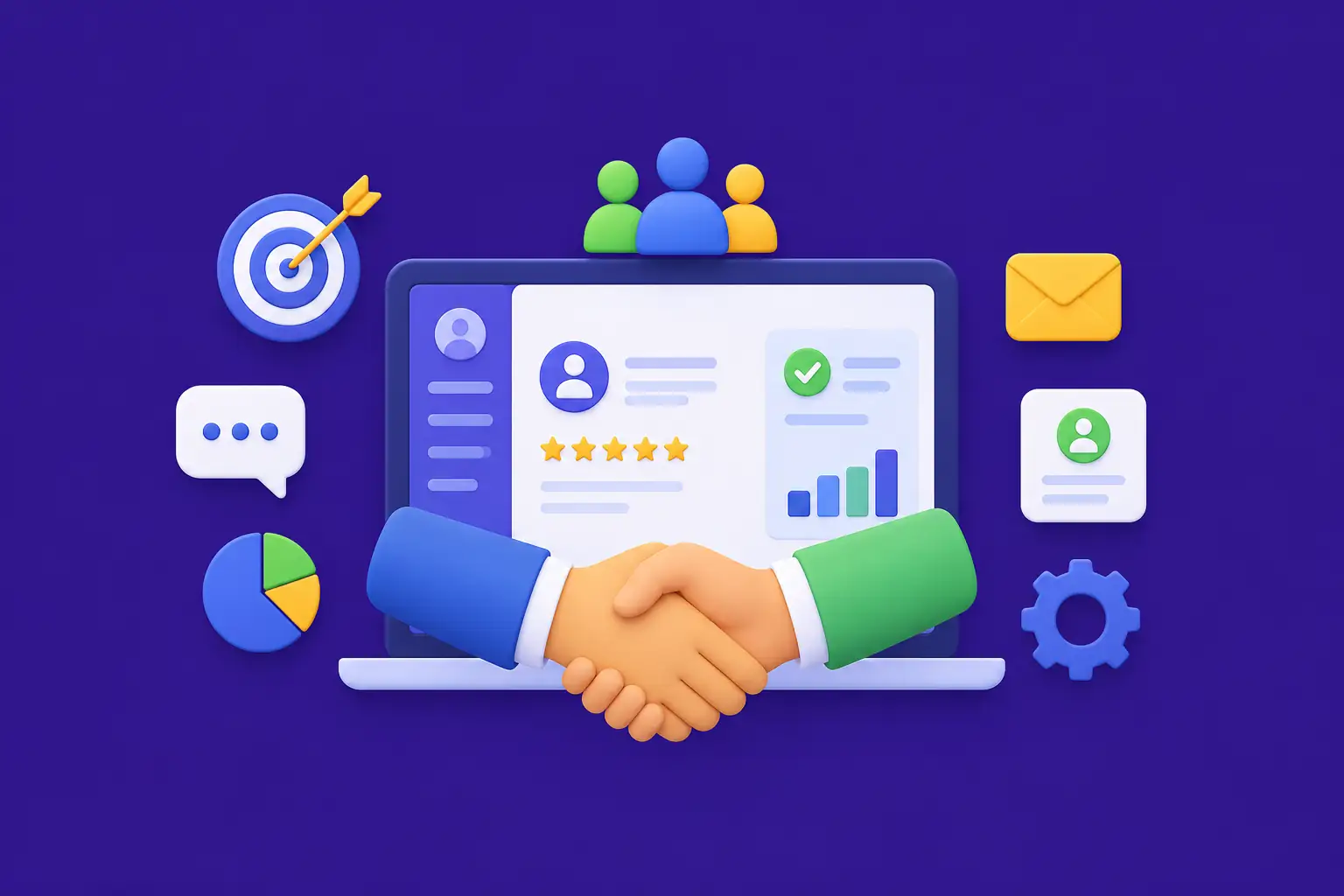
CRM stands for Customer Relationship Management. At its core, it’s software that acts like a single digital filing system for all customer information. Every phone call, meeting, email, or chat is logged under the correct contact. Think of it this way: a CRM system is like a digital Rolodex on steroids. Instead of scattered Excel rows and forgotten post-it notes, CRM software creates a unified, 360-degree view of each customer. This means your sales rep instantly sees past purchase history, recent support tickets, and every conversation with that customer.
By giving teams this complete view, CRMs help businesses never miss a follow-up or opportunity. For example, without a CRM, one salesperson might not realize another rep already emailed a client last week. A CRM automatically records that email, preventing duplicate outreach and embarrassing miscommunications. According to industry research, businesses using CRM software report a 34% boost in sales productivity and 42% better customer retention. Simply put, CRM features like centralized data and reminders turn chaos into organization, so teams spend less time on paperwork and more time closing deals.
Core Fundamentals of CRM
At its core, a CRM must provide these essential foundations:
- Unified Contact Management: Store all customer contacts and company accounts in one searchable database, with fields for history, preferences, and notes.
- Interaction Tracking: Log calls, emails, meetings and documents automatically so nothing falls through the cracks.
- Sales Pipeline & Deals: Visual boards or funnels show each lead’s stage. You can drag-and-drop deals, forecast revenue, and see which deals need attention.
- Tasks & Reminders: CRM can auto-create follow-up tasks (e.g., call the lead next week) and send alerts, making it function like a team to-do list.
- Data Security & Access Control: Only give each user the right permissions. Sensitive customer details stay protected with role-based access.
- Collaboration: Notes and updates shared among sales, marketing, and support ensure everyone stays aligned on customer status.
- Scalable Architecture: As your business grows, the CRM should handle more records, users and integrations without slowing down.
Types of CRM Systems
Not all CRMs are the same. Understanding the three main types helps you choose what fits your business:
- Operational CRM: Focuses on day-to-day automation. It covers sales force automation (leads, deals), marketing campaigns, and customer support processes. Think of it as a digital assistant that manages tasks and reminders, streamlining daily workflows.
- Analytical CRM: Focuses on data. It uses reporting, dashboards and AI to analyze customer behavior, segment audiences, and predict trends. This type helps businesses make smarter decisions by turning raw data into insights.
- Collaborative CRM: Focuses on communication. It connects different teams (sales, marketing, support) so they can share customer data. This removes silos for example, marketing can see what sales emailed to a lead, and service reps know a customer’s purchase history.
Most modern CRMs blend these types. Top CRM platforms combine automation with analytics and team collaboration to drive growth. The choice often depends on your needs: sales-driven teams may lean on operational CRMs, while data-focused teams emphasize analytical features.
Sales CRM Features: The Heart of Your Sales Engine
- Contact & Account Management: A core CRM feature. Imagine a central customer card showing every call, email, and purchase. This prevents duplicate entries and ensures anyone can pick up a conversation seamlessly. It works like having a unified address book that updates itself.
- Sales Pipeline Management: Visual boards or funnels let you define deal stages (e.g., Lead → Qualified → Proposal → Won). Your team can drag deals along stages or have the CRM move them automatically. Research shows clear pipelines make high performers 33% more likely to exceed quotas. This brings transparency and accurate forecasting.
- Lead Management & Scoring: CRMs capture leads from web forms or imports. Lead scoring (often AI-driven) ranks them by likelihood to convert. For instance, the system might flag a lead as “hot” if they visited pricing pages multiple times. This guides sales reps on whom to call first, saving hours of wasted outreach.
- Email and Communication Tracking: Advanced CRMs automatically log every email sent or received and notes from calls. You can see if an email was opened or a link clicked. This way, no response is missed. It’s like having a WhatsApp history for business emails, but for all your customer conversations.
- Mobile CRM Access: Reps on the road need CRM too. Modern CRMs have mobile apps or responsive design, so salespeople can update deals, log meetings, or respond to leads from their phones. Nearly 81% of CRM users access their system from multiple devices, proving mobile access is no longer optional.
Marketing CRM Features: Turn Leads Into Loyal Customers
- Campaign & Email Automation: Manage marketing campaigns directly from the CRM. Schedule email blasts, segment contacts (e.g., past buyers vs. new leads), and automate follow-up sequences. A good CRM ties campaigns to the contact records, so marketing and sales stay in sync.
- Lead Capture & Forms: Easily create web forms and landing pages that feed contacts into the CRM. No coding needed. When a visitor submits a form, the CRM instantly creates a record and triggers next steps (like a welcome email), ensuring no lead goes cold.
- Customer Segmentation: Tag and filter contacts (e.g., by industry, behavior, source). The CRM can automatically segment audiences. For example, “VIP customers” or “trial users in last 30 days.” This allows personalized marketing at scale, boosting conversion rates.
- Social Media Integration: Some CRMs link with social media accounts. For example, seeing a lead’s Twitter or LinkedIn activity right in their profile. This helps marketing tailor campaigns based on real-time engagement and trending topics.
- Branding & Content Tools: Some platforms include content builders (email templates, landing pages). This keeps everything on-brand and lets marketers launch promotions without dev help, reducing go-to-market time.
Customer Support Features: Delight Every Customer
- Ticket Management: A built-in helpdesk or ticket system lets support teams log customer issues and track resolution progress. Each ticket links to the customer’s CRM record, so agents see purchase history and past issues in context, speeding up resolution time.
- Knowledge Base: Many CRMs allow you to attach a knowledge base or FAQs. This helps customers self-serve and ensures support agents can quickly pull up solutions without leaving the CRM, improving customer satisfaction.
- Live Chat & Chatbots: Modern CRMs integrate chat widgets. Visitors on your site can open a chat, and it becomes a ticket or chat history in the CRM. Automated chatbots can answer routine questions and route leads or issues to the right person 24/7.
- Customer 360° View: Every support agent sees a unified timeline of the customer past purchases, previous tickets, notes from sales reps. This context lets them personalize service and speeds up problem resolution, turning support interactions into relationship-building moments.
- Feedback Surveys: After resolution, the CRM can automatically send satisfaction surveys. Collecting feedback within the CRM helps measure performance (e.g., NPS scores) and improves service quality over time.
Automation and AI Features: Work Smarter, Not Harder
- Workflow Automation: The CRM can automate routine tasks with “if-then” rules. For example, if a new lead signs up, then assign to a sales rep, send a welcome email, and schedule a follow-up task. This frees teams from manual data entry and ensures consistency.
- Lead Scoring & Predictive Analytics: AI features rank leads by how likely they are to convert. They use historical data (like which leads became customers in past campaigns). This helps reps focus on the hottest prospects, increasing close rates dramatically.
- Conversational AI (Chatbots): Integrated chatbots qualify leads on your site. They can answer FAQs or capture contact info 24/7. Smart bots route queries (e.g., pricing questions) and add the conversation to the CRM record automatically.
- Activity Capture: AI can log activities automatically. For instance, it can analyze calendar events and emails and decide which ones to attach to the CRM record, keeping your database fresh without manual effort.
- AI Insights & Recommendations: Advanced CRMs suggest next best actions. For example, if a deal has been in “Proposal” for 30 days, AI might alert the rep to offer a discount or notify a manager. These recommendations keep deals moving and revenue flowing.
Analytics and Reporting: Turn Data Into Decisions
- Dashboards: Real-time dashboards visualize key metrics like weekly sales, pipeline value, conversion rates, and campaign ROI. This replaces manual Excel charts and gives managers instant visibility into business health.
- Custom Reports: Users can build custom reports (e.g., total leads by source, average response time, sales by region). These reports can be scheduled to email automatically to management, keeping everyone informed without extra effort.
- Forecasting: Some CRMs include revenue forecasting. By analyzing current pipeline and historical close rates, they predict next quarter’s sales. This helps with planning and resource allocation, reducing guesswork.
- Customer Analytics: View analytics on customer trends, such as churn risk or buying patterns. For example, an analytical CRM might alert you if a large percentage of customers haven’t reordered in 6 months, triggering retention campaigns.
- Multi-Dimensional Reports: Drill down on any data by product, region, rep, etc. For example, “display total sales by industry vertical” or “compare this month’s calls vs. last month” gaining insights that drive strategy.
Integration and Scalability: Grow Without Limits
- Third-Party Integrations: A modern CRM with AI receptionist CRM integration must connect seamlessly with tools like email (Gmail/Outlook), calendars, marketing platforms, accounting (QuickBooks/Xero), and e-commerce systems. This prevents data silos and ensures updates flow between apps automatically.
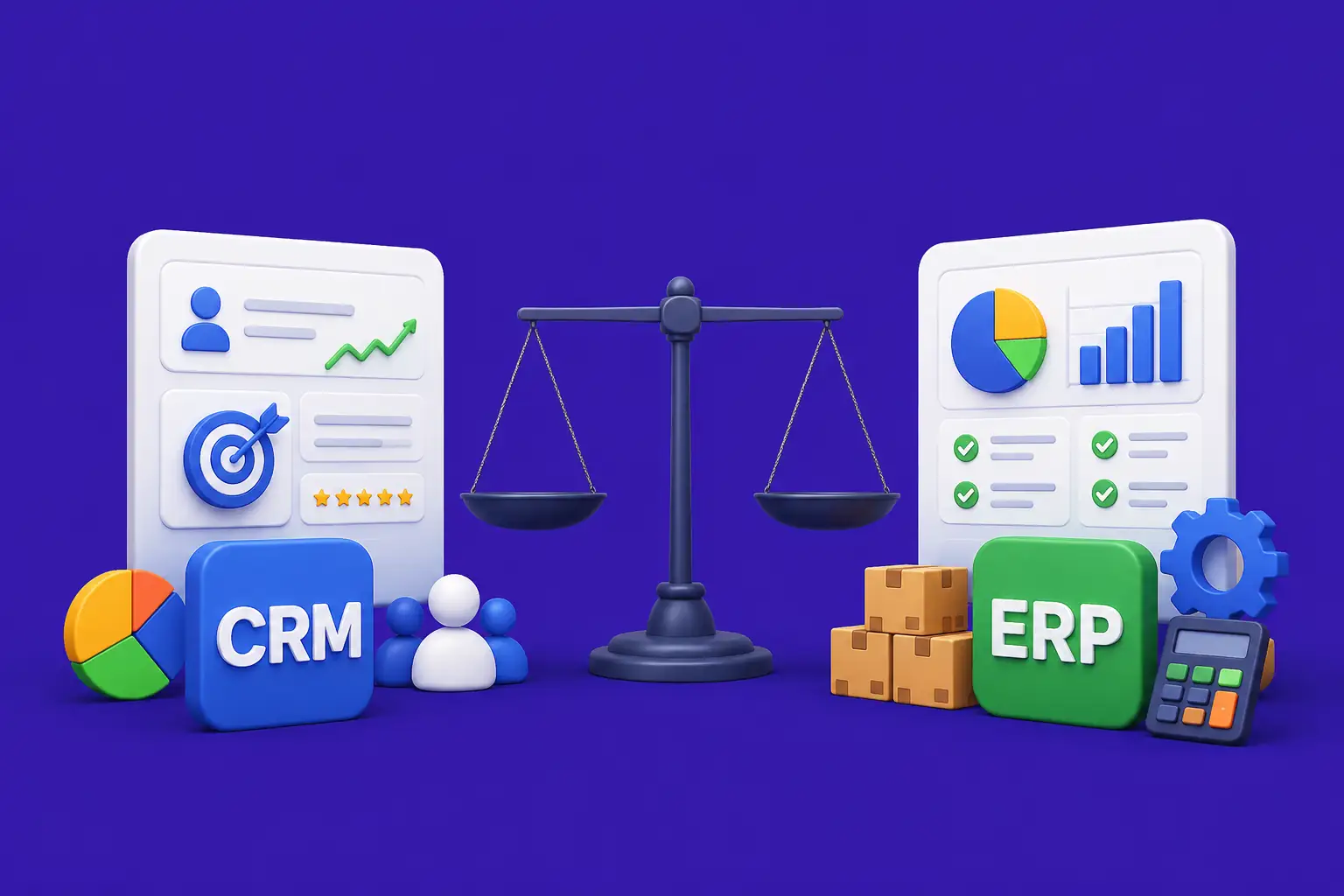
- APIs and Webhooks: For unique needs, CRMs provide APIs or webhooks so your developers can integrate proprietary systems. For example, your CRM could automatically send sales orders to your ERP system, creating a seamless workflow.
- Modular Architecture: As your business grows, the CRM should allow you to add modules or users without a complete overhaul. Cloud-based CRMs excel at this, as over 90% of companies now use cloud CRM solutions.
- Multi-Currency & Multi-Language: Global enterprises need to deal in various currencies and languages. The CRM should support multi-currency pipelines and localize interfaces for international teams.
- Robust Security: Scalability also means strong data protection. Look for features like audit logs, IP whitelisting, and two-factor authentication to keep customer data safe as you expand into new markets.
How CRM Works: Step by Step
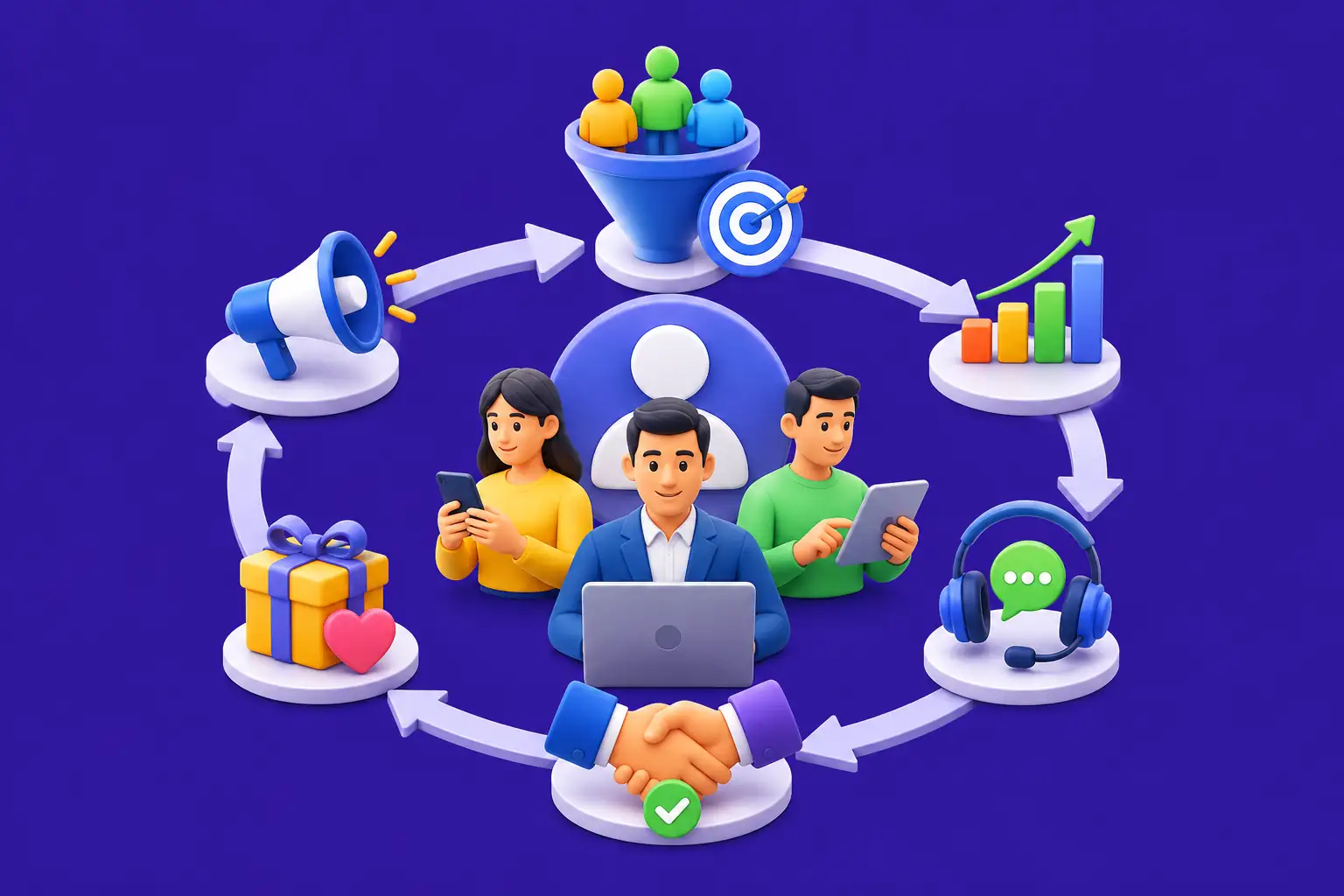
Using a CRM transforms your sales process into a clear, repeatable sequence. Here’s how it flows in practice:
- Lead Capture: A potential customer fills out a web form, sends an email inquiry, or is manually entered by your rep. The CRM instantly creates a new lead record with all available information.
- Data Organization: The CRM automatically populates available information (such as name, email, company) and can auto-fill missing fields through integrations (like LinkedIn lookup or form fields), enriching each record.
- Automated Actions: Rules kick in: the CRM might assign the new lead to a specific sales rep, send a welcome email, and create a follow-up task scheduled in the future. This ensures no lead goes cold.
- Sales Action: The assigned rep receives a notification. They call the lead, log notes, and move the deal to the next stage (e.g., from “New” to “Contacted”). Because the CRM tracks every step, managers can see progress live.
- Follow-Up & Retention: Once a deal closes, the CRM can trigger onboarding sequences (welcome series for new customers). Later, it can remind the team to check in after 3 or 6 months, ensuring high retention and upsell opportunities.
→
→
→
→
Real-World Examples: CRM in Action
E-commerce Success Story: An online retail store uses a CRM to track customer purchases and web behavior. When a shopper abandons a cart, the CRM triggers an automated email reminding them to complete their order. Marketing can segment customers into newsletters (“Loyal customers” vs. “Newbies”). This personalization boosts repeat sales. For instance, a retailer saw a 20% upswing in reorders by sending reminder emails through their CRM.
SaaS Startup Growth: A software company tracks trial users in their CRM. When a free trial user logs in for the first time, the CRM schedules an onboarding call automatically. If the user hasn’t converted after 7 days, the system sends a discount offer. The result: the startup increased conversions by identifying likely customers through CRM analytics and timely nurturing.
Service Business Optimization: Imagine a small IT services firm. Each new client inquiry from their website forms a CRM lead. The CRM flags VIP accounts (e.g., based on company size) and notifies the senior rep to handle them. It also logs all support tickets after sale, so when renewal time comes, the CRM alerts the account manager to offer an upsell. This automated nurturing saves time and avoids missed renewal opportunities.
Benefits of CRM Features: Why It Matters
- Higher Sales & Revenue: With automated follow-ups and clear pipelines, reps close more deals. Companies report approximately 34% better sales productivity when using CRM tools.
- Improved Customer Retention: By tracking every interaction, businesses personalize service (e.g., remembering a client’s preferences). Users saw a 42% increase in retention thanks to CRM-driven engagement.
- Time Saved: Automation handles repetitive tasks like data entry and reminders. This often translates to 5-10 hours saved per week for your team, allowing them to focus on relationships and strategy.
- Better Insights: Dashboards and reports turn chaos into clarity. Management can forecast sales and spot trends (like your fastest-growing region), enabling data-driven decisions.
- Strong ROI: Studies show CRM investments pay off big. Businesses report an average return of $3 to $5 for every $1 spent, thanks to increased efficiency and revenue.
- Scalability: As you grow, the CRM grows with you. You can add new users, regions, or products without rewriting the system. Cloud CRMs make it easy to expand to new markets.
- Cross-Team Collaboration: Sales, marketing, and support work off the same platform. For example, marketing sees which campaigns generated sales, and support sees a contact’s entire sales history. This unified view strengthens internal teamwork.
- Consistent Customer Experience: Every team has the same up-to-date customer info. Clients get consistent answers whether they speak to sales or support, building trust and satisfaction.
- Mobile Flexibility: With 80% of CRM users on multiple devices, teams stay productive remotely. Field reps update deals on-site, and managers track performance from anywhere.
- Predictive Growth: Advanced CRM features like AI-driven lead scoring mean you focus on the right opportunities. More efficient processes often lead to measurable revenue gains of 20-40%.
Common Challenges and Limitations
- User Adoption: Getting the team on board can be tough. If people keep using Excel instead of the CRM, benefits are lost. Effective change management and training are essential for success.
- Data Quality Issues: A CRM is only as good as its data. Importing dirty data (duplicates, typos) can cause confusion. Ongoing data cleaning and governance are a must.
- Customization Overload: Too many features turned on at once can overwhelm users. It’s best to start simple and add advanced modules as the team masters the basics.
- Cost and Implementation Time: Comprehensive CRM software (or custom solutions) can be expensive and take weeks to implement. Businesses should plan for the investment in money and time. However, a streamlined CRM often pays for itself through the benefits listed above.
- Integration Hurdles: Connecting CRM to legacy systems or non-standard tools can be tricky. Companies must factor in potential delays or extra development for complex integrations.
Future Trends: What’s Next for CRM (2026 and Beyond)
- AI and Machine Learning: AI is becoming standard in CRM. By 2026, 85% of new CRM systems will include AI features. Expect smarter lead scoring, chatbots that converse like humans, and predictive analytics that can warn you if a customer is about to churn.
- Omnichannel Experiences: Customers engage through email, social media, chat, SMS and more. Future CRMs will unify all channels. For example, a customer might tweet a question and your support CRM will capture it alongside email and phone records.
- Privacy and Compliance: With regulations like GDPR and CCPA, CRMs will put more emphasis on data privacy and consent management. Built-in compliance tools (data encryption, audit trails) will be essential.
- Mobile-First & Cloud: CRM usage from mobile will only grow. Teams will expect feature parity on phones. Cloud CRMs will also leverage cutting-edge scalability, with AI processing in the cloud for faster insights.
- Blockchain Integration: While not mainstream yet, some CRMs are exploring blockchain for secure data. For example, a blockchain could provide a tamper-proof history of transactions or verifiable customer credentials. As Web3 grows, expect pilots of blockchain-powered customer identity management.
- Hyper-Personalization: Real-time personalization will accelerate. Imagine websites and campaigns changing dynamically based on CRM data (past purchases, browsing habits). Conversion rates could climb 30-50% through such tailored experiences.
- Voice and Virtual Assistants: CRMs may integrate voice commands. A sales rep might ask their phone, “What’s the status of Acme Corp?” and get a spoken update thanks to CRM-voice integration and natural language processing.
How to Choose the Right CRM for Your Business
Selecting and implementing a CRM is a big decision. Here’s a practical roadmap:
- Define Your Needs: Document your current processes and pain points. Do you need strong sales tracking, or more marketing features? Set clear goals (e.g., “reduce lead response time to 24 hours”). Talk to your teams to understand what they actually need.
- Evaluate Features Against Your Needs: Use this article’s list to match features to your requirements. Consider if you need advanced AI or if simpler automation suffices. For example, if regulatory compliance is key (like in healthcare), check for data access controls and audit trails.
- Vendor vs. Custom CRM: For most SMEs, off-the-shelf CRM (like Salesforce, HubSpot, Zoho) works well. But if your workflows are unique, a custom solution might pay off. Companies like Nadcab Labs specialize in CRM development and can build a system that fits your exact process.
- Check Vendor Reputation: Look at references and case studies of the CRM provider. See if they have experience in your industry. You can also ask them to demonstrate a similar implementation to what you need.
- Test Integrations Early: Ensure the CRM connects to your existing tools (email, accounting, e-commerce, etc.). A proof-of-concept or pilot can test key integrations early, saving headaches later.
- Plan for Change Management: Allocate time for training and support. A good CRM partner will help with user training and smoothing the transition. Budget for 20-30% of implementation time on change management.
- Negotiate Terms Carefully: Review pricing (per user, per feature) and service agreements carefully. Make sure there’s room to grow users or add modules as needed. Watch for hidden fees or long-term lock-ins.
Ready to Transform Your Customer Relationships?
If you’re ready to streamline your customer relationships and accelerate your sales growth, it’s time to work with experts. Nadcab Labs helps businesses build powerful, custom CRM solutions tailored to real workflows, ensuring better automation, smarter insights, and higher conversions.
Whether you need a custom CRM from scratch, system optimization, or seamless integration with your existing tools, our team delivers scalable and result driven solutions.
Final Thoughts
Modern Custom CRM Development Services have evolved far beyond simple contact lists. Today’s CRM features from automation and analytics to AI and mobile access, are essential for any business that wants to scale intelligently. They replace disconnected spreadsheets and reminders with a smart, organized platform that works 24/7. Companies that leverage these capabilities see higher sales, better customer retention, and lower operational costs. Remember, a CRM is only as good as its implementation: make sure to choose the right system and partner for your needs.
With the right CRM (and possibly a custom solution from experts like Nadcab Labs), your business will not only meet customer expectations but exceed them, turning every interaction into an opportunity for growth. The time to act is now, your competitors are already using CRM to get ahead.
Frequently Asked Questions
Q1.What are the must-have CRM features for a small business?
Small businesses typically need core features: contact management, a simple sales pipeline, basic email integration, and simple reporting dashboards. These allow tracking customers and deals without the overhead of enterprise modules. Platforms like HubSpot CRM or Zoho offer these at low cost.
Q2.How does CRM automation save time?
Automation handles repetitive tasks like sending follow-up emails, assigning leads, and creating tasks. Instead of doing these manually, the CRM triggers them automatically based on rules, freeing your team to focus on human-centric tasks like relationship building and closing deals.
Q3.Can a CRM replace my spreadsheets and calendar?
Yes. Modern CRMs effectively replace spreadsheets by storing customer data centrally. Calendars are often integrated too. For example, meetings scheduled in Outlook or Google Calendar can link to CRM contacts so the system logs the appointment against the customer record automatically.
Q4.Why should I integrate email with my CRM?
Email integration automatically logs messages under the correct customer record. This way, you won’t lose track of important conversations. It also enables sending campaigns or track email opens directly from the CRM, creating a complete communication history.
Q5.Do I need a mobile CRM?
If your team is on the move (field reps, remote workers), a mobile CRM is valuable. It lets them update deals, capture notes, and even email customers from their phone. This ensures data is up-to-date even when someone is not at their desk, preventing information silos.
Q6.What is predictive lead scoring?
It’s an AI-driven CRM feature that ranks incoming leads by their likelihood to convert. The system analyzes past customer data (behavior patterns, demographics) to score new leads. Sales reps use this score to prioritize their outreach on the most promising opportunities.
Q7.How secure are CRM systems?
Security is a key feature. CRM platforms include user access controls (so each employee sees only what they need), audit logs, encryption, and compliance tools for regulations. Always review these features and ensure strong passwords and two-factor authentication are used by your team.
Q8.Can a CRM help customer retention?
Absolutely. Features like follow-up reminders, personalized communications, and loyalty program tracking help keep customers engaged. CRMs also track customer satisfaction, letting you address issues before they lead to churn, which can cost far more than retention efforts.
Q9.What is a good starting CRM budget for an SME?
Costs vary by needs. Many cloud CRMs offer scalable pricing (e.g., $30-$100 per user per month). A basic implementation for a small team might start at a few thousand dollars per year, plus minimal setup fees. Custom solutions cost more but provide tailored value for complex needs.
Q10.Should I choose a custom CRM or off-the-shelf?
For unique processes or industry regulations, a custom CRM (like one built by Nadcab Labs) ensures an exact fit. However, off-the-shelf CRMs (Salesforce, HubSpot, etc.) are faster to deploy. Weigh your budget and complexity: if off-the-shelf covers 80% of your needs, it’s often a good start. For the remaining 20%, custom integrations can bridge the gap.
Explore Services
Related Services
Reviewed by

Naman Singh
Co-Founder & CEO, Nadcab Labs
Naman Singh is the Co-Founder and CEO of Nadcab Labs, where he drives the company’s vision, global growth, and strategic expansion in blockchain, fintech, and digital transformation. A serial entrepreneur, Naman brings deep hands-on experience in building, scaling, and commercializing technology-driven businesses. At Nadcab Labs, Naman works closely with enterprises, governments, and startups to design and implement secure, scalable, and business-ready Web3 and blockchain solutions. He specializes in transforming complex ideas into high-impact digital products aligned with real business objectives. Naman has led the development of end-to-end blockchain ecosystems, including token creation, smart contracts, DeFi and NFT platforms, payment infrastructures, and decentralized applications. His expertise extends to tokenomics design, regulatory alignment, compliance strategy, and go-to-market planning—helping projects become investor-ready and built for long-term sustainability. With a strong focus on real-world adoption, Naman believes in building blockchain solutions that deliver measurable value, solve practical problems, and unlock new growth opportunities for organizations worldwide.